



Реклама

Ноутбуки с 16 ГБ RAM
Сравнение: Ноутбук
В 2026 году 16 ГБ RAM – оснащение, с которым ноутбук будет работать плавно ещё годы. Здесь – новые модели с 16 ГБ RAM.
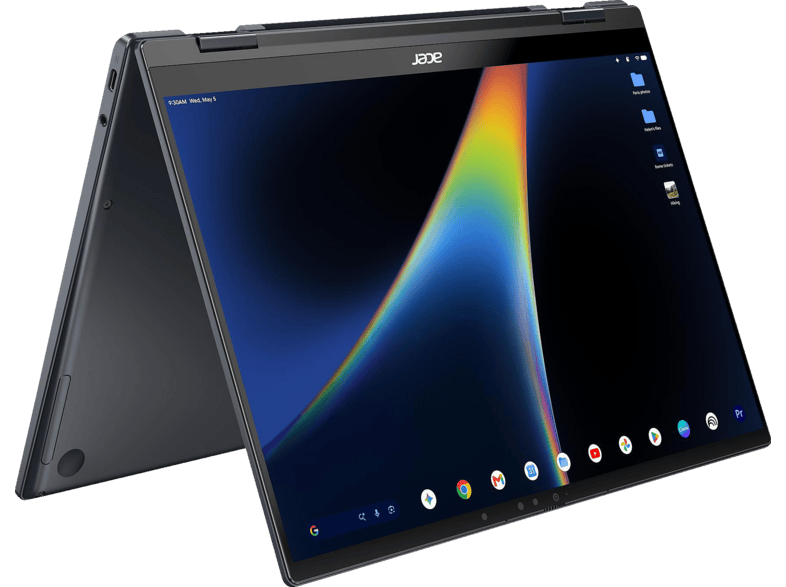
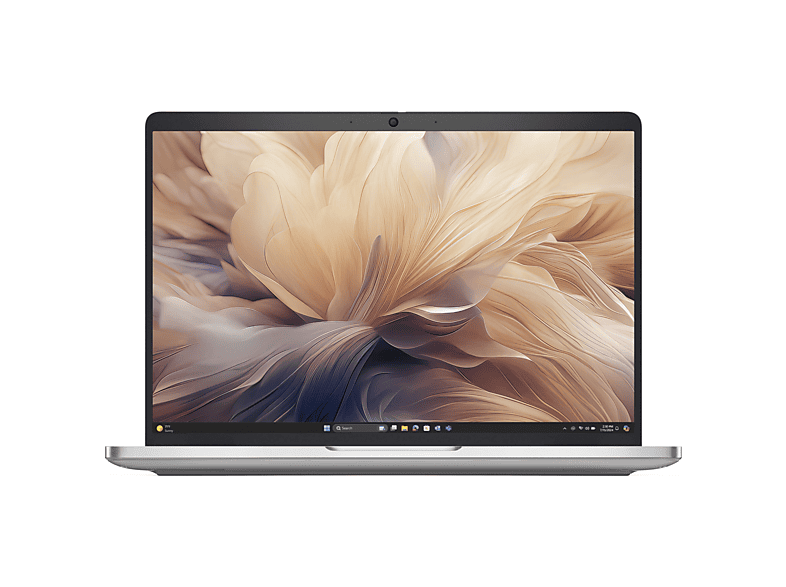
XPS 13 Laptop - Intel Core 5 320, 16GB RAM, 512GB SSD …Dell · 16 GB · 512 GB1 099,00 €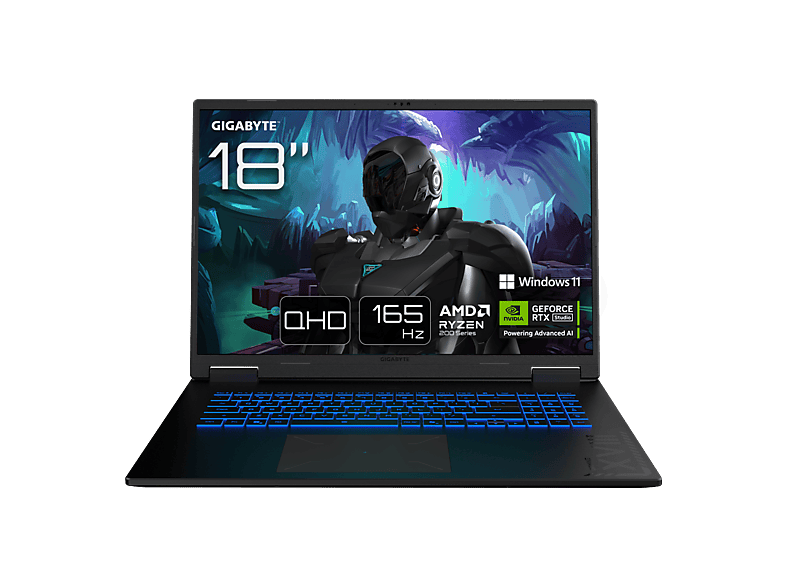 GIGABYTE Gaming A18 3TH - 18 Zoll AMD Ryzen™ 7 260 16 GB 1 TB NVIDIA …GIGABYTE · 16 GB · 1024 GB1 299,00 €
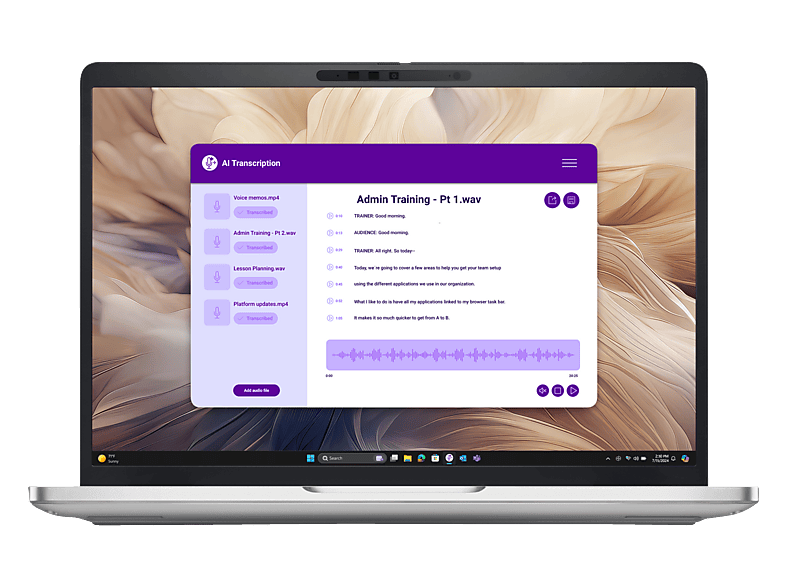 DELL - B2B PB13250 13,3 Zoll Intel® Core™ Ultra 5 235U 16 GB 512 Onboard …DELL - B2B · 16 GB · 16 GB1 299,00 €
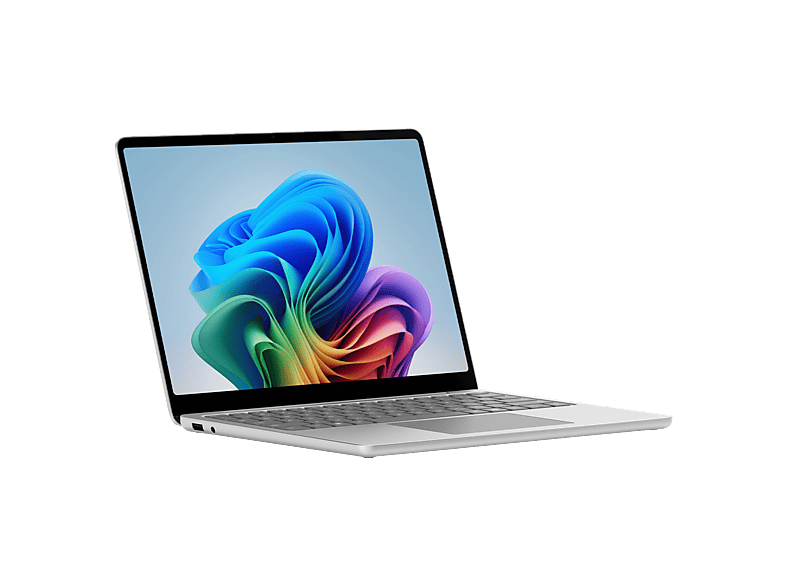
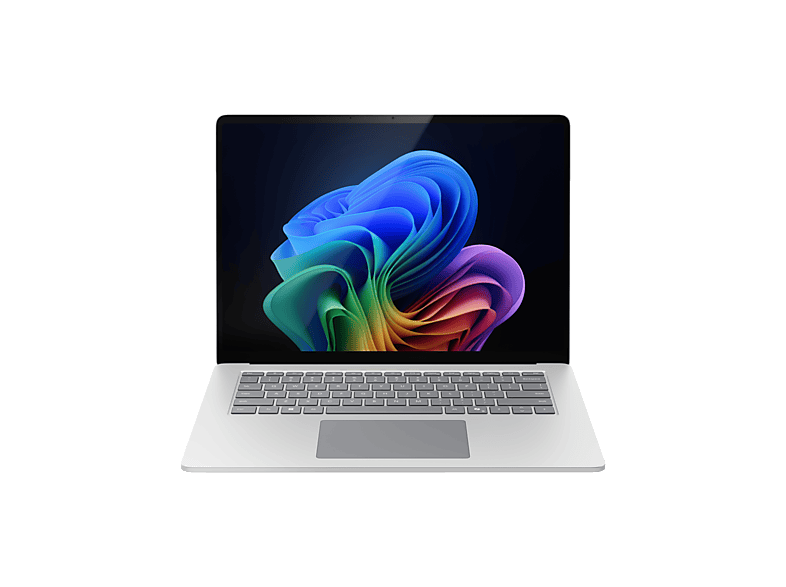 MICROSOFT - B2B Surface Laptop Copilot+ PC X Plus 13,8 Zoll Qualcomm …MICROSOFT - B2B · 16 GB · 16 GB1 299,00 €
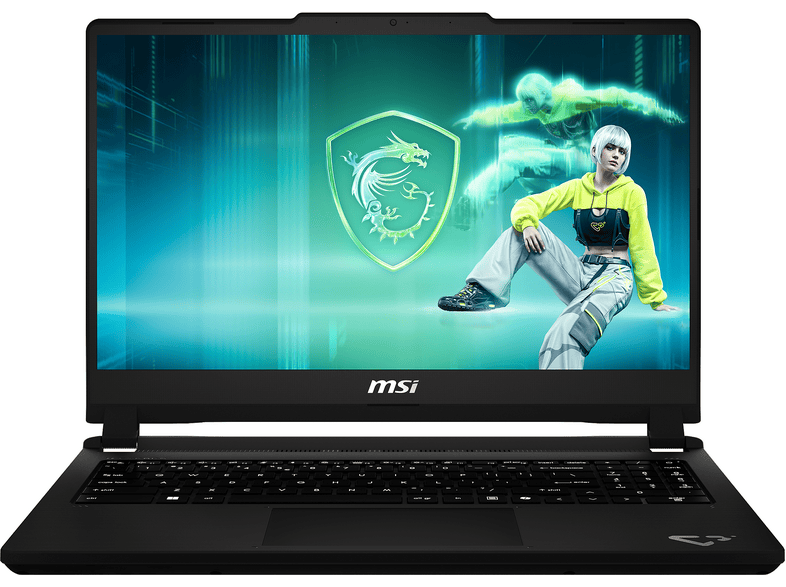
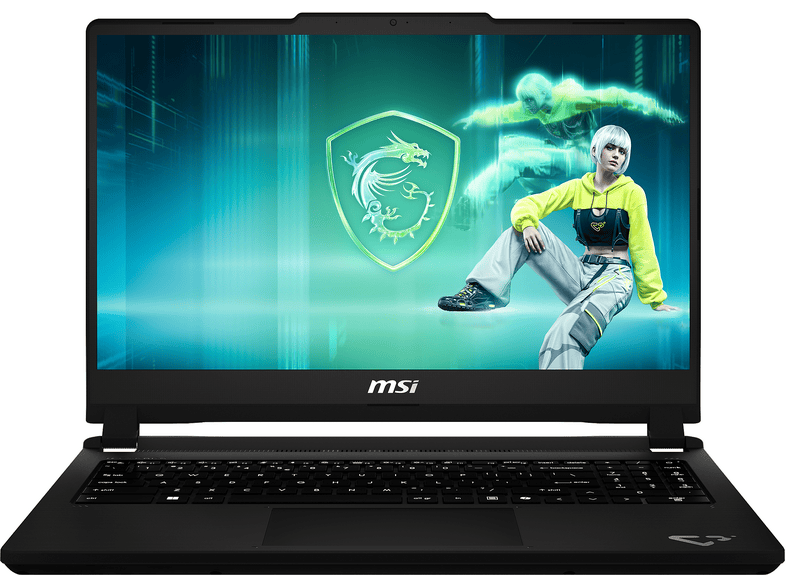 MSI Cyborg 15 C13WFO-483 - 15,6 Zoll Intel® Core™ i5 13420H 16 GB 512 …MSI · 16 GB · 16 GB1 299,00 €
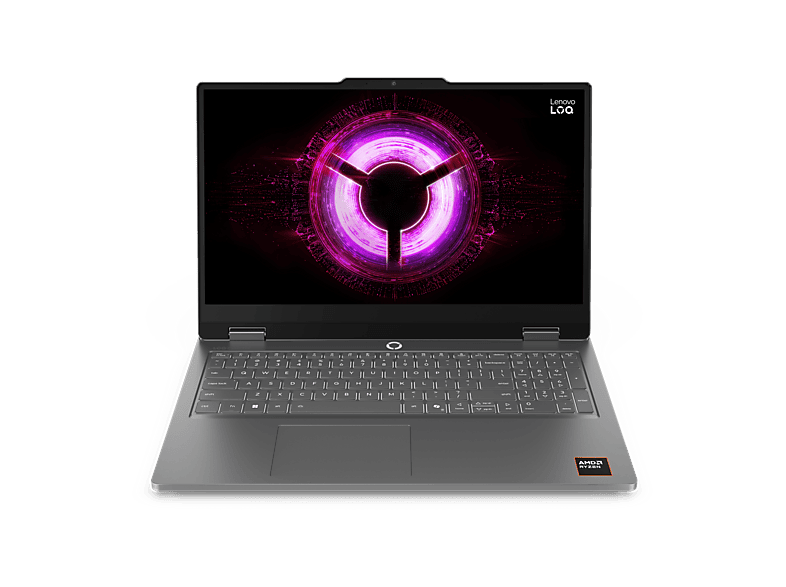
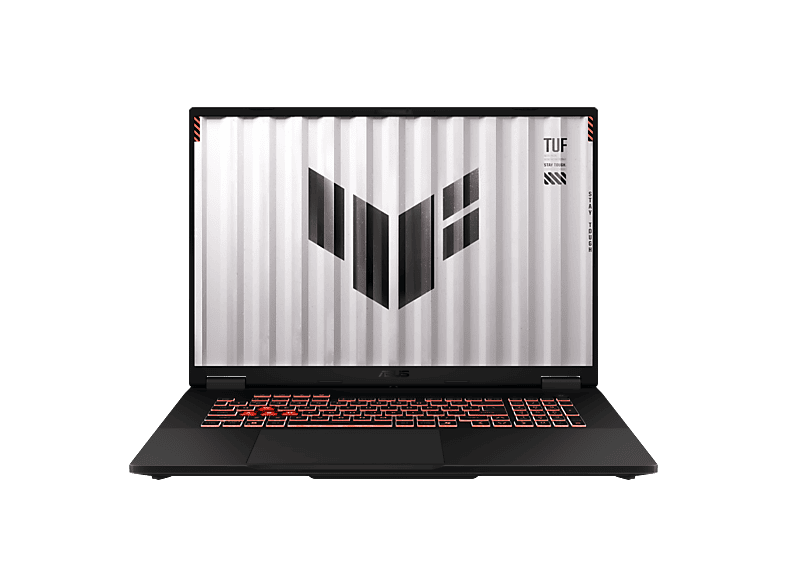 ASUS FA808UH-S8017W - 18 Zoll AMD Ryzen™ 7 260 16 GB 1 TB NVIDIA GeForce …ASUS · 16 GB · 1024 GB1 299,00 €
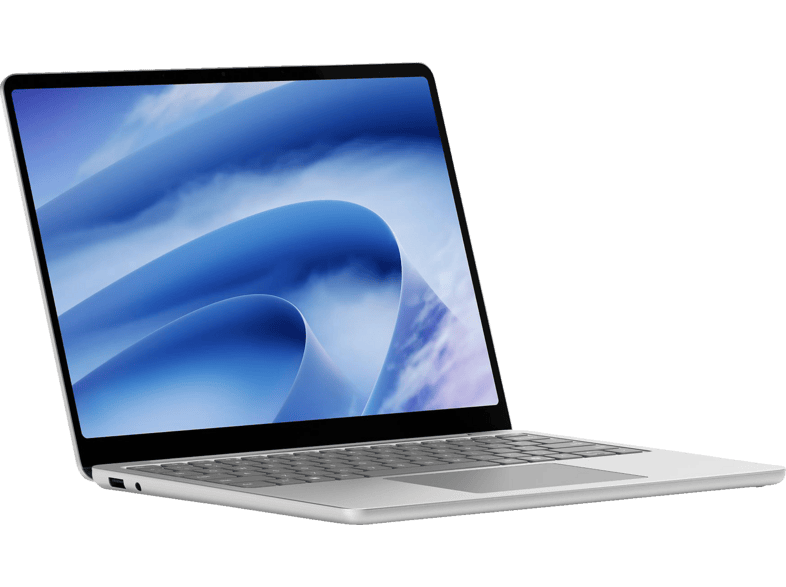 MICROSOFT Surface Laptop 13 Zoll, Touchscreen Laptop …Microsoft · 16 GB · 256 GB1 319,00 €
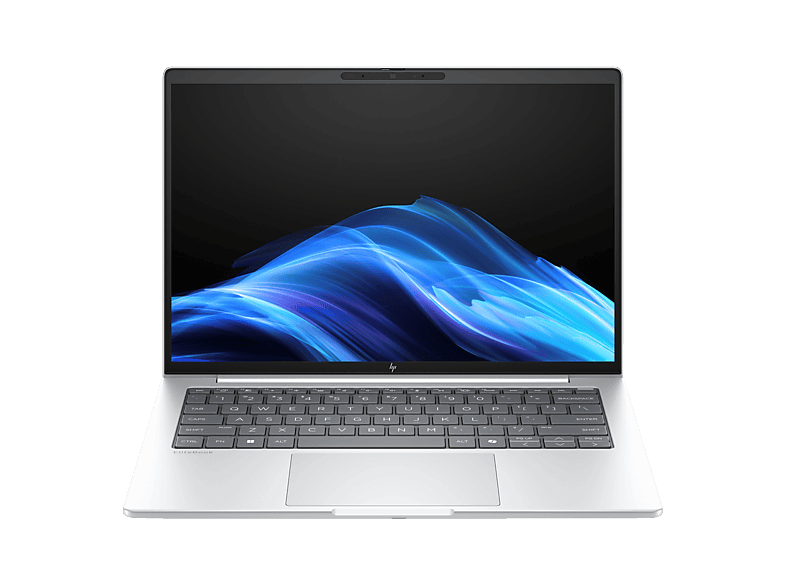 HP - B2B EliteBook 8 G1a 14 Zoll AMD Ryzen™ AI 5 230 16 GB 512 Radeon™ 760M …HP - B2B · 16 GB · 16 GB1 329,00 €
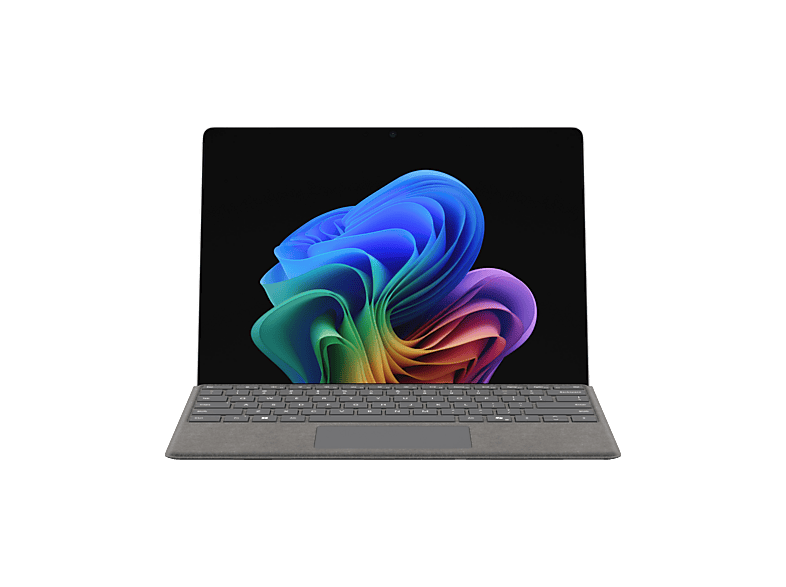
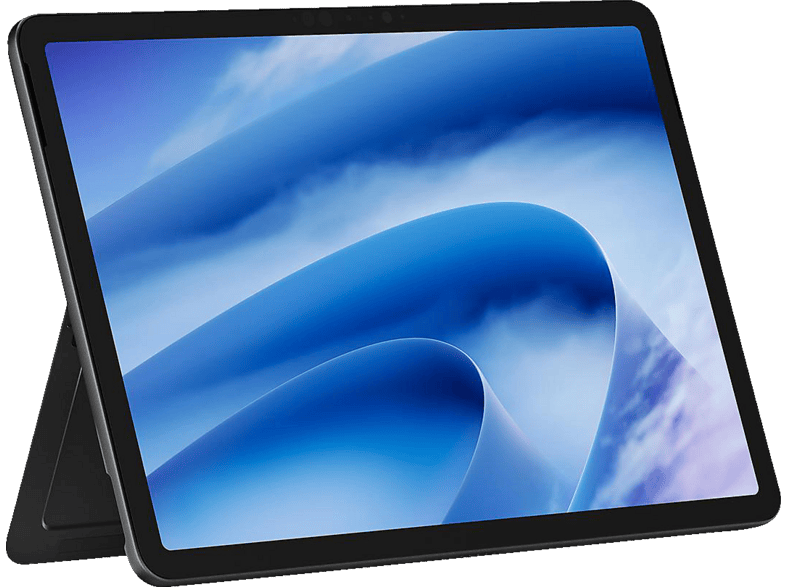 MICROSOFT Surface Pro 12 Zoll, 2-in-1 Touchscreen Laptop …Microsoft · 16 GB · 256 GB1 259,00 €
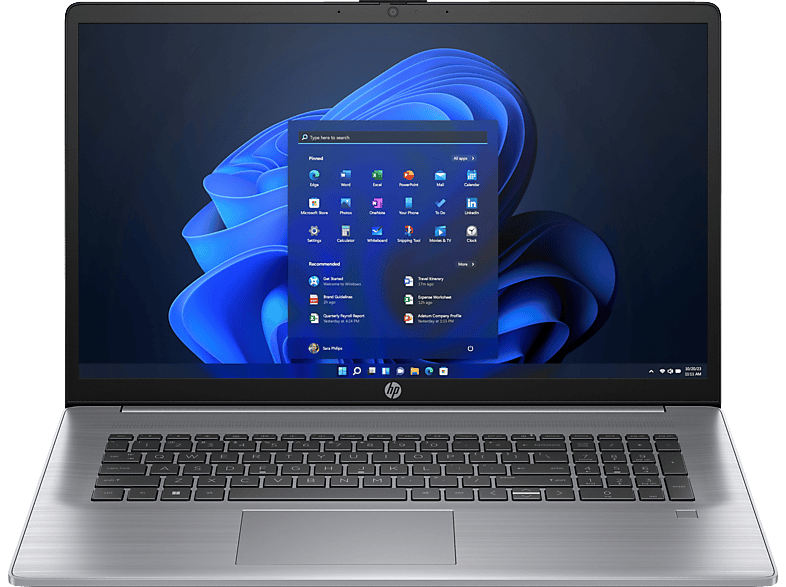
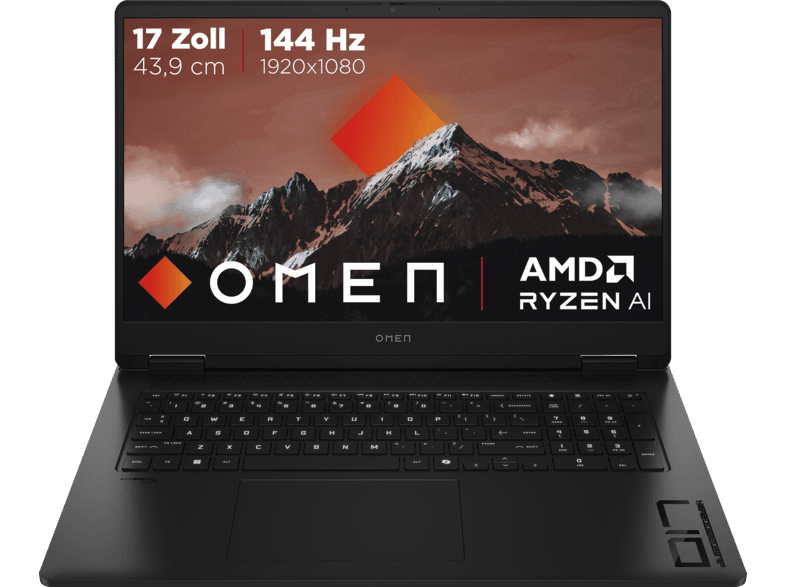
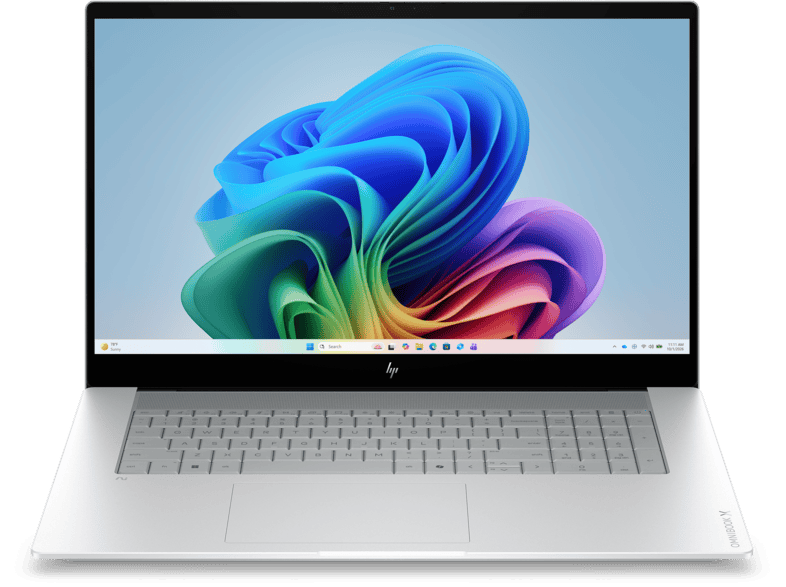
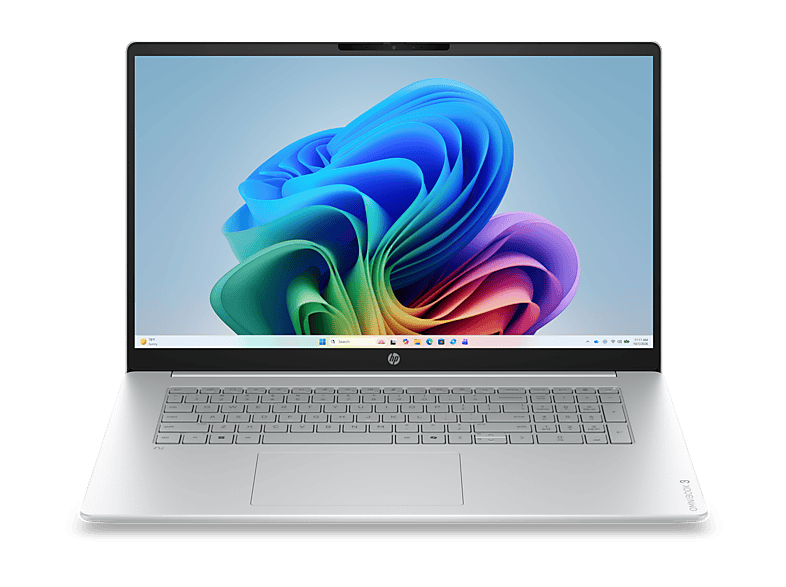 HP OmniBook 3 Next Gen AI 17-dm0372ngx …HP · 16 GB · 1024 GB1 249,00 €
AmazonРеклама
MediaMarktРеклама
MediaMarktРеклама
MediaMarktРеклама
MediaMarktРеклама
MediaMarktРеклама
MediaMarktРеклама
MediaMarktРеклама
MediaMarktРеклама
MediaMarktРеклама
MediaMarktРеклама
MediaMarktРеклама
MediaMarktРеклама
MediaMarktРеклама
MediaMarktРеклама
MediaMarktРеклама
MediaMarktРеклама
Показано 24 из Моделей: 84. Смотреть все Ноутбуки с фильтрами →
Новые, б/у и восстановленные — отдельно от сравнения магазинов, цены не старше 6 часов.
eBay (mediamarkt-jena-city)Реклама
Ноутбуки с 16 ГБ RAM
Ноутбуки с 16 ГБ RAM
Ноутбуки с 16 ГБ RAM
Windows 11, a modern browser with lots of tabs, a video call and Office together quickly use more than 8 GB. If there isn't enough RAM, the system swaps to the SSD – and the laptop becomes noticeably slower. With 16 GB you have headroom for multitasking, photo editing and many games. AI features that run directly on the device also increasingly require 16 GB.
Many thin notebooks have the RAM soldered directly onto the mainboard (LPDDR4x/LPDDR5). That saves space and energy, but rules out upgrading later. On devices with SO-DIMM slots (DDR4/DDR5), you can expand to 32 GB later. If you buy a model with soldered memory, choose the size you'll need in the long run straight away.
Also look out for dual-channel operation: two 8 GB modules are faster than a single 16 GB module when using integrated graphics.
8 GB is only enough for very basic tasks or Chromebooks. 32 GB is worth it for video editing, large photo libraries, software development with containers, virtual machines or local AI models. For the average user, 16 GB is the best compromise between price and future-proofing.
Plenty of RAM only helps if the rest is right. A laptop with 16 GB RAM but a very weak entry-level processor (such as an Intel N95 or N100) remains slow with demanding tasks. Ideally, pair 16 GB with a Core 5/i5, Core Ultra 5 or Ryzen 5 and an NVMe SSD of 512 GB or more. That way the device is well equipped for studying, working from home and hobby photo editing.
This page shows new devices only. Used business laptops with 16 GB RAM can be found on our page about refurbished business laptops – the specs there are often generous, but the processor is older.
Для простых задач – да, но с Windows 11, множеством вкладок и видеозвонками быстро становится тесно. 16 ГБ – решение на перспективу.
Только у устройств со слотами (SO-DIMM). При распаянной памяти LPDDR расширение невозможно.
DDR5 быстрее, что заметно прежде всего при встроенной графике. В повседневной офисной работе разница невелика.
Для большинства игр хватает 16 ГБ. 32 ГБ имеет смысл, если вы одновременно стримите или играете в очень требовательные к памяти игры.