
Реклама

Lenovo ThinkPad
Сравнение: Ноутбук
ThinkPad – классика среди бизнес-ноутбуков. Здесь можно сравнить предложения всех серий – как новые, так и б/у и восстановленные.
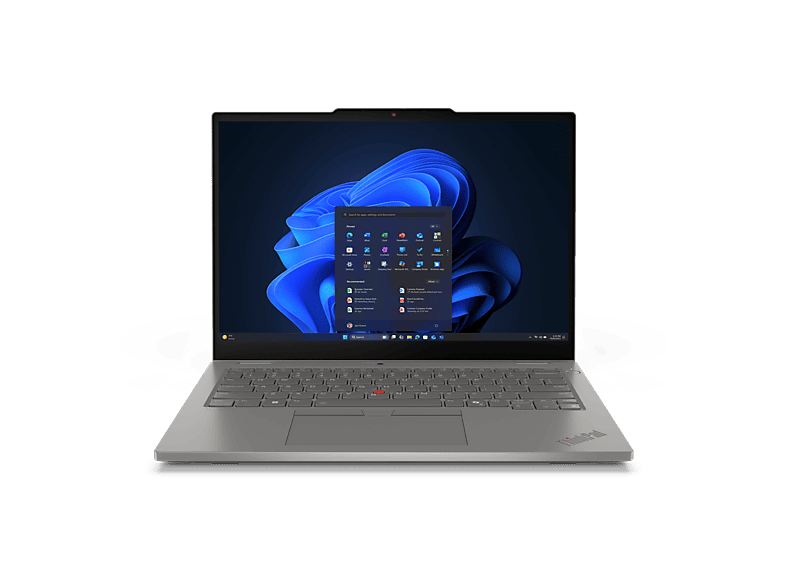 LENOVO - B2B ThinkPad L13 2-in-1 Gen 6 (Intel) 13,3 Zoll Intel® Core™ Ultra …LENOVO - B2B · 16 GB · 16 GB1 529,00 €
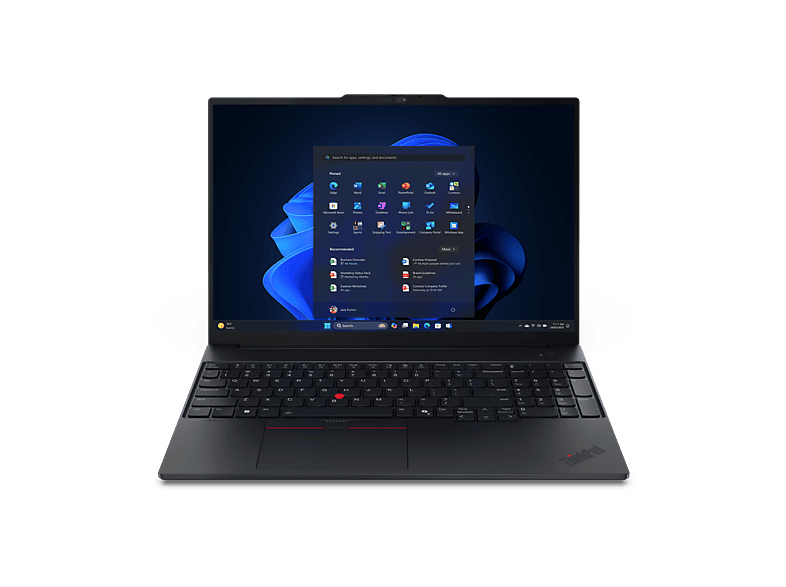 LENOVO - B2B ThinkPad E16 Gen 3 16 Zoll AMD Ryzen™ 5 220 GB 512 Radeon™ …LENOVO - B2B · 220 GB · 16 ″1 069,00 €
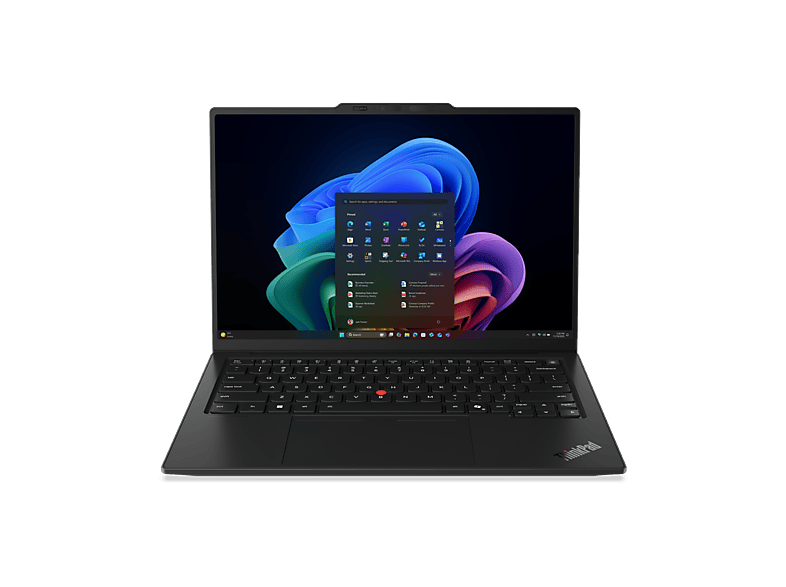
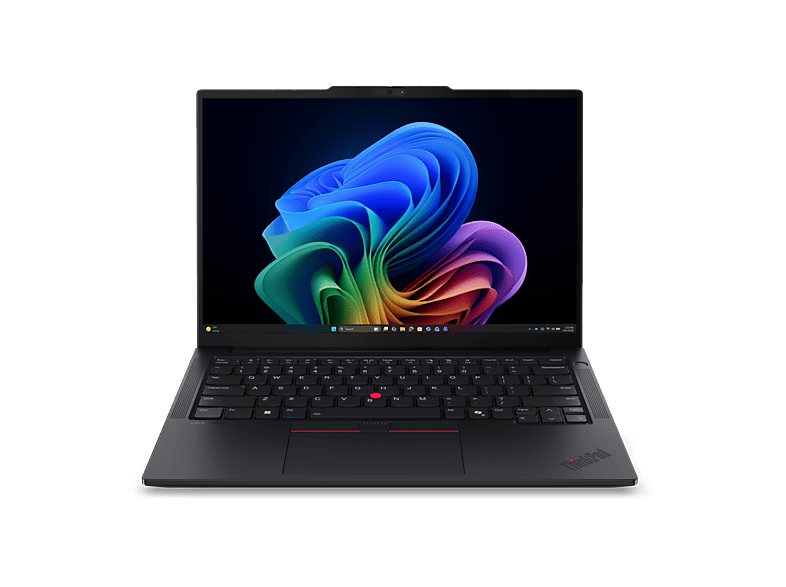 LENOVO - B2B ThinkPad E14 Gen 8, Copilot+ PC 14 Zoll AMD Ryzen™ AI 5 330 16 …LENOVO - B2B · 16 GB · 16 GB1 022,00 €
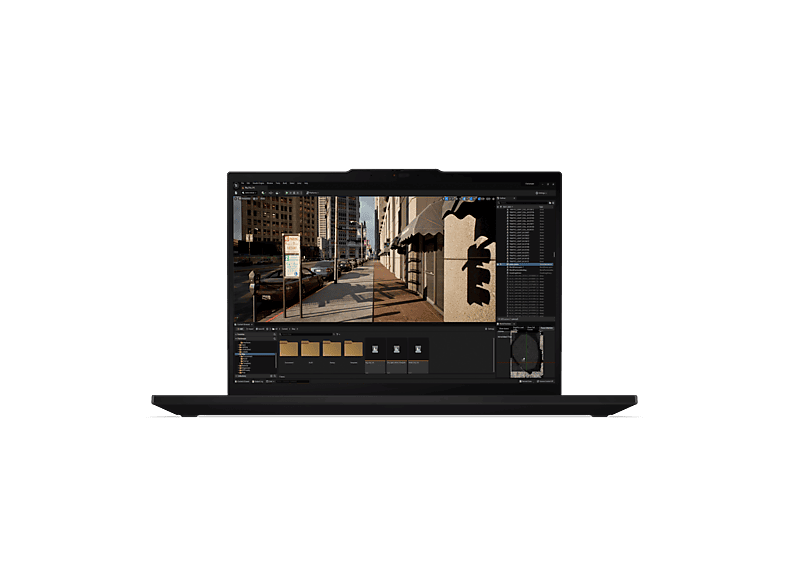
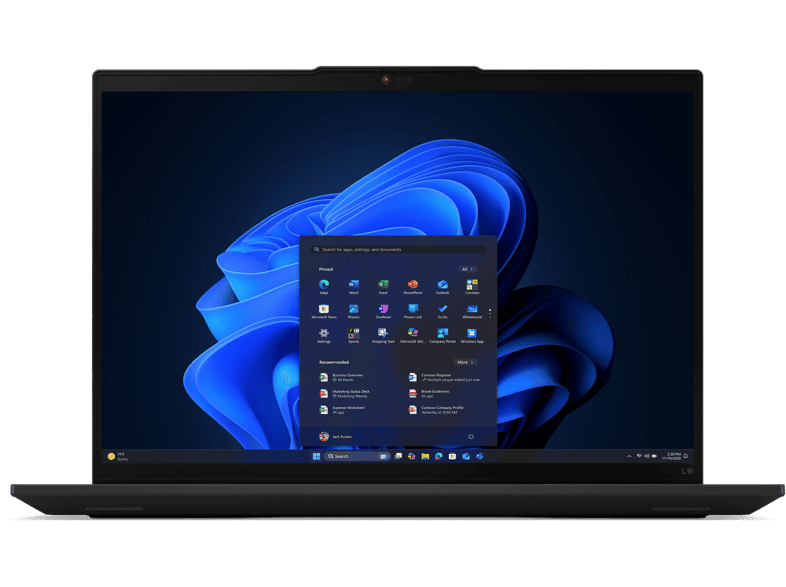 LENOVO - B2B ThinkPad L16 Gen 2 16 Zoll Intel® Core™ Ultra 5 225U 32 GB 1 …LENOVO - B2B · 32 GB · 1024 GB1 729,00 €
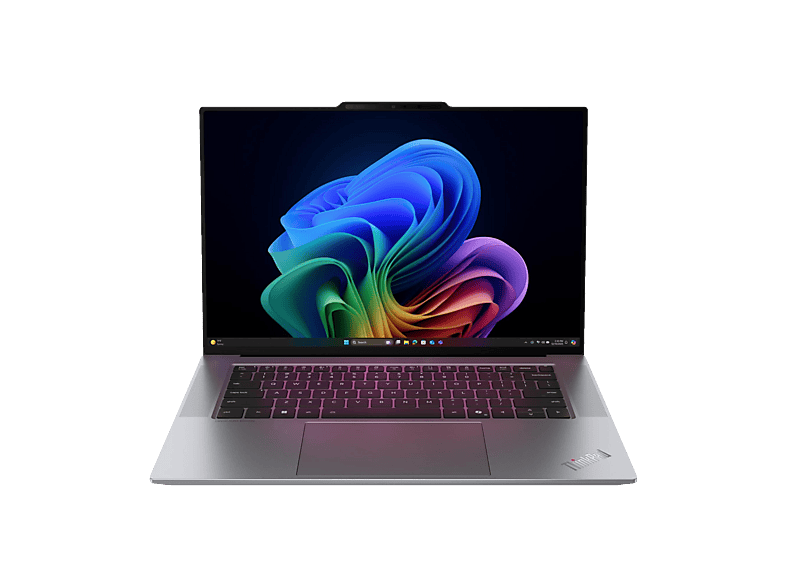
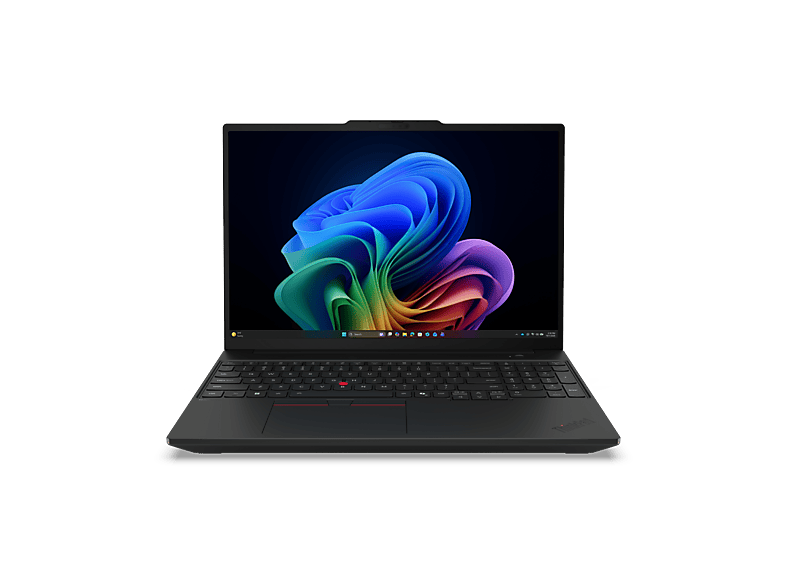 LENOVO - B2B ThinkPad T16 Gen 5, Copilot+ PC 16 Zoll Intel® Core™ Ultra 5 …LENOVO - B2B · 325 GB · 16 ″1 859,00 €
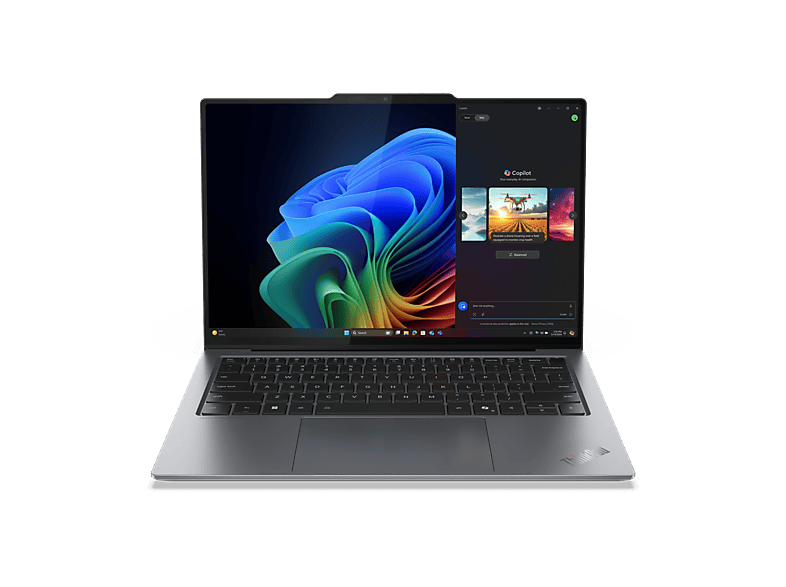 LENOVO - B2B ThinkPad X9-14 Gen 1, Copilot+ PC 14 Zoll Intel® Core™ Ultra 7 …LENOVO - B2B · 32 GB · 1024 GB2 182,00 €
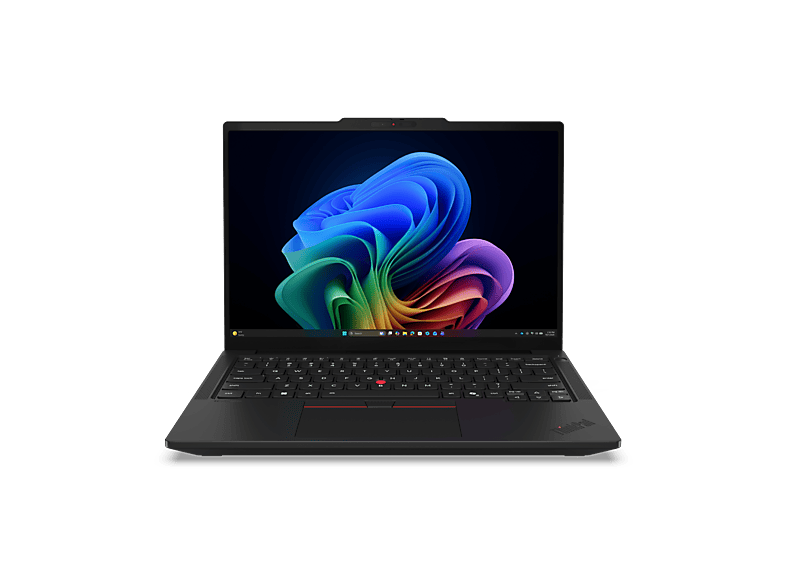 LENOVO - B2B ThinkPad T14 Gen 7, Copilot+ PC 14 Zoll Intel® Core™ Ultra 5 …LENOVO - B2B · 32 GB · 1024 GB2 379,00 €
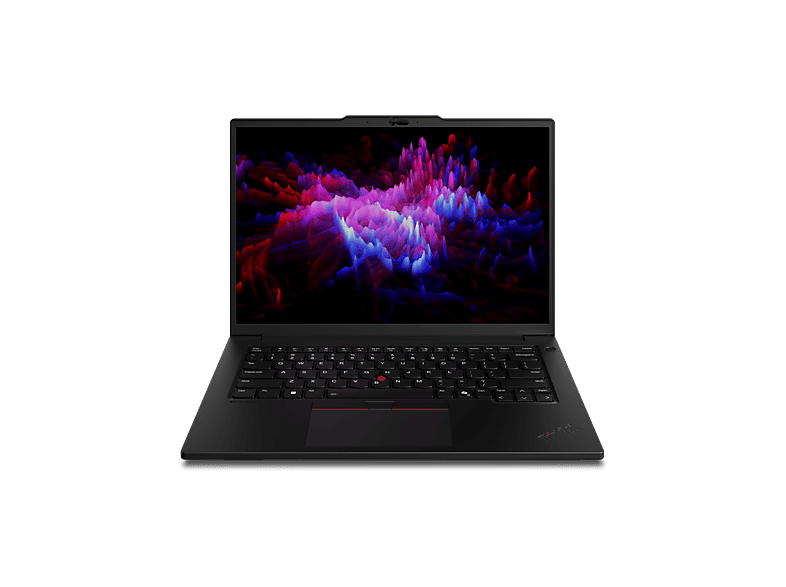 LENOVO - B2B ThinkPad P14s Gen 6 14,5 Zoll Intel® Core™ Ultra 7 255H 32 GB …LENOVO - B2B · 32 GB · 32 GB2 380,00 €
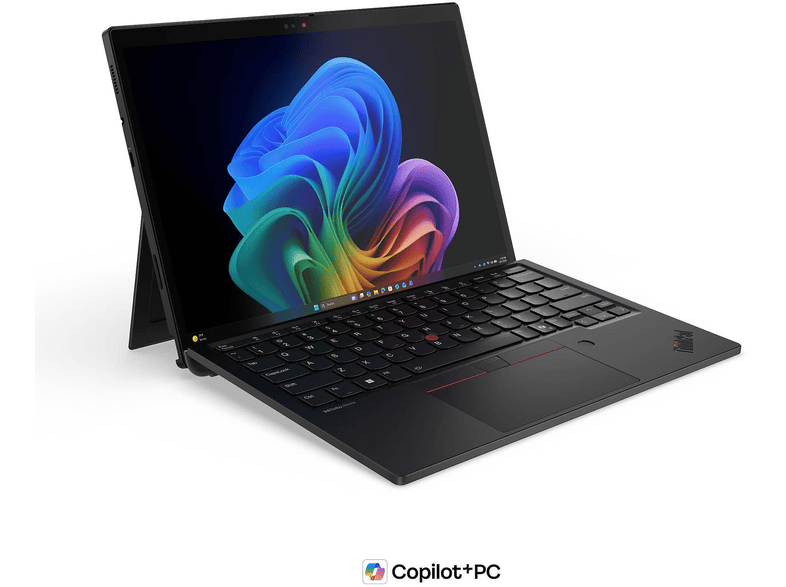
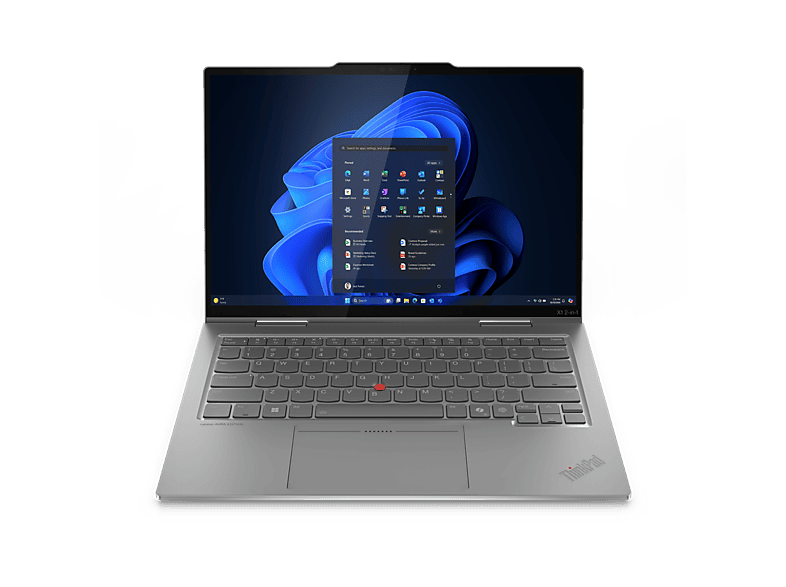 LENOVO - B2B ThinkPad X1 2-in-1 Gen 10 Aura Edition Copilot+ PC 14 Zoll …LENOVO - B2B · 32 GB · 1024 GB2 569,00 €
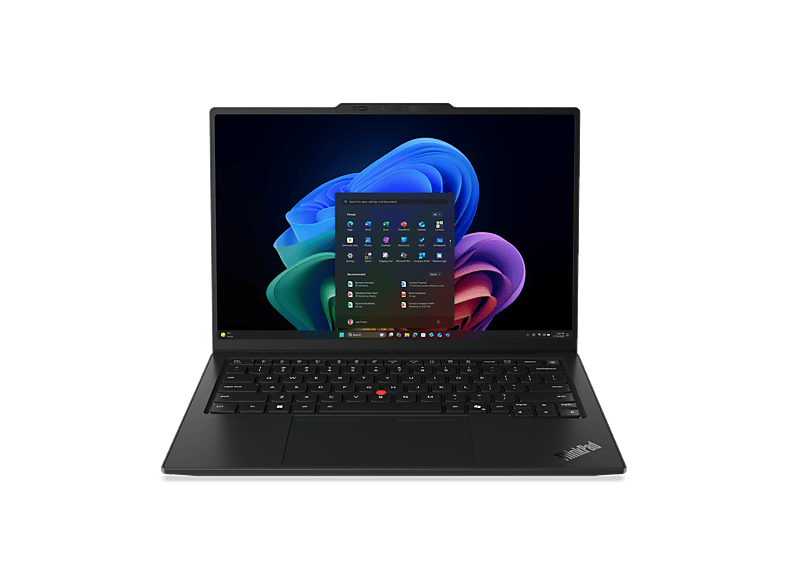 LENOVO - B2B ThinkPad X1 Carbon Gen 14 Aura Edition …LENOVO - B2B · 32 GB · 1024 GB2 699,00 €
MediaMarktРеклама
MediaMarktРеклама
MediaMarktРеклама
MediaMarktРеклама
MediaMarktРеклама
MediaMarktРеклама
MediaMarktРеклама
MediaMarktРеклама
MediaMarktРеклама
Amazon (shinobee)Реклама
Amazon (macle-shop)Реклама
Lenovo ThinkPad
Lenovo ThinkPad
Lenovo ThinkPad
The ThinkPad brand originally came from IBM and has belonged to Lenovo since 2005. Its hallmarks are the red TrackPoint in the middle of the keyboard, a high-quality keyboard and robust chassis. The series differ mainly in price and materials:
Older models carry three-digit numbers: in the T490, the 4 stands for 14 inches and the 9 for the model year (2019). Since around 2020, Lenovo has used names such as T14 Gen 1, Gen 2 and so on – the higher the Gen, the newer the processor. An “s” (T14s, T490s) denotes the slimmer variant, which often has soldered RAM.
For Windows 11 and a long service life, devices with Intel Core from the 10th or 11th generation, or AMD Ryzen 4000 and newer, are a good choice. With cheap offers, pay attention to the display resolution: some configurations were shipped with HD panels (1366 × 768).
ThinkPads are often sold in large numbers as ex-lease returns. Compare processor generation, RAM, SSD size and display type rather than just the price. Ask about the remaining battery capacity, check whether a charger is included (usually USB-C on newer models), and pay attention to the keyboard layout – returns from abroad sometimes have QWERTY keyboards or stickers instead of the German QWERTZ layout.
New ThinkPads are worth it if you want to use the device for many years and value current processors with an NPU, long battery life and a full manufacturer's warranty. For many models Lenovo offers extendable on-site service, which is particularly interesting for the self-employed.
Used and refurbished ThinkPads are the affordable alternative for university, school, club work or as a second device. Compare several offers for the same model: price differences between dealers are often bigger than between two generations. Make sure the configuration (CPU, RAM, SSD, display) is clearly stated in the description – with bundled listings such as “8/16/32 GB”, you usually pick the variant within the offer, and the price shown often applies only to the smallest configuration.
Проверенный универсал – T14 или T490/T495 с Full HD, 16 ГБ RAM и SSD. Если вы много путешествуете, посмотрите на серию X.
Красный мини-джойстик в центре клавиатуры управляет курсором, не отрывая рук от клавиатуры.
Официально поддерживаются модели с Intel Core 8-го поколения и TPM 2.0. Старые устройства вроде T470 или T460 требованиям не соответствуют.
У многих моделей T и L – да, часто один модуль установлен в слот. У моделей s и серии X1 память обычно распаяна.