Реклама
Chromebook
Сравнение: Ноутбук
Chromebook запускаются за секунды, почти не требуют обслуживания и часто дешевле ноутбуков с Windows. Здесь можно сравнить новые и б/у модели – и узнать, на что смотреть в сроке обновлений.
| Изображение | Модель | Основные характеристики | от |
|---|---|---|---|
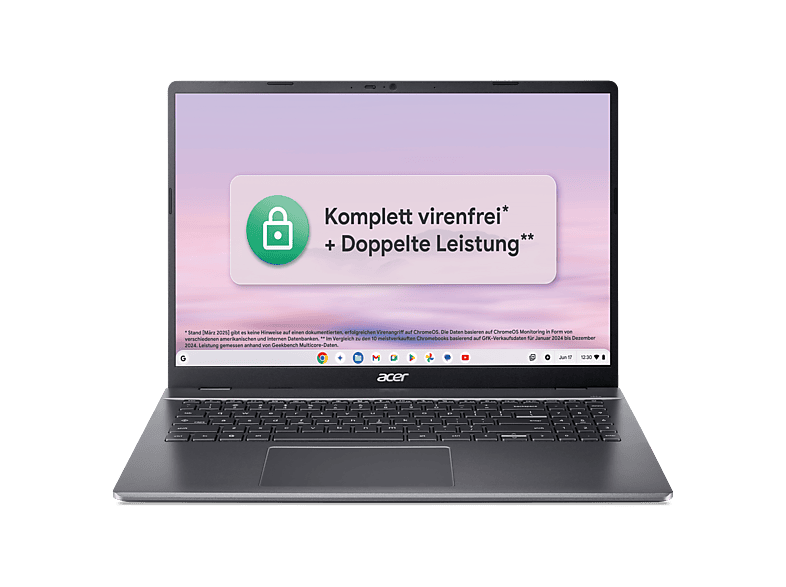 | ACER Chromebook Plus 516 (CB516-1HT-35KB) mit Tastaturbeleuchtung … | 8 GB · 16.0 ″ · Intel Core 3 | 499,00 € |
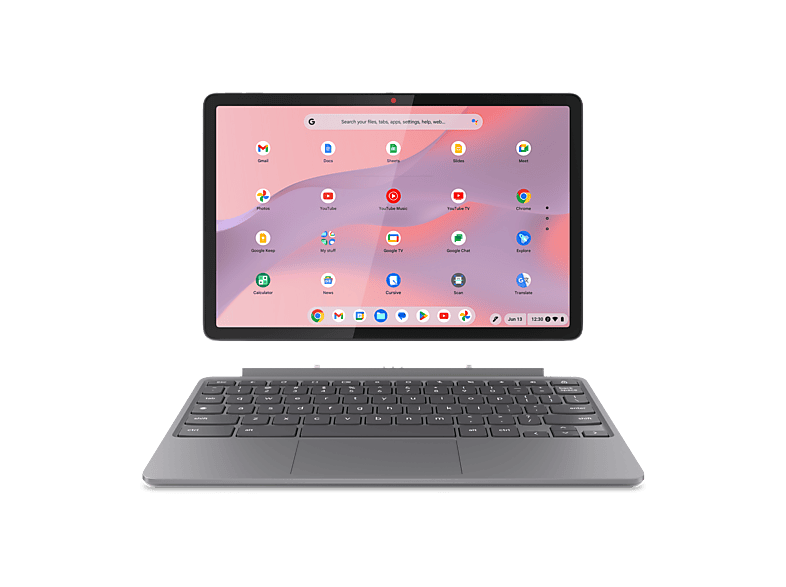 | LENOVO Chromebook Duet 11M889 - 10,95 Zoll MediaTek Kompanio 838 4 GB 128 … | 4 GB · 95 ″ · MediaTek | 449,00 € |
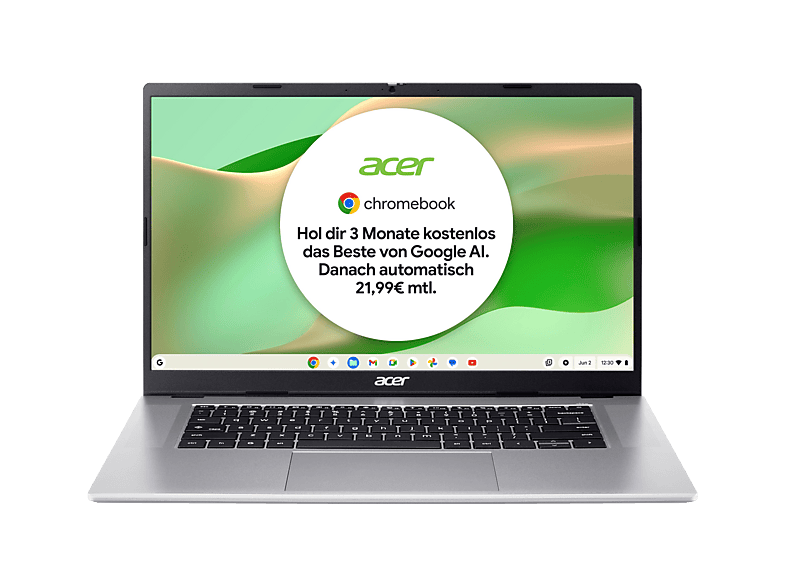 | ACER Chromebook 315 (CB315-8HT-826W) Touch Display … | 8 GB · 15.6 ″ · MediaTek | 399,00 € |
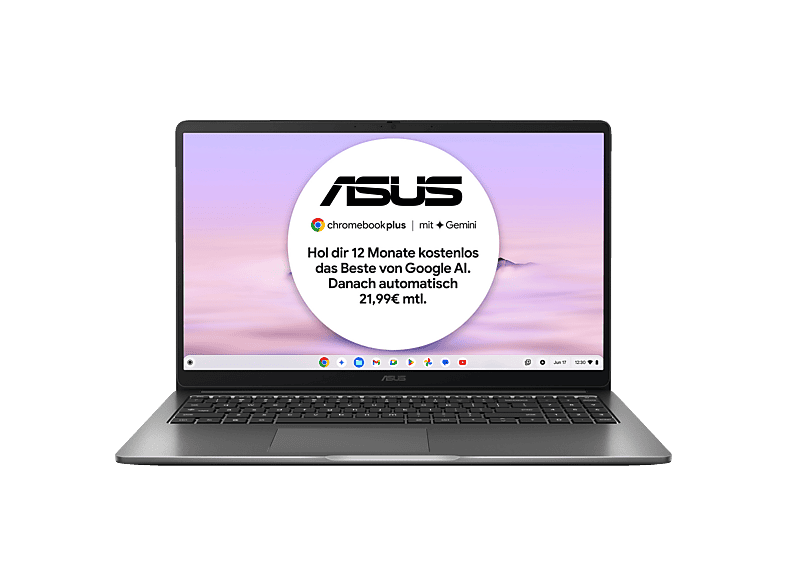 | ASUS CX15 CX1505CTA-S70092, Chromebook, Laptop … | 8 GB · 15.6 ″ · Intel Core i3 | 399,00 € |
ACER Chromebook Plus 516 (CB516-1HT-35KB) mit Tastaturbeleuchtung …Acer · 8 GB · 16.0 ″499,00 €LENOVO Chromebook Duet 11M889 - 10,95 Zoll MediaTek Kompanio 838 4 GB 128 …Lenovo · 4 GB · 95 ″449,00 €ACER Chromebook 315 (CB315-8HT-826W) Touch Display …Acer · 8 GB · 15.6 ″399,00 €ASUS CX15 CX1505CTA-S70092, Chromebook, Laptop …ASUS · 8 GB · 15.6 ″399,00 €MediaMarktРеклама
MediaMarktРеклама
MediaMarktРеклама
MediaMarktРеклама
Chromebook
Chromebook
Chromebook
Chromebooks run Google's ChromeOS. At their heart are the Chrome browser, web apps and Android apps from the Play Store. That's ideal for email, browser-based office apps (Google Docs, Microsoft 365 for the web), video calls, streaming and homework. Virus protection and updates run automatically in the background.
Chromebooks aren't suitable if you rely on classic Windows programs – such as certain tax, industry-specific or gaming software. Check beforehand whether a web or Android version exists for your applications.
Every Chromebook only receives software and security updates up to a fixed date (Auto Update Expiration, AUE). For newer models, Google guarantees up to ten years of updates from the platform's launch. With used and very cheap devices, however, that date may already have passed or be close – in which case you shouldn't buy them. You'll find the date on Google's support page for the Auto Update policy or in the settings under “About ChromeOS”.
Google uses the “Chromebook Plus” label for devices that meet a minimum spec: among other things, a faster processor, 8 GB RAM, 128 GB storage and a Full HD display. These models offer extra features and stay smooth for longer. Basic Chromebooks with 4 GB RAM and 32 or 64 GB of eMMC storage are fine for schoolchildren and as second devices.
In our comparison you'll find new and used Chromebooks. Used devices from school or company stock – such as models with the suffix “EE” (Education Edition) – are often very cheap. But be sure to check the update expiry date and whether the device has been released from management (enterprise enrolment); otherwise it may not be possible to set it up for private use. New Chromebooks offer the longest update period and are therefore particularly worthwhile for children who will use the device over several school years.
До даты окончания автоматических обновлений. Новые модели получают обновления до десяти лет с момента выхода платформы; старые устройства – значительно меньше.
Веб-версия Microsoft 365 работает в браузере. Классические настольные версии для Windows установить нельзя.
Да, Chromebook прочные, быстрые и легко администрируются. Многие школы используют их намеренно.
Знак Google для Chromebook с минимальным оснащением (в том числе 8 ГБ RAM, 128 ГБ памяти, Full HD), которые получают дополнительные функции.
Только если до окончания обновлений ещё несколько лет. Иначе устройство скоро перестанет получать обновления безопасности.