Реклама

Ноутбуки до 500 €
Порівняння: Ноутбук
Навіть за невеликого бюджету можна отримати гідний новий ноутбук – якщо правильно розставити пріоритети в характеристиках. Тут можна порівняти нові ноутбуки до 500 € (без Chromebook).
MediaMarktРеклама
Amazon (shinobee)Реклама
Для цього порівняння зараз лише кілька відповідних пропозицій.
Наш асортимент оновлюється щодня. Завітайте пізніше або перегляньте весь каталог.
Переглянути всі НоутбукиНоутбуки до 500 €
Ноутбуки до 500 €
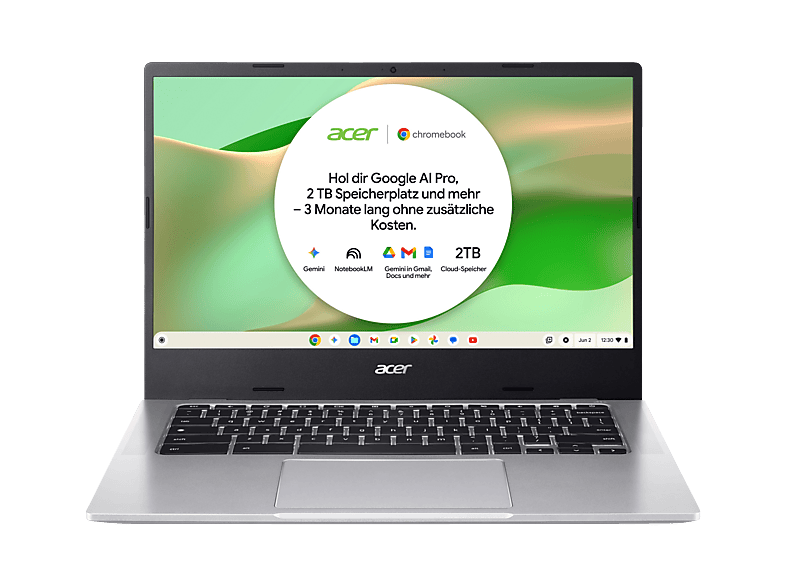
Ноутбуки до 500 €
In this price range, savings are made on the processor, display and chassis. Many cheap devices – often from lesser-known brands – use Intel N-series processors (N95, N100, N150) or older Celerons. They're fine for browsing, email, streaming and word processing, but reach their limits with multitasking and video calls.
Branded devices in this class often come with an Intel Core 3/i3, Ryzen 3 or older Ryzen 5 chips. For school, university and working from home, a Ryzen 5 or Core i5 with 16 GB RAM is the goal – such configurations occasionally appear just below the limit.
If you have to choose, invest in RAM and SSD first, then in the processor. 8 GB RAM is the minimum, 16 GB is much better. An SSD is a must; eMMC storage (often 64 or 128 GB) is slow and fills up quickly. For the display, Full HD with IPS is worth it – in this price range there are still devices with HD resolution or washed-out TN panels.
For the same money you can often get a refurbished ThinkPad, EliteBook or Latitude with a Core i5, 16 GB RAM and a robust chassis. These devices are older, but usually more powerful than a new entry-level machine. Pay attention to Windows 11 compatibility and battery condition – more on this on our page about refurbished business laptops.
Here you'll see only new laptops with Windows or without an operating system – Chromebooks and used devices have their own comparison pages. The list is sorted by price in ascending order, so you can quickly see what's possible on which budget. Always compare offers by processor, RAM, SSD and display, not just by price: two seemingly similar devices can differ considerably in their specs.
Його досить для браузера, офісної роботи, стримінгу й школи, якщо RAM (8 ГБ і більше, краще 16 ГБ) і SSD підходять. Для ігор чи монтажу відео бюджет затісний.
Вони часто пропонують багато пам'яті за свої гроші, але слабші процесори й непевну підтримку. Обирайте продавців, які надають німецьку законну гарантію.
За ту саму ціну відновлений бізнес-ноутбук часто потужніший і міцніший. Новий пристрій натомість має свіжий акумулятор і повну гарантію.
Chromebook працюють на ChromeOS замість Windows і мають інші вимоги. Ви знайдете їх на окремій сторінці порівняння.