Реклама
Chromebook
Порівняння: Ноутбук
Chromebook запускаються за секунди, майже не потребують обслуговування й часто дешевші за ноутбуки з Windows. Тут можна порівняти нові й вживані моделі, а також на що зважати щодо строку оновлень.
| Зображення | Модель | Основні характеристики | від |
|---|---|---|---|
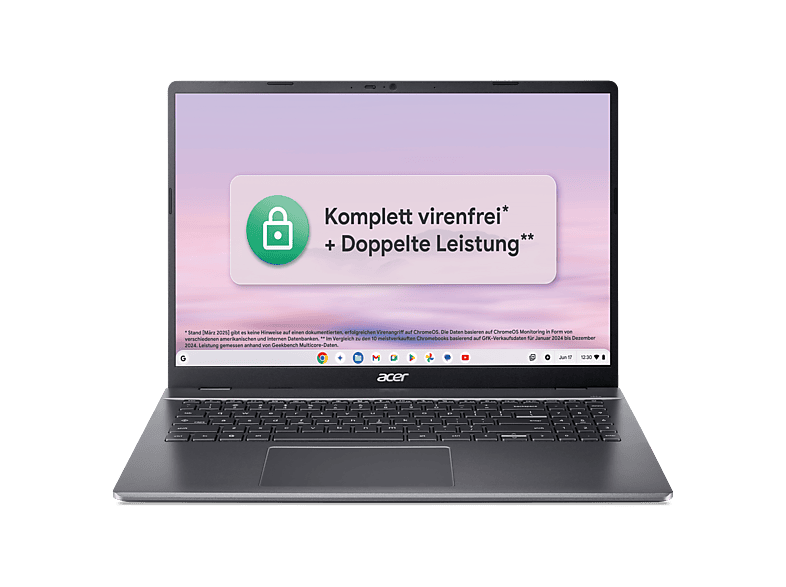 | ACER Chromebook Plus 516 (CB516-1HT-35KB) mit Tastaturbeleuchtung … | 8 GB · 16.0 ″ · Intel Core 3 | 499,00 € |
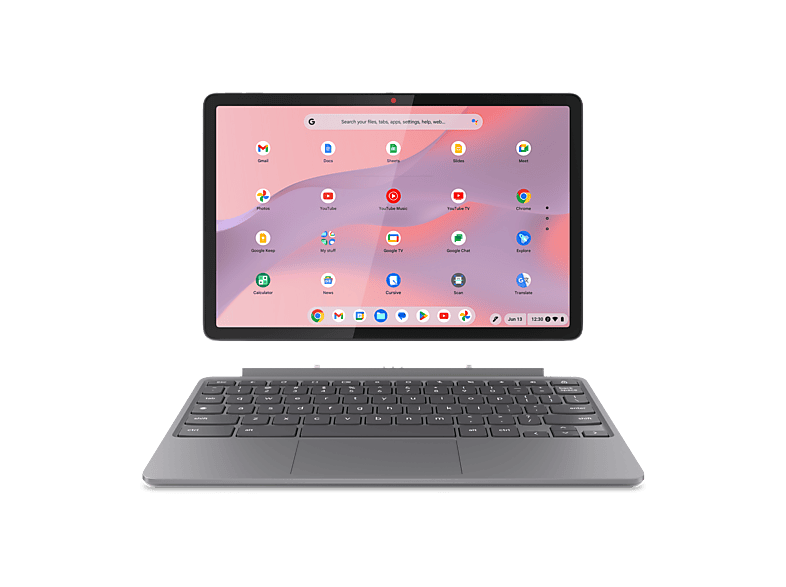 | LENOVO Chromebook Duet 11M889 - 10,95 Zoll MediaTek Kompanio 838 4 GB 128 … | 4 GB · 95 ″ · MediaTek | 449,00 € |
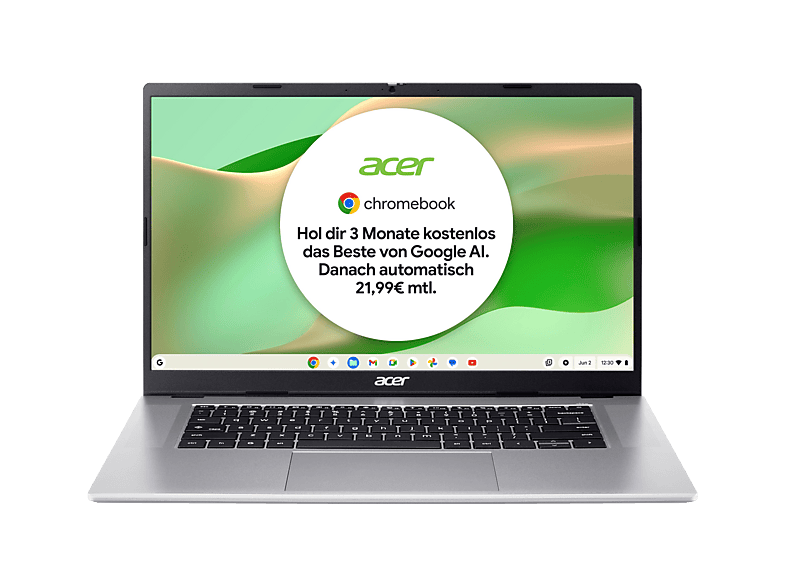 | ACER Chromebook 315 (CB315-8HT-826W) Touch Display … | 8 GB · 15.6 ″ · MediaTek | 399,00 € |
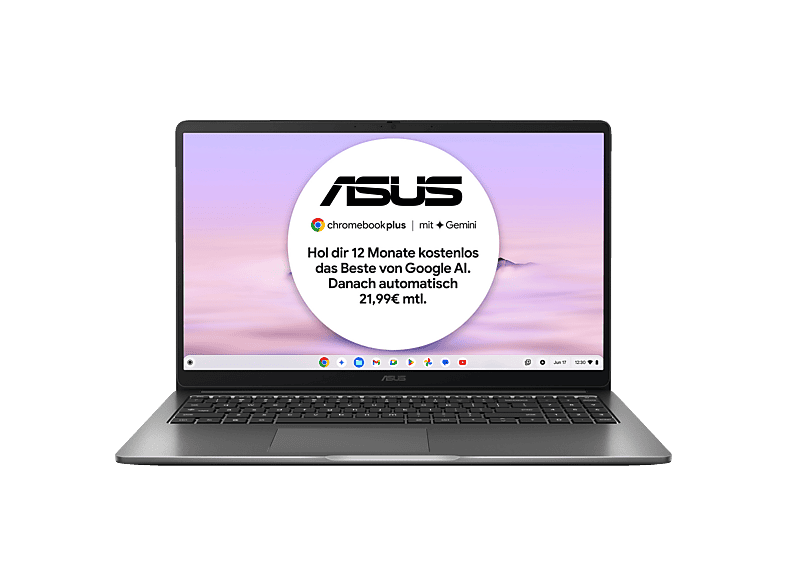 | ASUS CX15 CX1505CTA-S70092, Chromebook, Laptop … | 8 GB · 15.6 ″ · Intel Core i3 | 399,00 € |
ACER Chromebook Plus 516 (CB516-1HT-35KB) mit Tastaturbeleuchtung …Acer · 8 GB · 16.0 ″499,00 €LENOVO Chromebook Duet 11M889 - 10,95 Zoll MediaTek Kompanio 838 4 GB 128 …Lenovo · 4 GB · 95 ″449,00 €ACER Chromebook 315 (CB315-8HT-826W) Touch Display …Acer · 8 GB · 15.6 ″399,00 €ASUS CX15 CX1505CTA-S70092, Chromebook, Laptop …ASUS · 8 GB · 15.6 ″399,00 €MediaMarktРеклама
MediaMarktРеклама
MediaMarktРеклама
MediaMarktРеклама
Chromebook
Chromebook
Chromebook
Chromebooks run Google's ChromeOS. At their heart are the Chrome browser, web apps and Android apps from the Play Store. That's ideal for email, browser-based office apps (Google Docs, Microsoft 365 for the web), video calls, streaming and homework. Virus protection and updates run automatically in the background.
Chromebooks aren't suitable if you rely on classic Windows programs – such as certain tax, industry-specific or gaming software. Check beforehand whether a web or Android version exists for your applications.
Every Chromebook only receives software and security updates up to a fixed date (Auto Update Expiration, AUE). For newer models, Google guarantees up to ten years of updates from the platform's launch. With used and very cheap devices, however, that date may already have passed or be close – in which case you shouldn't buy them. You'll find the date on Google's support page for the Auto Update policy or in the settings under “About ChromeOS”.
Google uses the “Chromebook Plus” label for devices that meet a minimum spec: among other things, a faster processor, 8 GB RAM, 128 GB storage and a Full HD display. These models offer extra features and stay smooth for longer. Basic Chromebooks with 4 GB RAM and 32 or 64 GB of eMMC storage are fine for schoolchildren and as second devices.
In our comparison you'll find new and used Chromebooks. Used devices from school or company stock – such as models with the suffix “EE” (Education Edition) – are often very cheap. But be sure to check the update expiry date and whether the device has been released from management (enterprise enrolment); otherwise it may not be possible to set it up for private use. New Chromebooks offer the longest update period and are therefore particularly worthwhile for children who will use the device over several school years.
До дати Auto Update Expiration. Новіші моделі отримують до десяти років оновлень від випуску платформи; старші пристрої – значно менше.
Вебверсія Microsoft 365 працює в браузері. Класичні настільні версії для Windows встановити не можна.
Так, Chromebook міцні, швидкі й прості в адмініструванні. Багато шкіл використовують їх свідомо.
Позначка Google для Chromebook з мінімальною конфігурацією (зокрема 8 ГБ RAM, 128 ГБ пам'яті, Full HD), які отримують додаткові функції.
Лише якщо до завершення оновлень ще кілька років. Інакше пристрій скоро перестане отримувати оновлення безпеки.