
Реклама
Ігрові ноутбуки
Порівняння: Ноутбук
Нові ігрові ноутбуки з дискретною графікою – від початкових RTX до топових моделей. Ми показуємо, що справді важливо, окрім відеокарти.
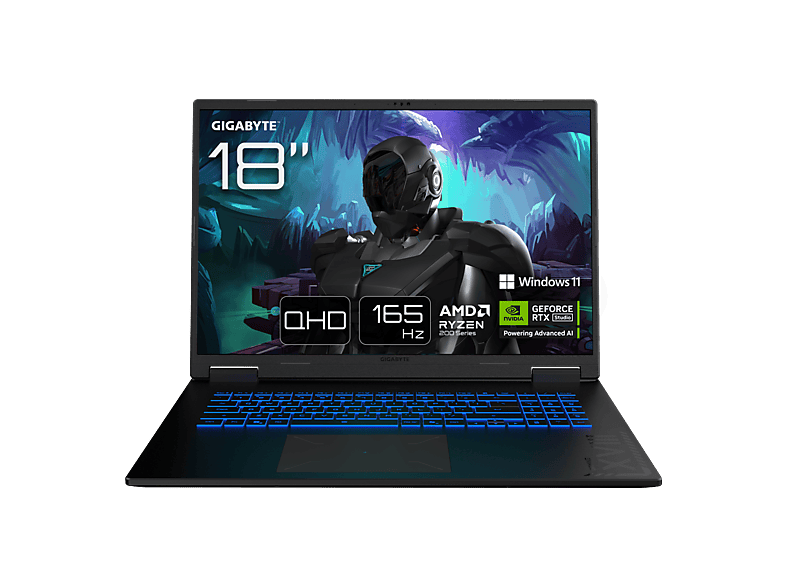 GIGABYTE Gaming A18 3TH - 18 Zoll AMD Ryzen™ 7 260 16 GB 1 TB NVIDIA …GIGABYTE · 16 GB · 1024 GB1 299,00 €
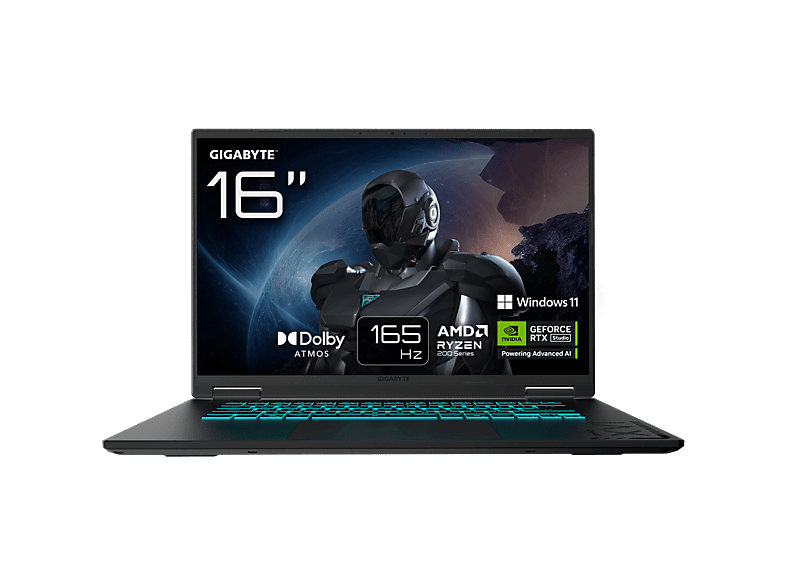
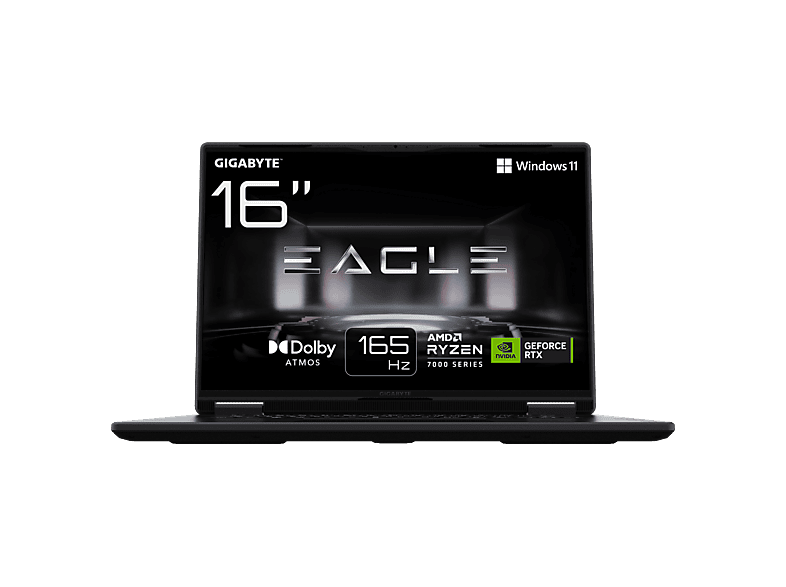
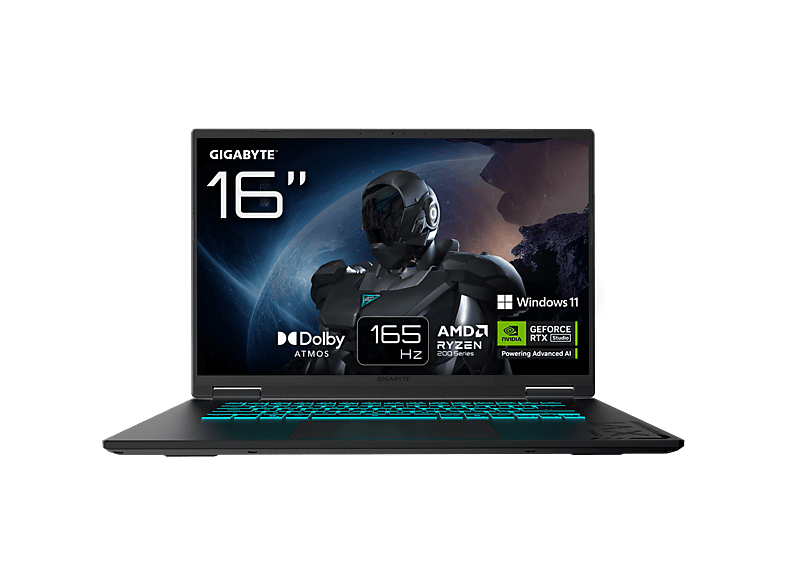 GIGABYTE GAMING A16 3WHK3DE894SH - 16 Zoll AMD Ryzen™ 7 260 GB 1 TB NVIDIA …GIGABYTE · 1024 GB · 16 ″1 299,00 €
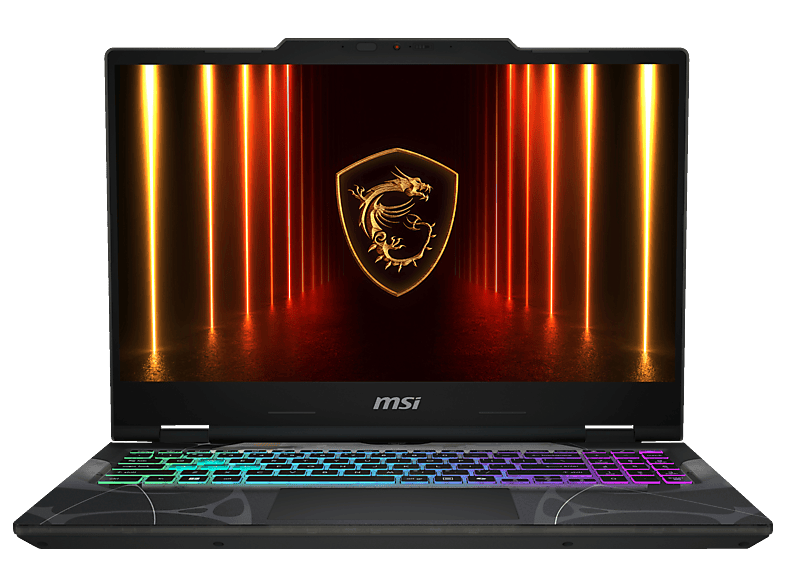
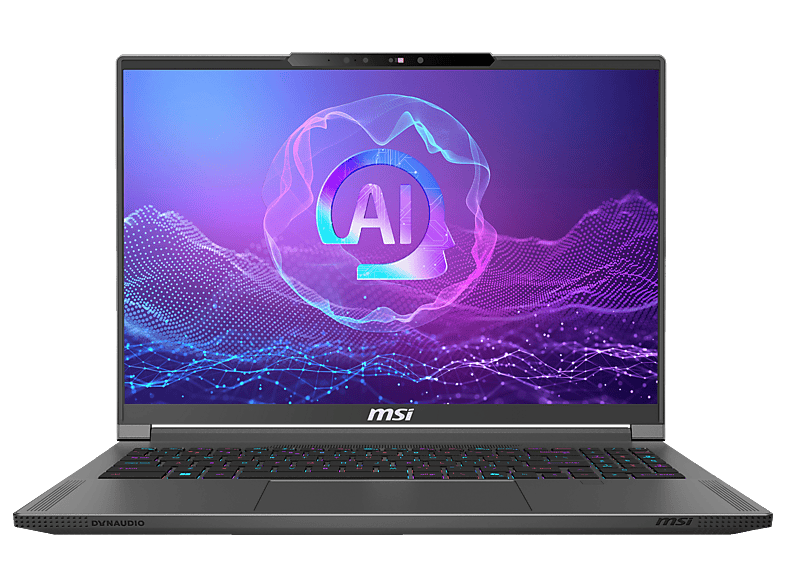
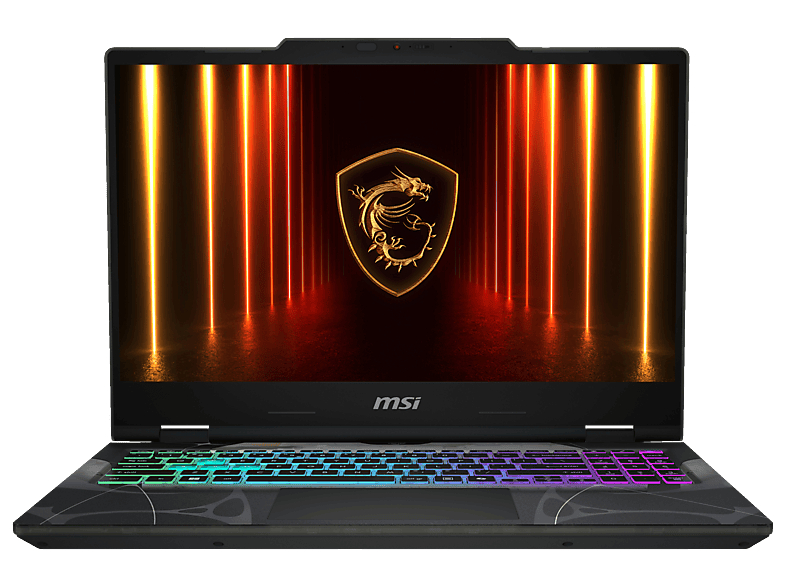
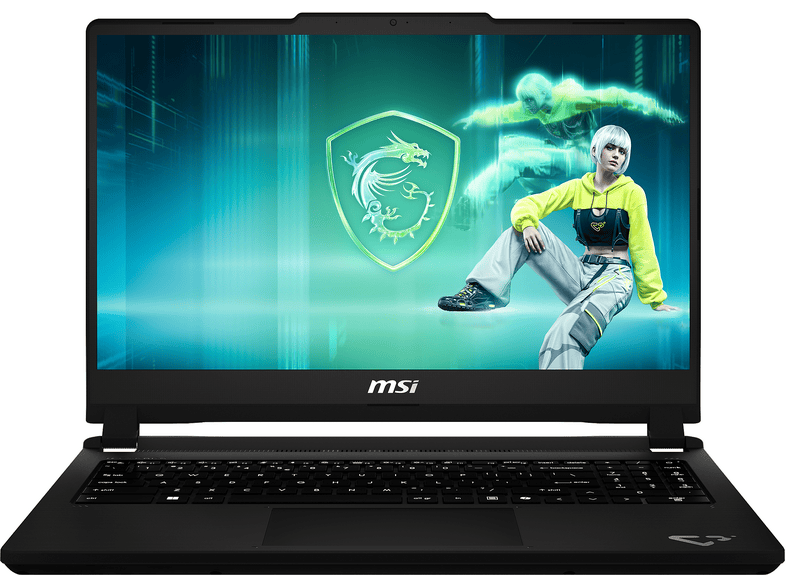 MSI Cyborg 15 C13WFO-483 - 15,6 Zoll Intel® Core™ i5 13420H 16 GB 512 …MSI · 16 GB · 16 GB1 299,00 €
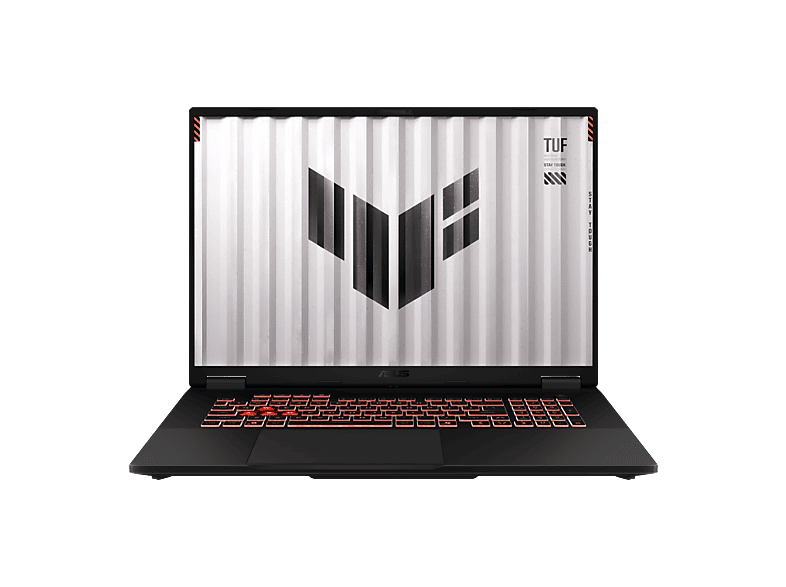
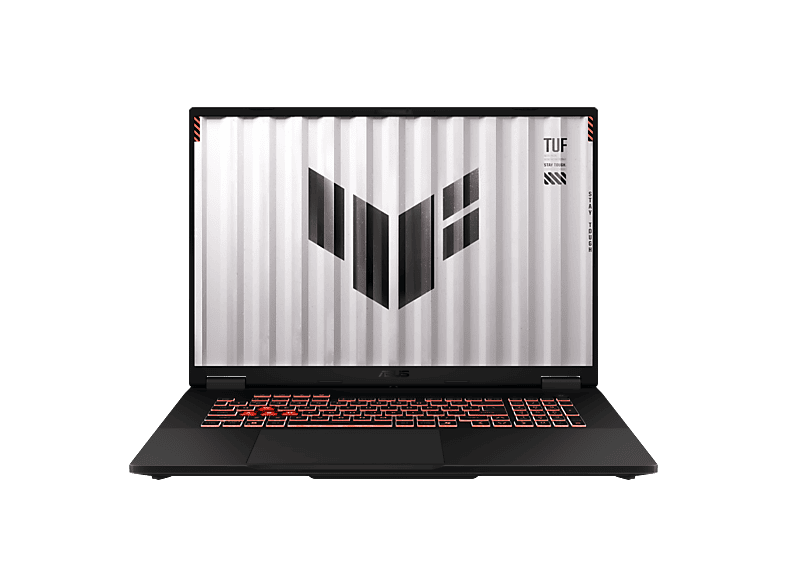 ASUS FA808UH-S8017W - 18 Zoll AMD Ryzen™ 7 260 16 GB 1 TB NVIDIA GeForce …ASUS · 16 GB · 1024 GB1 299,00 €
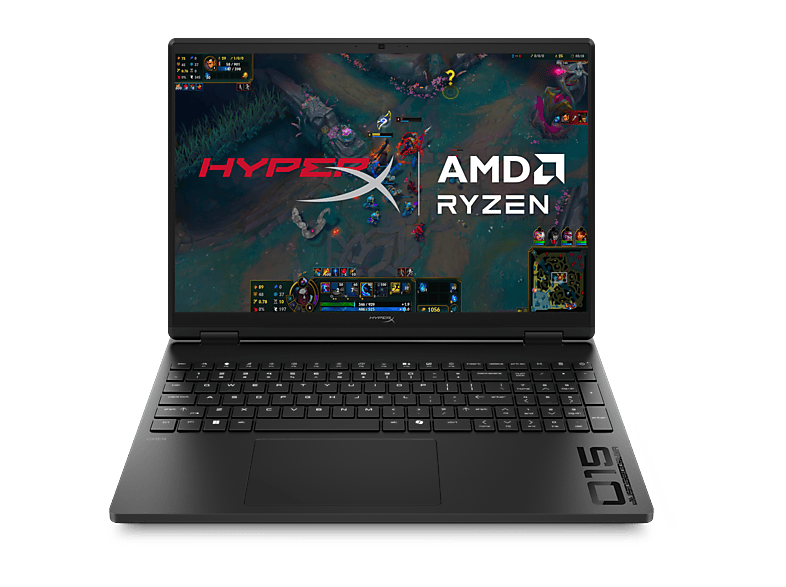
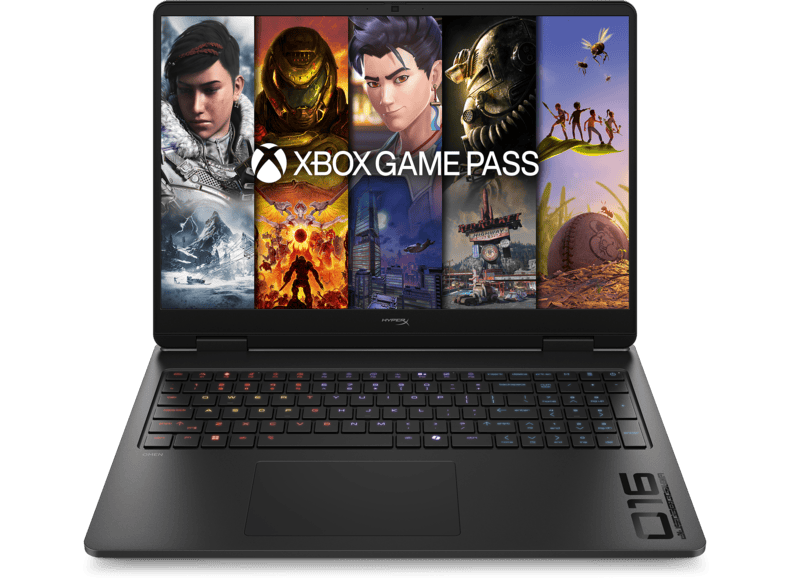
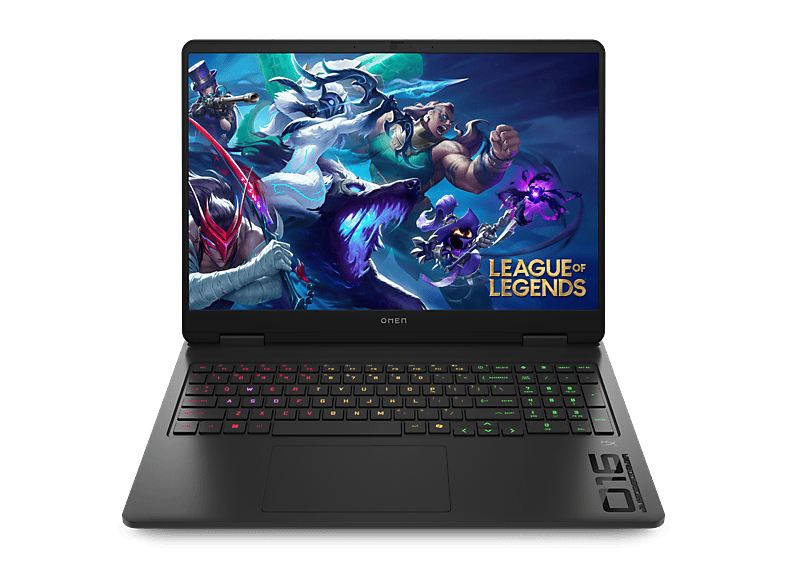 HP OMEN Gaming 16-am0353ng - 16 Zoll Intel® Core™ 5 210H GB 1 TB GeForce …HP · 1024 GB · 16 ″1 239,00 €
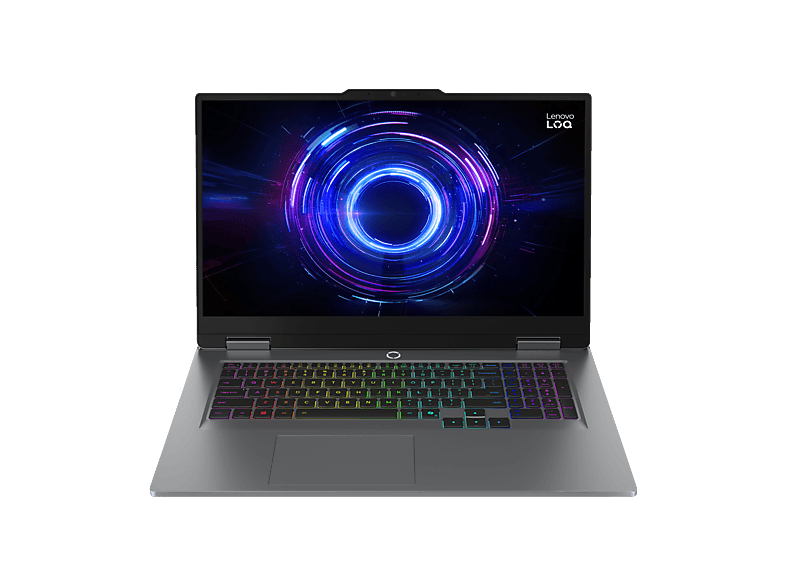
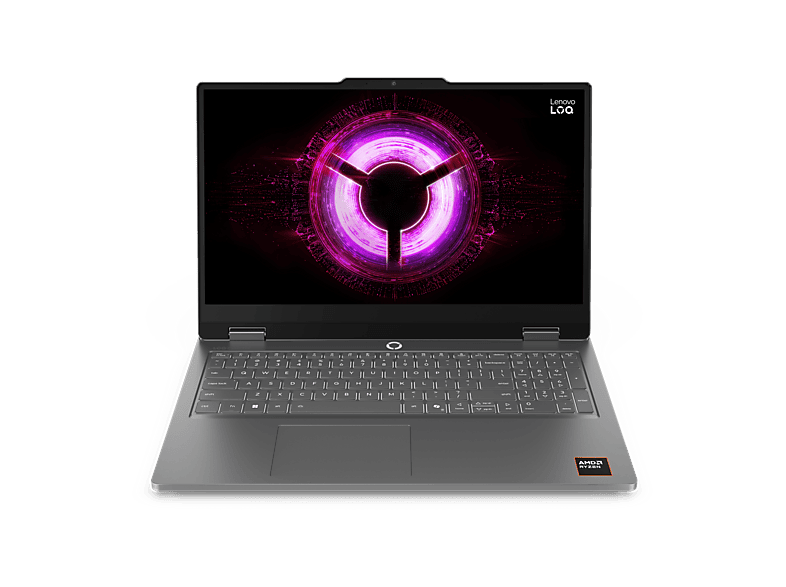 LENOVO LOQ Essential 15ARP11 - 15,6 Zoll AMD Ryzen™ 7 170 16 GB 1 TB NVIDIA …Lenovo · 16 GB · 1024 GB1 219,00 €
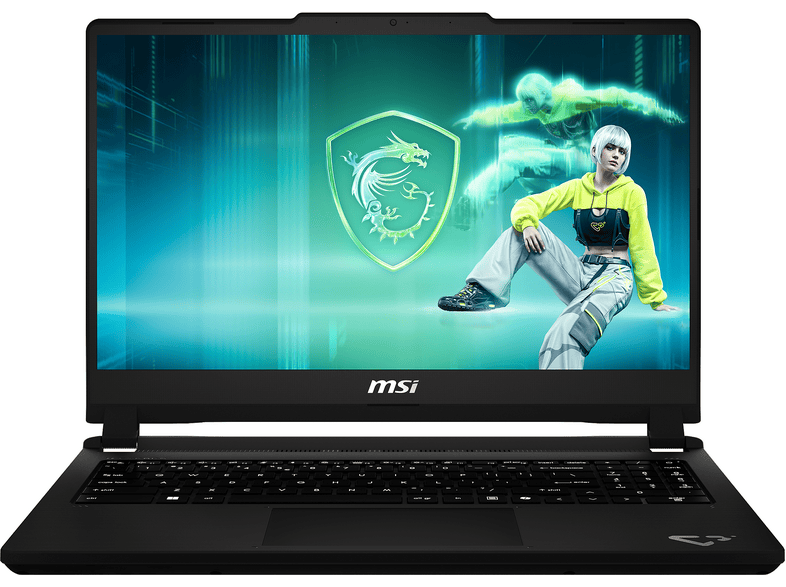 MSI Cyborg 15 C13WEO-482 - 15,6 Zoll Intel® Core™ i5 i5-13420H 16 GB 512 …MSI · 16 GB · 16 GB1 199,00 €
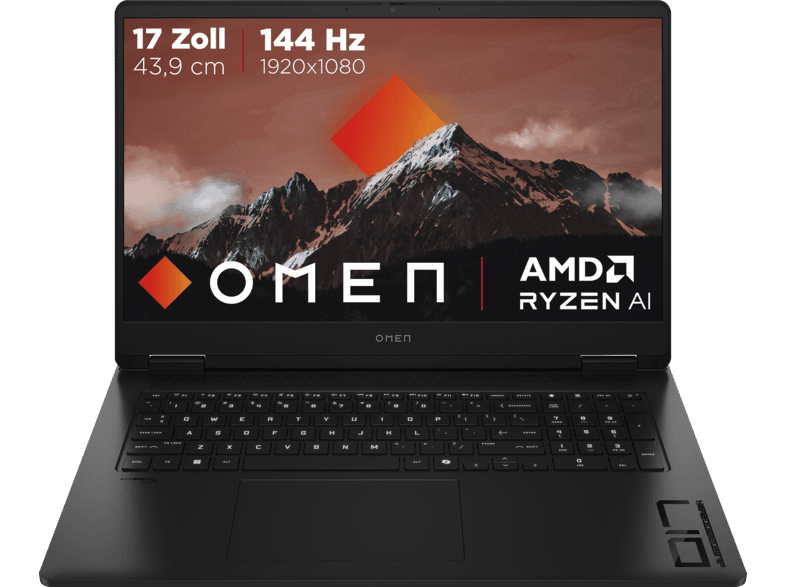 HP OMEN 17-db1351ng, Copilot+ PC - 17,3 Zoll AMD Ryzen™ AI 5 340 16 GB 1 TB …HP · 16 GB · 1024 GB1 199,00 €
 GIGABYTE Gaming 165Hz - 18 Zoll AMD Ryzen™ 7 260 16 GB 1 TB NVIDIA GeForce …GIGABYTE · 16 GB · 1024 GB1 499,00 €
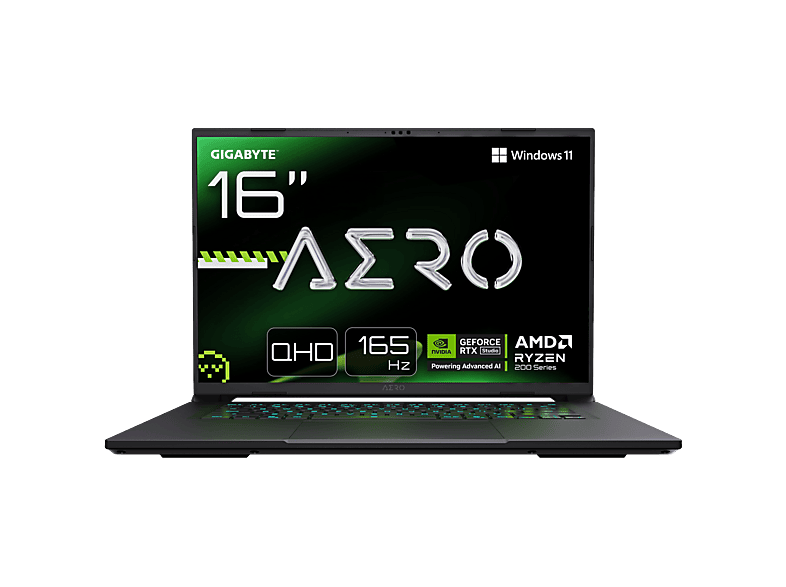 GIGABYTE AERO X16 - 16 Zoll AMD Ryzen™ 9 270 GB 1 TB NVIDIA GeForce RTX™ …GIGABYTE · 1024 GB · 16 ″1 499,00 €
MediaMarktРеклама
MediaMarktРеклама
MediaMarktРеклама
MediaMarktРеклама
MediaMarktРеклама
MediaMarktРеклама
MediaMarktРеклама
MediaMarktРеклама
MediaMarktРеклама
MediaMarktРеклама
MediaMarktРеклама
MediaMarktРеклама
MediaMarktРеклама
MediaMarktРеклама
MediaMarktРеклама
MediaMarktРеклама
MediaMarktРеклама
MediaMarktРеклама
MediaMarktРеклама
MediaMarktРеклама
MediaMarktРеклама
Показано 24 із Моделей: 61. Переглянути всі Ноутбуки з фільтрами →
Ігрові ноутбуки
Ігрові ноутбуки
Ігрові ноутбуки
In a gaming laptop, the dedicated graphics card is the most important component – and the only one you can't upgrade later. Nvidia's RTX laptop chips fall roughly into three tiers: the 50-class models (such as the RTX 4050 or 5050) are entry-level cards for Full HD at medium to high settings, the 60-class models are the mid-range and the most popular value segment, and from the 70-class upwards you're in high-end territory for higher resolutions and demanding titles.
Important: the same chip name can perform differently in different laptops. Manufacturers set the GPU's maximum power draw (TGP, in watts) themselves. An RTX GPU with a high TGP in a well-cooled chassis is noticeably faster than the same GPU in a slim notebook with a low TGP. So check the spec sheet or the manufacturer's website before comparing models by GPU name alone.
For gaming, a current six- or eight-core chip is usually enough – for example an Intel Core i5/i7 from the H series, a Core Ultra, or an AMD Ryzen 5/7 from the HS or HX series. Low-power U processors rarely make sense in gaming laptops. 16 GB of RAM is the minimum today; 32 GB is worth it if you stream or edit video on the side. Check whether the RAM is socketed (upgradeable) or soldered.
Modern games easily take up 100 GB or more. A 1 TB SSD is therefore the sensible size, and many models have a second M.2 slot for adding storage later.
A gaming display should run at 144 Hz or more; 165 or 240 Hz is common in the mid-range and high end. At 16 inches, the 16:10 format with 1920 × 1200 or 2560 × 1600 pixels has become standard. Look for an IPS or OLED panel – older or very cheap devices sometimes use washed-out panels with poor colour coverage.
Gaming laptops are loud and heavy under load, and the battery often lasts only one to two hours while gaming. If you also carry the laptop to university or the office, a model with switchable graphics (Optimus/Advanced Optimus or a MUX switch) has the edge.
Для більшості актуальних ігор у Full HD досить GPU RTX класу 50 або 60. Починаючи з класу 70 варто брати дисплей вищої роздільної здатності.
TGP – максимальне енергоспоживання GPU у ватах. Що воно вище й що краще охолодження, то швидше працює та сама відеокарта.
Так, 16 ГБ – актуальний стандарт для ігор. 32 ГБ варто брати для стримінгу, монтажу відео чи особливо вимогливих до пам'яті ігор.
Ні. У ноутбуках GPU припаяний до плати. RAM і SSD натомість у багатьох моделях можна замінити чи додати.
Під час гри зазвичай лише одну–дві години. Для офісної роботи з вимкненою дискретною графікою залежно від моделі можливо кілька годин.