
Reklam
Oyun dizüstüleri
Dizüstü bilgisayar karşılaştırması
Ayrı ekran kartlı yeni oyun dizüstüleri – giriş seviyesi RTX'ten üst segment modellere. GPU'nun ötesinde gerçekten neyin önemli olduğunu gösteriyoruz.
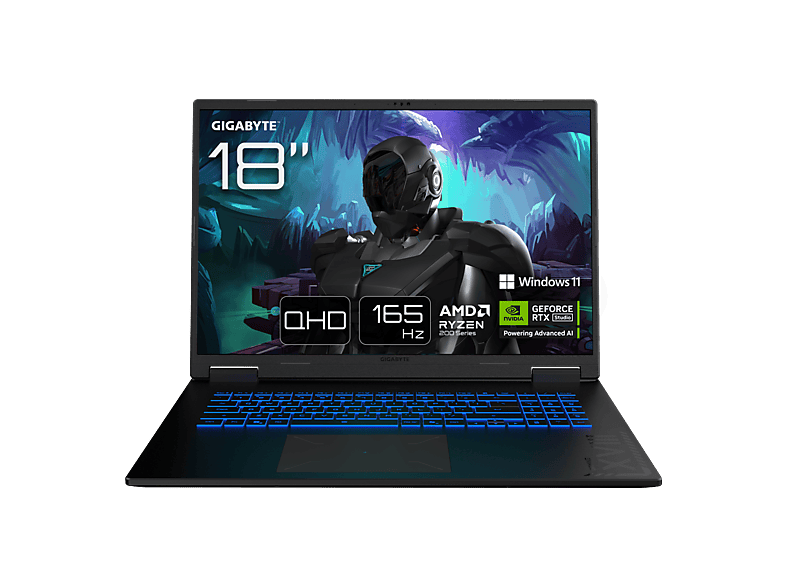 GIGABYTE Gaming A18 3TH - 18 Zoll AMD Ryzen™ 7 260 16 GB 1 TB NVIDIA …GIGABYTE · 16 GB · 1024 GB€1.299,00
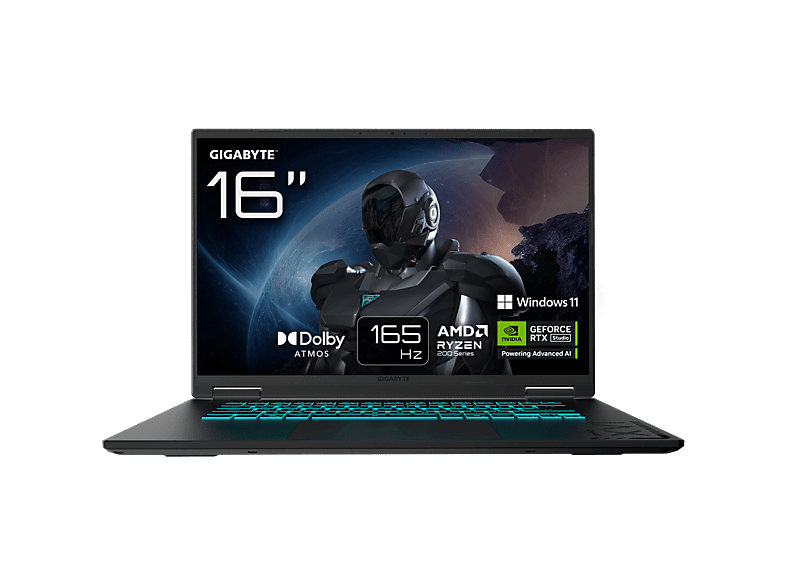
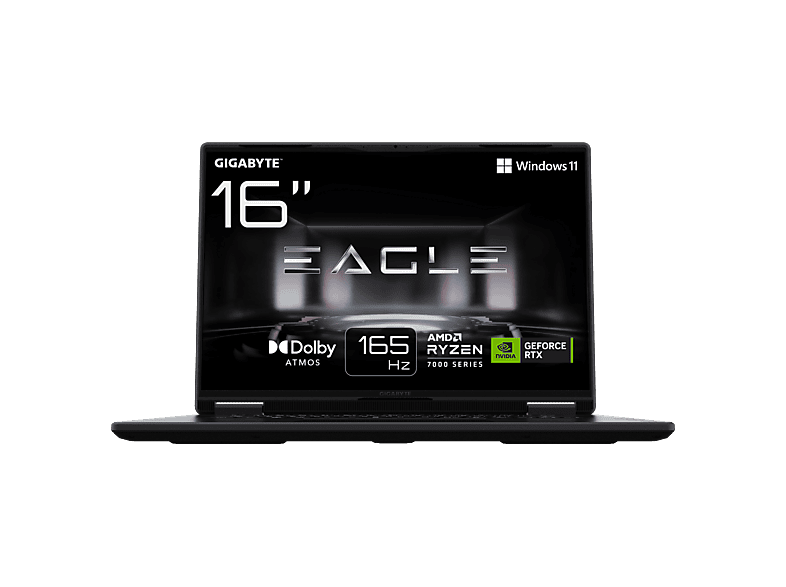
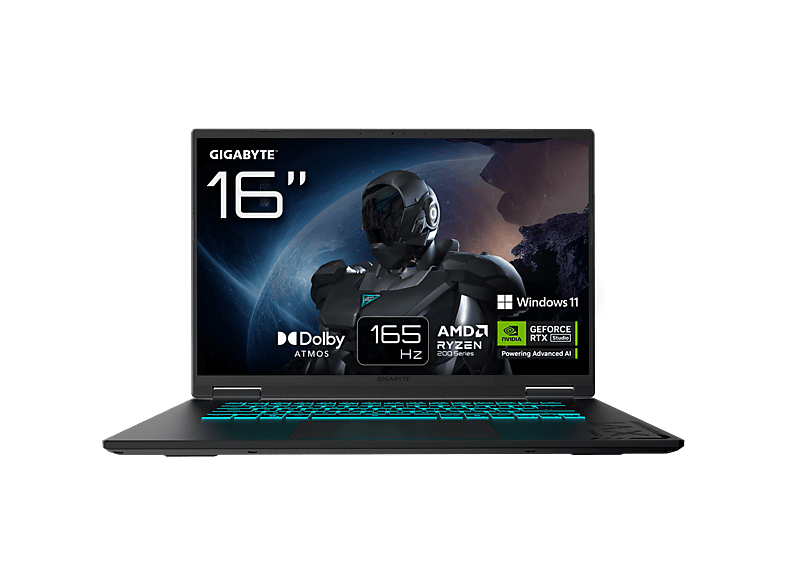 GIGABYTE GAMING A16 3WHK3DE894SH - 16 Zoll AMD Ryzen™ 7 260 GB 1 TB NVIDIA …GIGABYTE · 1024 GB · 16 ″€1.299,00
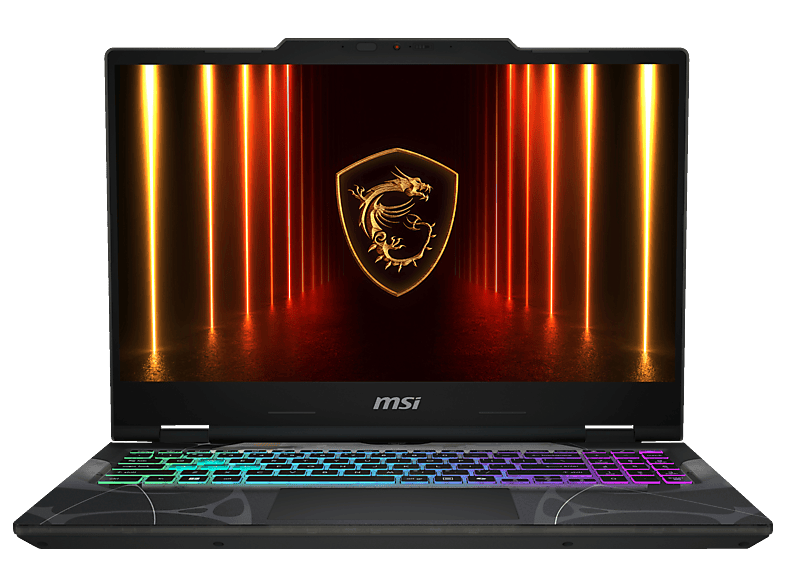
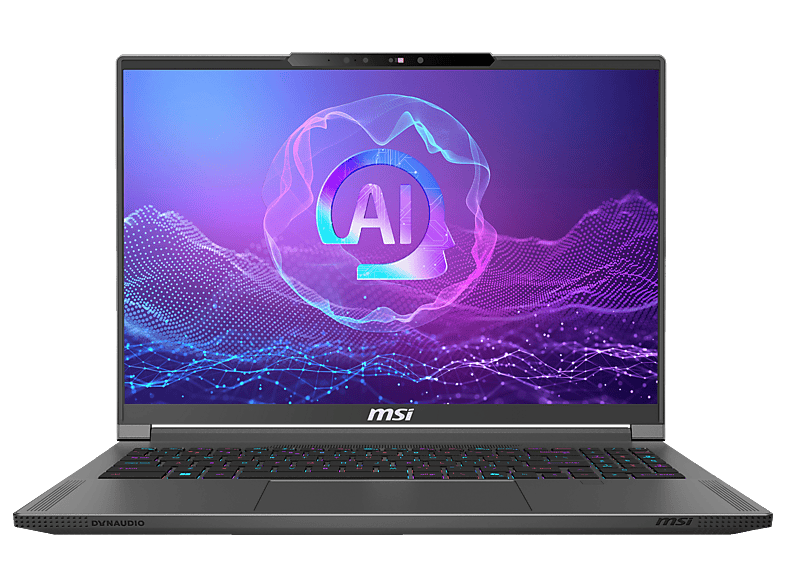
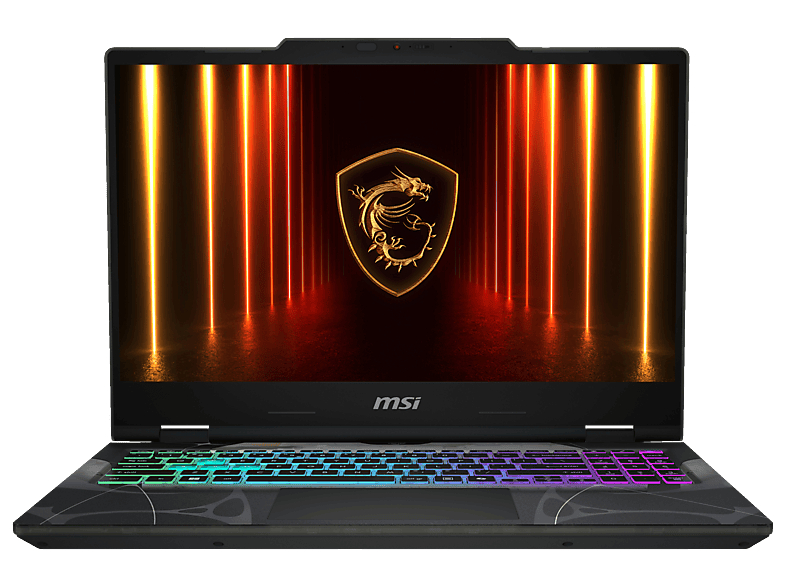
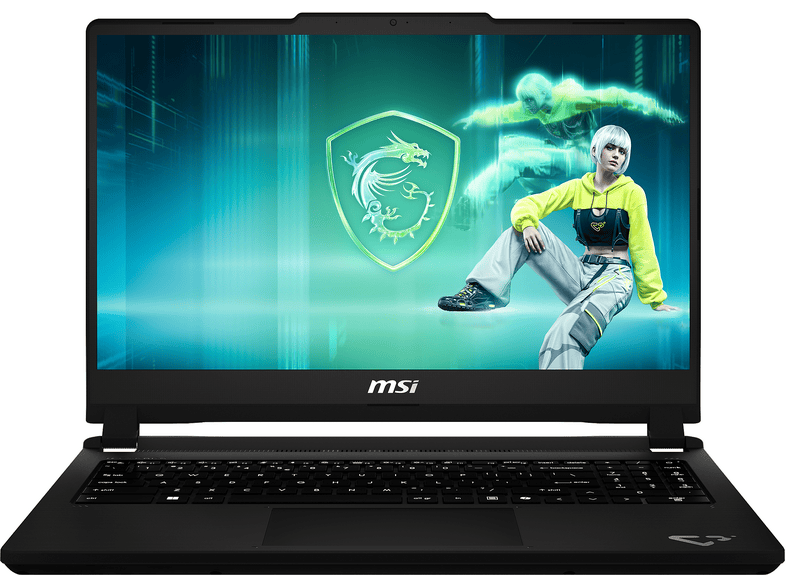 MSI Cyborg 15 C13WFO-483 - 15,6 Zoll Intel® Core™ i5 13420H 16 GB 512 …MSI · 16 GB · 16 GB€1.299,00
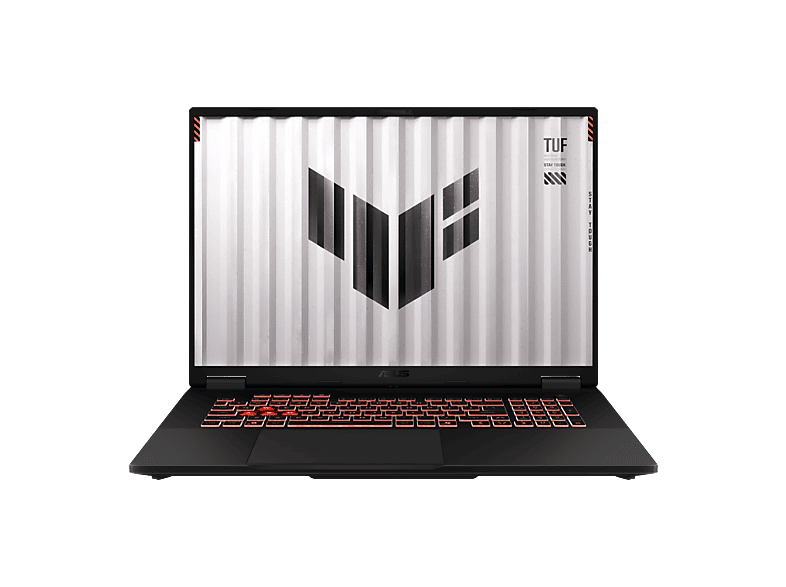
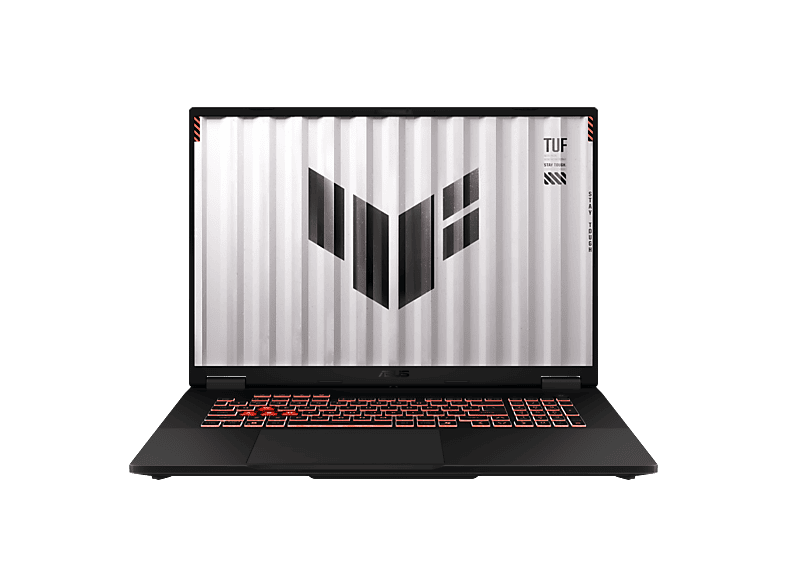 ASUS FA808UH-S8017W - 18 Zoll AMD Ryzen™ 7 260 16 GB 1 TB NVIDIA GeForce …ASUS · 16 GB · 1024 GB€1.299,00
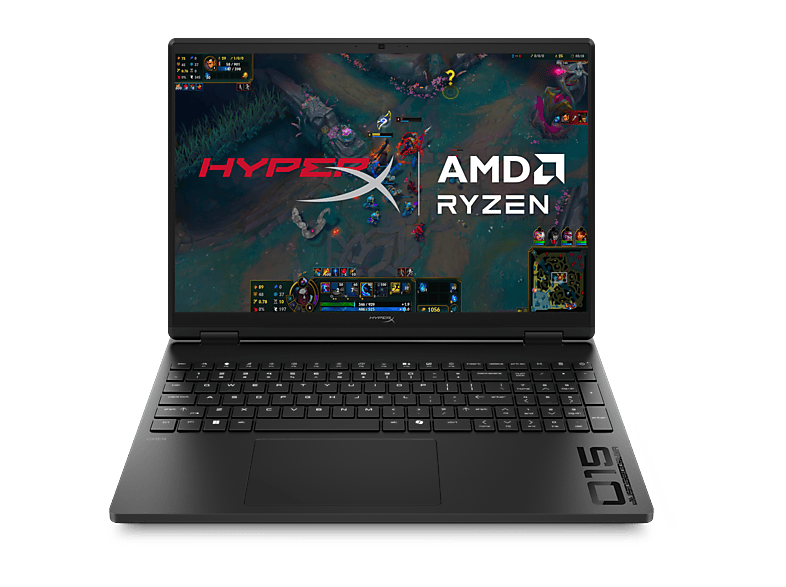
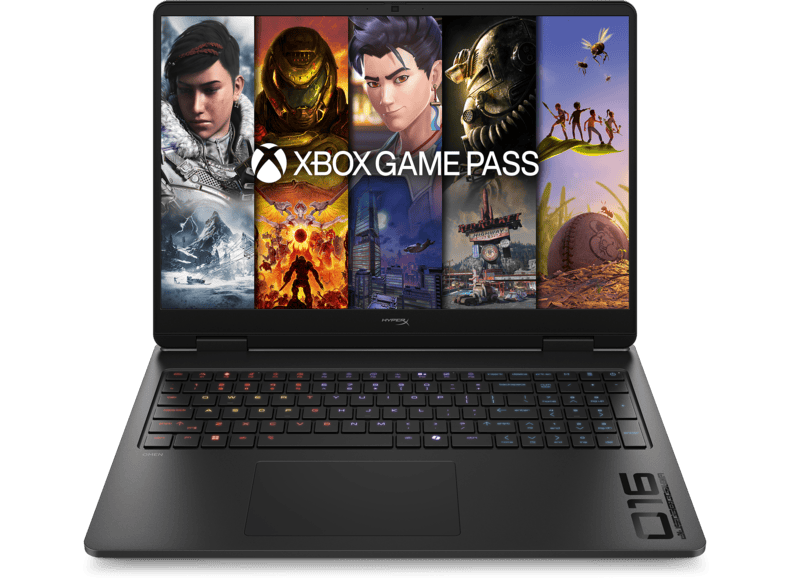
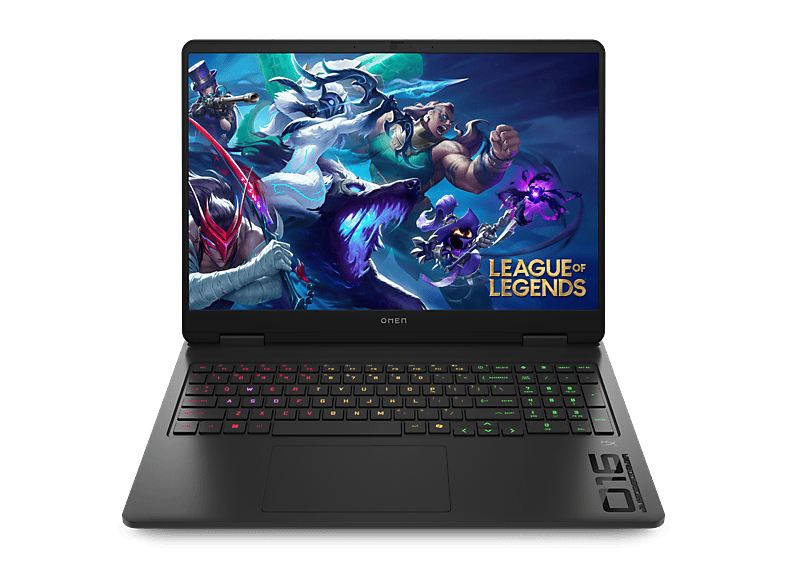 HP OMEN Gaming 16-am0353ng - 16 Zoll Intel® Core™ 5 210H GB 1 TB GeForce …HP · 1024 GB · 16 ″€1.239,00
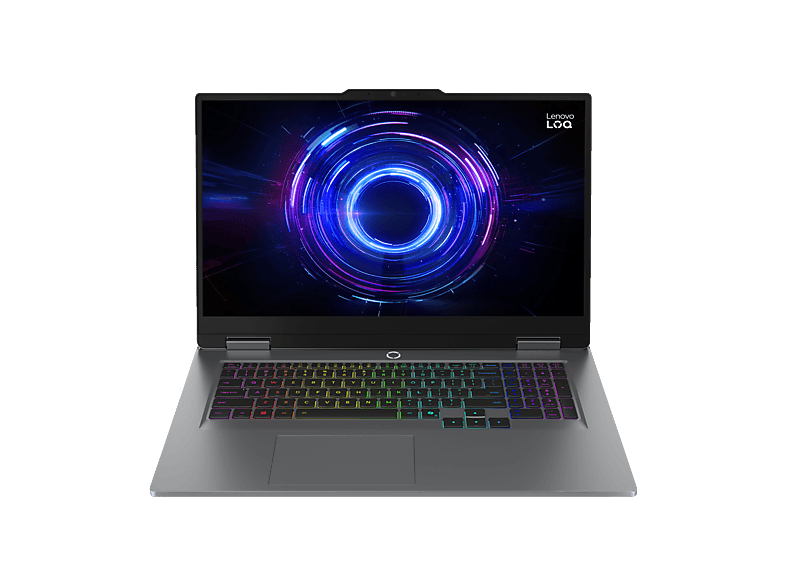
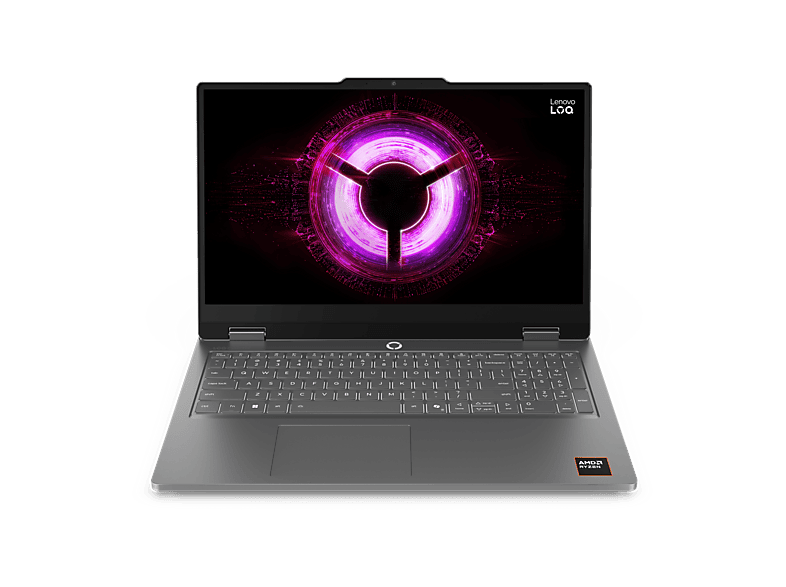 LENOVO LOQ Essential 15ARP11 - 15,6 Zoll AMD Ryzen™ 7 170 16 GB 1 TB NVIDIA …Lenovo · 16 GB · 1024 GB€1.219,00
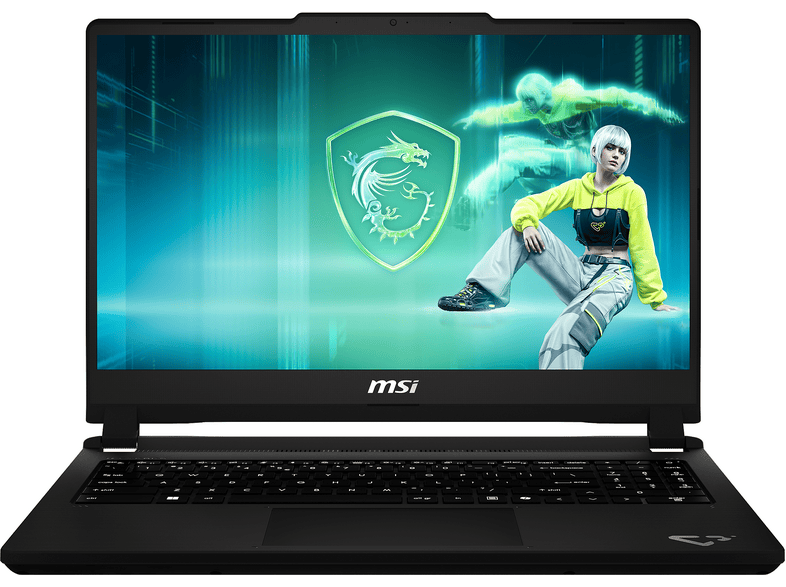 MSI Cyborg 15 C13WEO-482 - 15,6 Zoll Intel® Core™ i5 i5-13420H 16 GB 512 …MSI · 16 GB · 16 GB€1.199,00
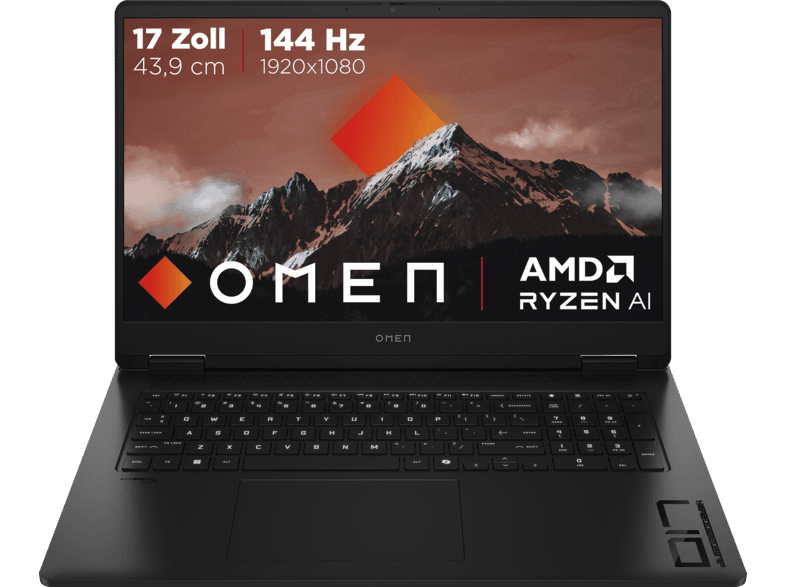 HP OMEN 17-db1351ng, Copilot+ PC - 17,3 Zoll AMD Ryzen™ AI 5 340 16 GB 1 TB …HP · 16 GB · 1024 GB€1.199,00
 GIGABYTE Gaming 165Hz - 18 Zoll AMD Ryzen™ 7 260 16 GB 1 TB NVIDIA GeForce …GIGABYTE · 16 GB · 1024 GB€1.499,00
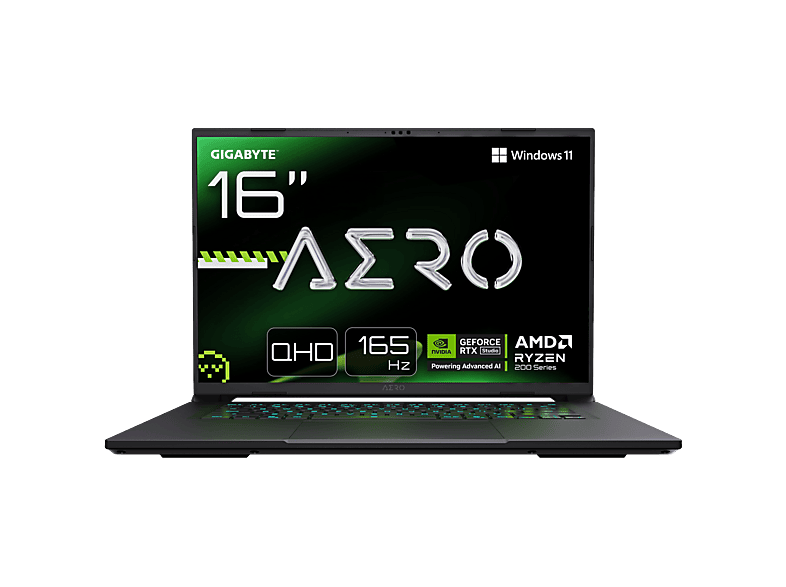 GIGABYTE AERO X16 - 16 Zoll AMD Ryzen™ 9 270 GB 1 TB NVIDIA GeForce RTX™ …GIGABYTE · 1024 GB · 16 ″€1.499,00
MediaMarktReklam
MediaMarktReklam
MediaMarktReklam
MediaMarktReklam
MediaMarktReklam
MediaMarktReklam
MediaMarktReklam
MediaMarktReklam
MediaMarktReklam
MediaMarktReklam
MediaMarktReklam
MediaMarktReklam
MediaMarktReklam
MediaMarktReklam
MediaMarktReklam
MediaMarktReklam
MediaMarktReklam
MediaMarktReklam
MediaMarktReklam
MediaMarktReklam
MediaMarktReklam
61 model içinden 24 tanesi gösteriliyor. Tüm Dizüstü bilgisayarlar ürünlerini filtrelerle tara →
Oyun dizüstüleri
Oyun dizüstüleri
Oyun dizüstüleri
In a gaming laptop, the dedicated graphics card is the most important component – and the only one you can't upgrade later. Nvidia's RTX laptop chips fall roughly into three tiers: the 50-class models (such as the RTX 4050 or 5050) are entry-level cards for Full HD at medium to high settings, the 60-class models are the mid-range and the most popular value segment, and from the 70-class upwards you're in high-end territory for higher resolutions and demanding titles.
Important: the same chip name can perform differently in different laptops. Manufacturers set the GPU's maximum power draw (TGP, in watts) themselves. An RTX GPU with a high TGP in a well-cooled chassis is noticeably faster than the same GPU in a slim notebook with a low TGP. So check the spec sheet or the manufacturer's website before comparing models by GPU name alone.
For gaming, a current six- or eight-core chip is usually enough – for example an Intel Core i5/i7 from the H series, a Core Ultra, or an AMD Ryzen 5/7 from the HS or HX series. Low-power U processors rarely make sense in gaming laptops. 16 GB of RAM is the minimum today; 32 GB is worth it if you stream or edit video on the side. Check whether the RAM is socketed (upgradeable) or soldered.
Modern games easily take up 100 GB or more. A 1 TB SSD is therefore the sensible size, and many models have a second M.2 slot for adding storage later.
A gaming display should run at 144 Hz or more; 165 or 240 Hz is common in the mid-range and high end. At 16 inches, the 16:10 format with 1920 × 1200 or 2560 × 1600 pixels has become standard. Look for an IPS or OLED panel – older or very cheap devices sometimes use washed-out panels with poor colour coverage.
Gaming laptops are loud and heavy under load, and the battery often lasts only one to two hours while gaming. If you also carry the laptop to university or the office, a model with switchable graphics (Optimus/Advanced Optimus or a MUX switch) has the edge.
Çoğu güncel oyun için Full HD'de 50 veya 60 sınıfı bir RTX GPU yeterlidir. 70 sınıfından itibaren daha yüksek çözünürlüklü bir ekran değer.
TGP, GPU'nun watt cinsinden azami güç tüketimidir. Ne kadar yüksekse ve soğutma ne kadar iyiyse aynı ekran kartı o kadar hızlı çalışır.
Evet, 16 GB oyunlar için güncel standarttır. 32 GB yayın, video düzenleme veya özellikle bellek isteyen oyunlar için değer.
Hayır. Dizüstülerde GPU anakarta lehimlidir. RAM ve SSD ise birçok modelde değiştirilebilir veya eklenebilir.
Oyun oynarken genellikle yalnızca bir ila iki saat. Ayrı GPU kapalıyken ofis işlerinde modele göre birkaç saat mümkündür.