
Gaming laptops price comparison
85 Laptops from established makers · Selection index 95.1 +0.6% 7 d · avg €2,097 · as of 18/10/2026
Price table · 85 Laptops
 ASU·FULLHDASUS (FullHD 17,3 Zoll Gaming Notebook€777±0.0%
 ASU·GAMINGGaming Notebook Asus ROG Strix G171R9/RTX3070€650±0.0%
 HP·GAMINGHP Gaming Notebook 17" | Intel i5 1135G7 4,20 Ghz | 16GB RAM€699±0.0%
 LEN·LOQLenovo LOQ | Laptop | i7 | 16GB | 512GB | RTX 5070€1,319±0.0%
 ACE·EINZELSTEinzelstück - Acer Nitro V 15 ANV15 52 77F6 Gaming Notebook€799−11.1%
 ASU·TUFASUS TUF Gaming FX506 H€500±0.0%
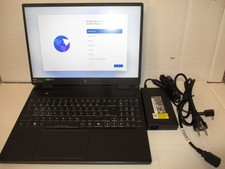 ACE·NITROAcer Nitro 16 AN16-42-R6U0 Ryzen R7 8x3,80Ghz 512GB 16GB€869±0.0%
 HP·VICTUSHP Victus 15-fb3357ng Gaming Notebook 15,6 Zoll 16 GB RAM€874+5.6%
 ACE·NITROAcer Nitro V17 AI ANV17-41-R2K8 Gaming Ryzen 5 GeForce RTX€888+1.5%
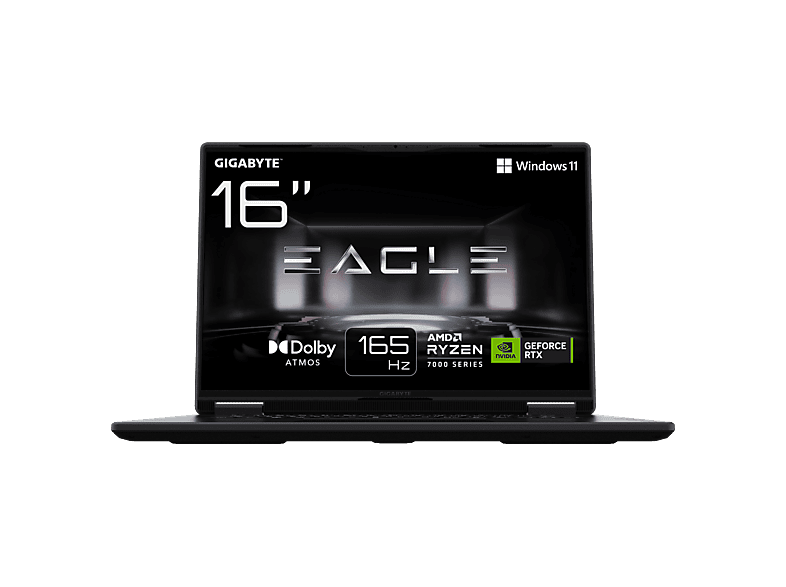 GIG·EAGLEGIGABYTE Eagle Gaming Laptop€899−5.3%
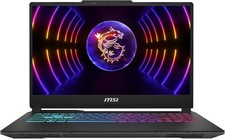 MSI·CYBORGMSI Cyborg 15 Gaming Laptop i7-13620H RTX 4060 16GB 512GB€900±0.0%
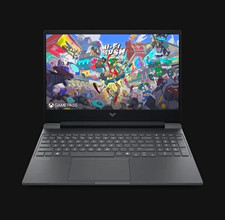 HP·UNGEOEFFNeu & ungeöffnet HP Victus | RTX 5050 8GB | i5-13420H€900±0.0%
 ASU·ROGASUS ROG Zephyrus G14 Gaming Notebook Ryzen 9 RTX 4050 32GB€999±0.0%
 HP·VICTUSHP Victus Gaming 15-fa2357ng€999±0.0%
 ASU·TUFASUS TUF Gaming A16 FA607NUQ-RL038W 16 Zoll Gaming Laptop€1,010−1.0%
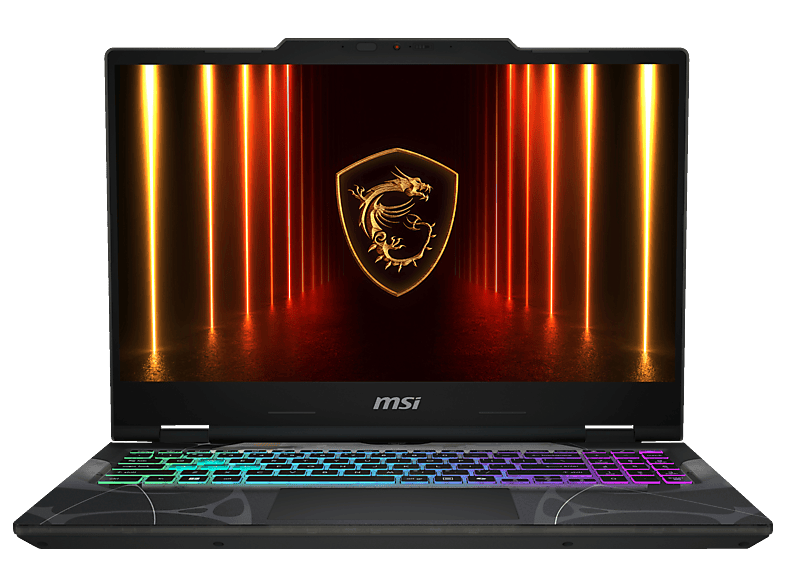 MSI·CYBORGMSI Cyborg 15 B13WEKG-867NN€1,049±0.0%
 MSI·CYBORGMSI Cyborg 15,6" Full HD Gaming Notebook RTX 5060 Intel Core€1,049−2.8%
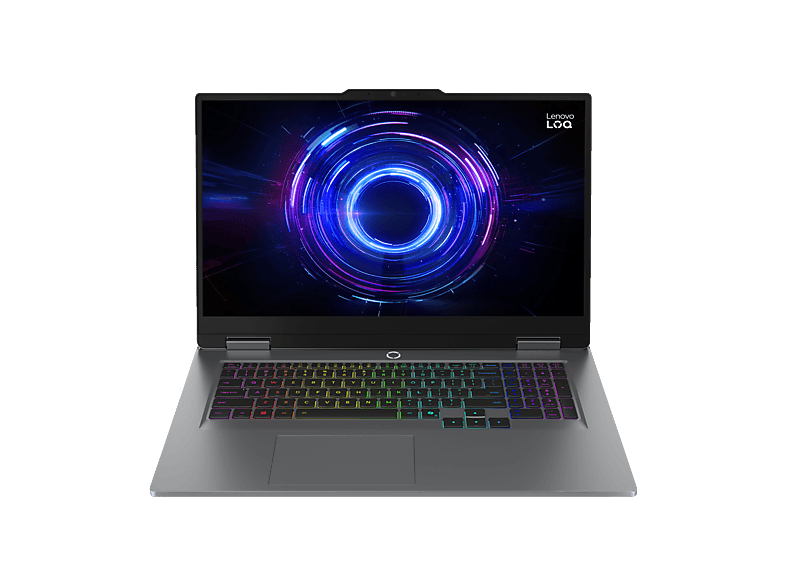 LEN·LOQLENOVO LOQ 17IRX10 - 17,3 Zoll Intel® Core™ i5 i5-13450HX 16€1,099+6.8%
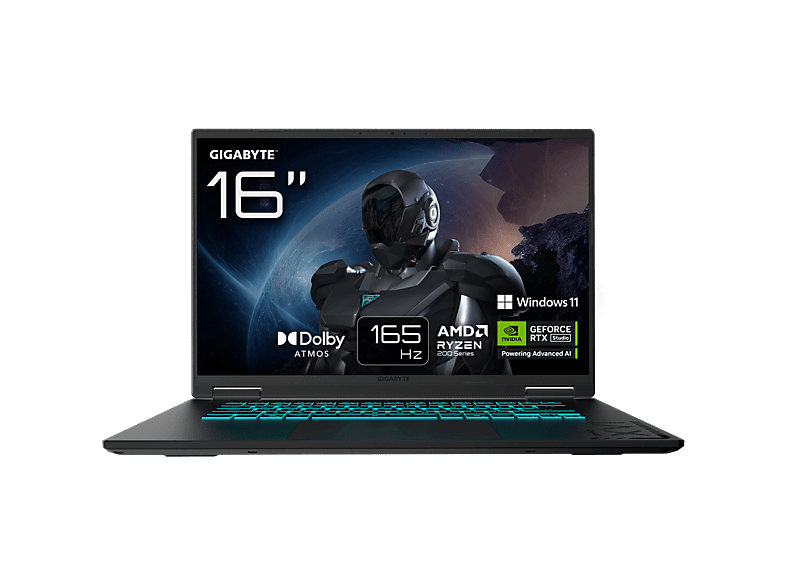 GIG·GAMINGGIGABYTE Gaming A16 3VHK3DE894SH€1,099±0.0%
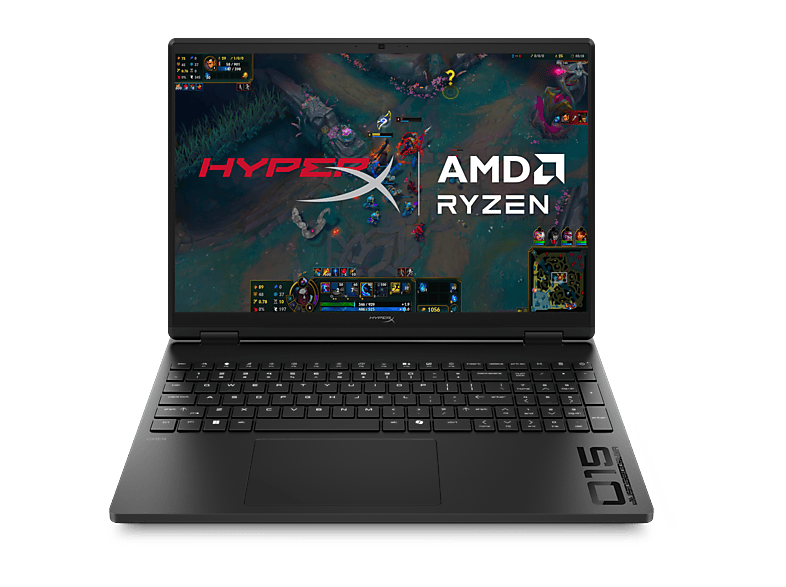 HP·HYPERXHP HyperX OMEN 15-gb0355ng€1,099±0.0%
 GIG·GAMINGGIGABYTE Gaming A16 - 16 Zoll Intel® Core™ i7 i7-13620H GB 1€1,099±0.0%
 GIG·GAMINGGIGABYTE Gaming A16 3VH, Black Steel, Ryzen 7 260, 16GB RAM€1,122±0.0%
 GIG·GAMINGGigabyte Gaming-Laptop AERO 5 15,6" 4K OLED Intel i7-12700H€1,149±0.0%
 GIG·GAMINGGIGABYTE GAMING A16 CWHI3DEC94SH - 16" QHD+ 165 Hz Display€1,189±0.0%
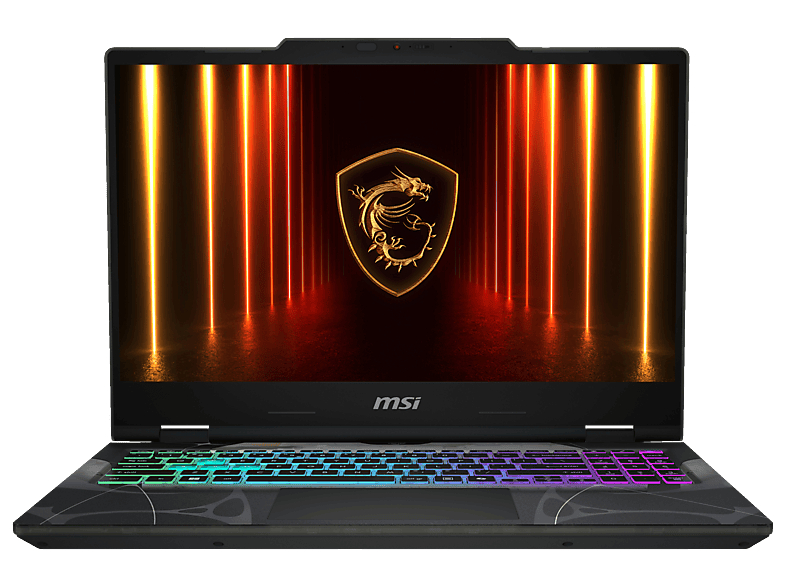 MSI·CYBORGMSI Cyborg 15 B13WFKG-827€1,199+26.3%
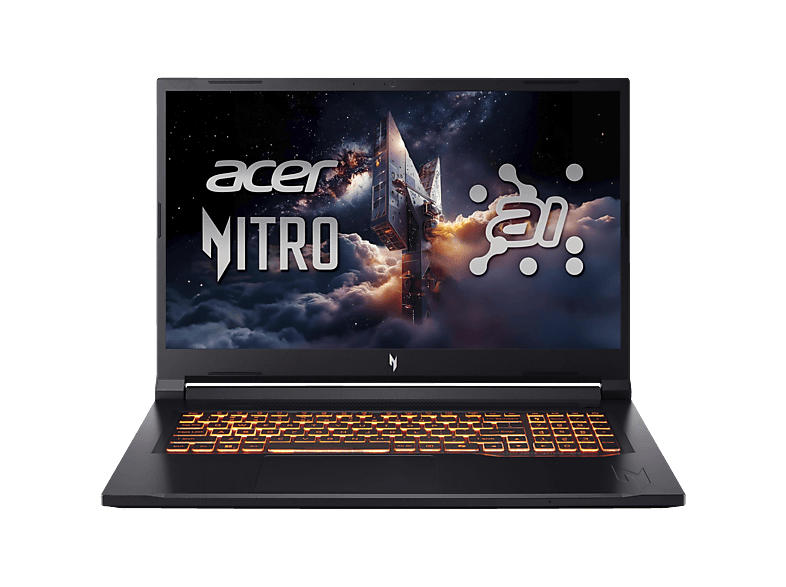 ACE·NITROACER Nitro V 17 AI (ANV17-41-R528) mit 144 Hz Display &€1,199+9.1%
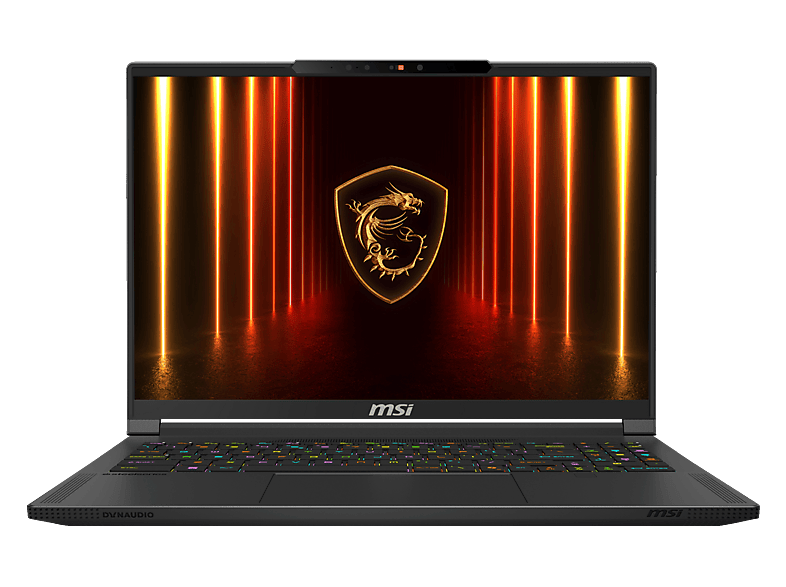 MSI·STEALTHMSI Stealth A16 AI+ A3HVEG-298NN€1,199+20.0%
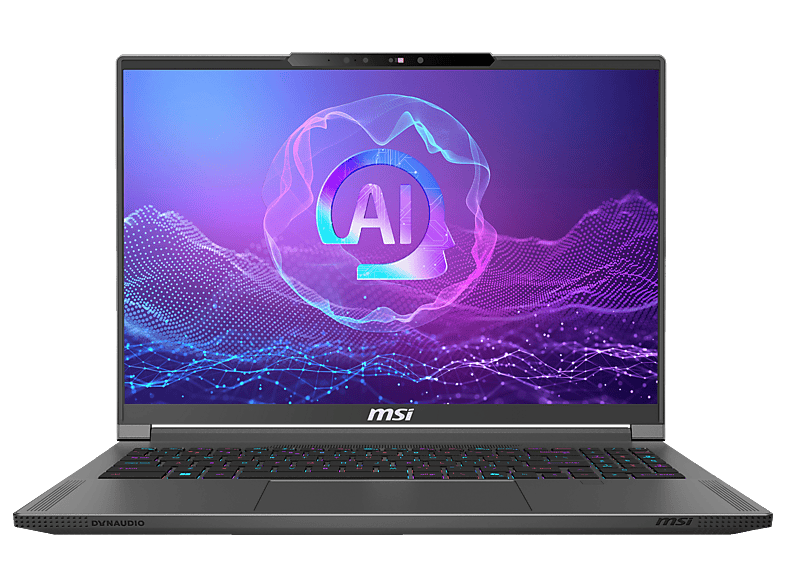 MSI·CREATORMSI Creator A16 AI+ A3HVEG-299NN€1,199+20.0%
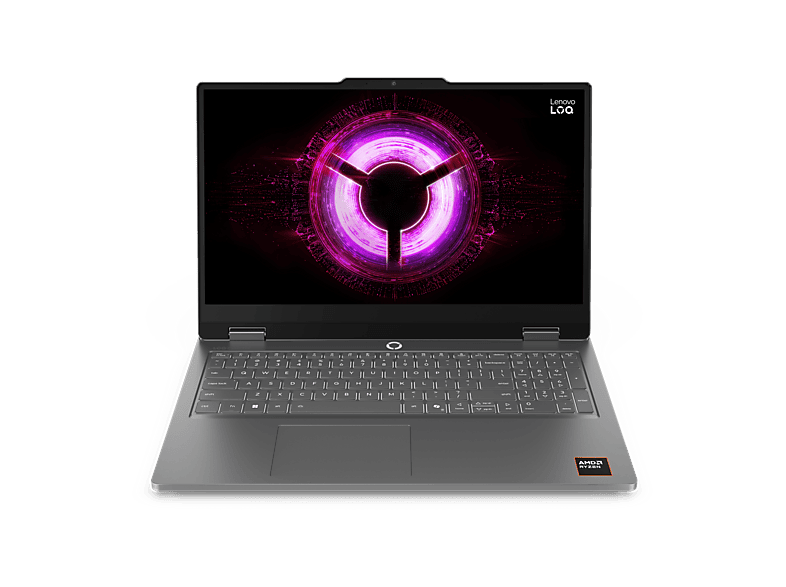 LEN·LOQLENOVO LOQ Essential 15ARP11€1,219+10.9%
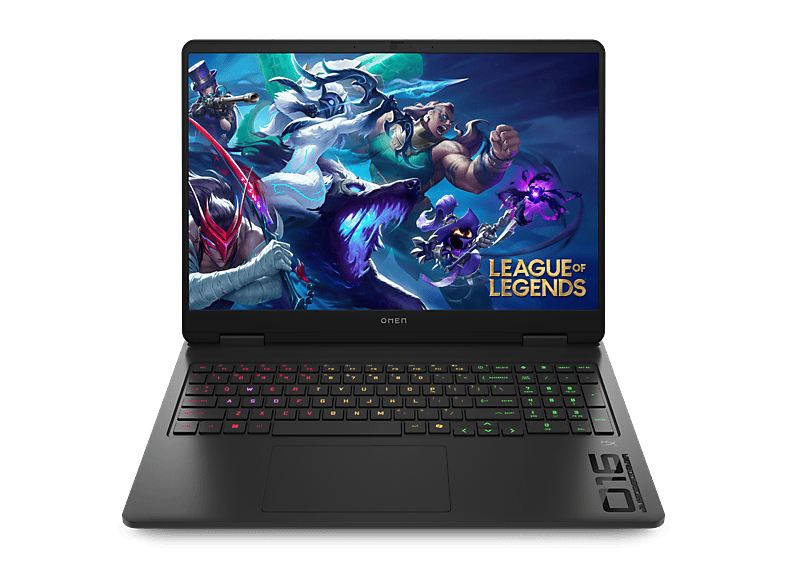 HP·OMENHP OMEN Gaming 16-am0353ng€1,239±0.0%
 GIG·GAMINGGigabyte Gaming A16 GA63H Notebook 16 Zoll Ryzen 7 16GB 1TB€1,249±0.0%
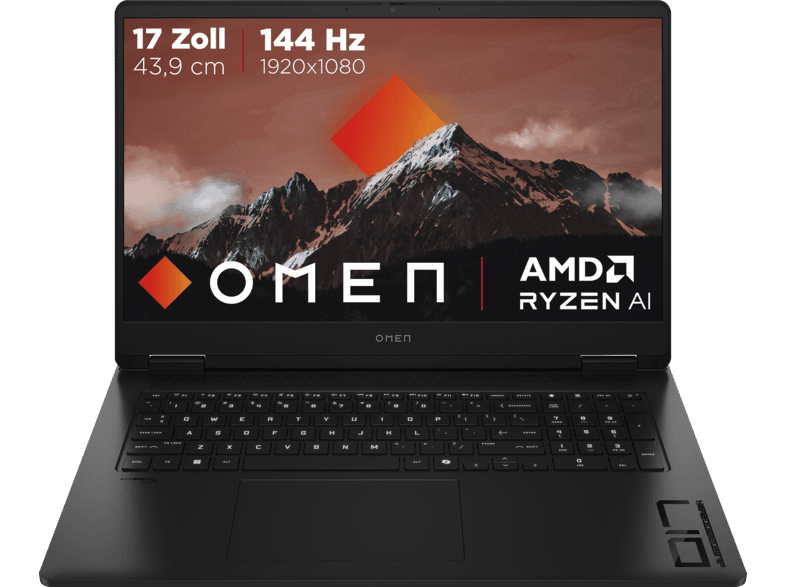 HP·OMENHP OMEN 17-db1351ng, Copilot+ PC€1,249−16.7%
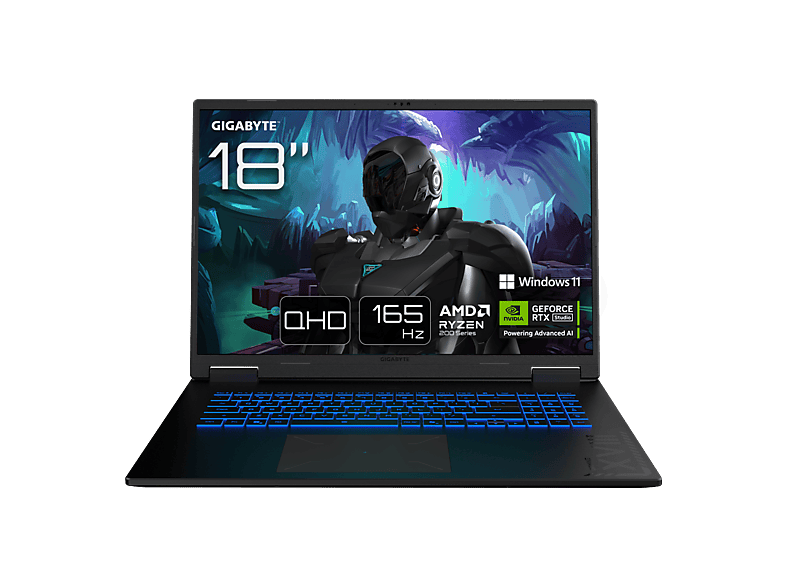 GIG·GAMINGGIGABYTE Gaming A18 3TH€1,299±0.0%
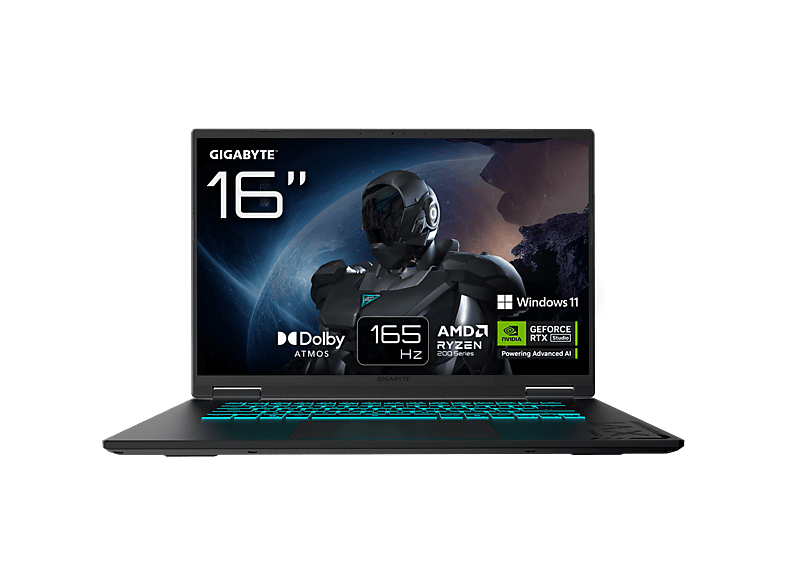 GIG·GAMINGGIGABYTE GAMING A16 3WHK3DE894SH€1,299±0.0%
 ACE·PREDATORAcer Predator Helios Neo 16 PHN16-73-98Y6 Core Ultra 9 RTX€1,379±0.0%
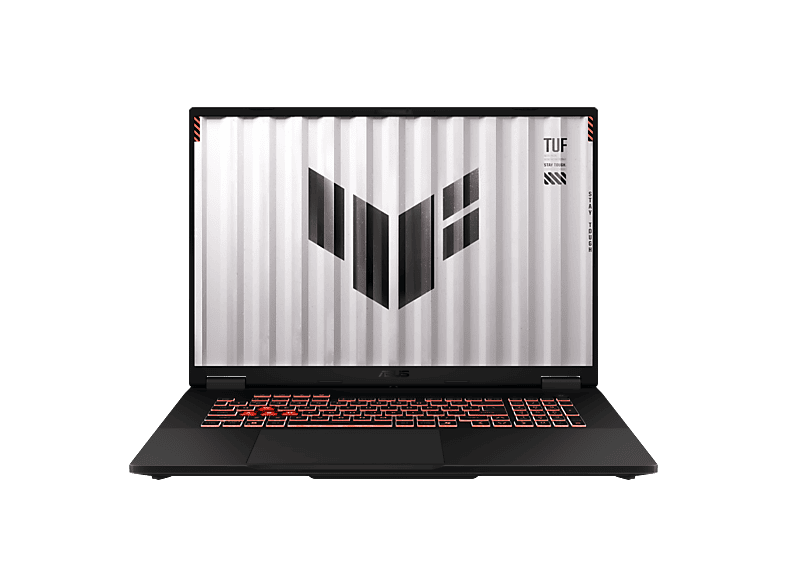 ASU·FA808UHASUS FA808UH-S8017W - 18 Zoll AMD Ryzen™ 7 260 16 GB 1 TB€1,399+7.7%
 MSI·GV72MSI GV72 8RC 17,3" i5-8300H GTX 1050 8GB 128GB SSD 1TB HDD€300–
 LEN·LOQLenovo LOQ Gaming Laptop 17IRX10, Core i7 GeForce RTX5060€1,400±0.0%
 GIG·GAMINGGIGABYTE Gaming 165Hz€1,499±0.0%
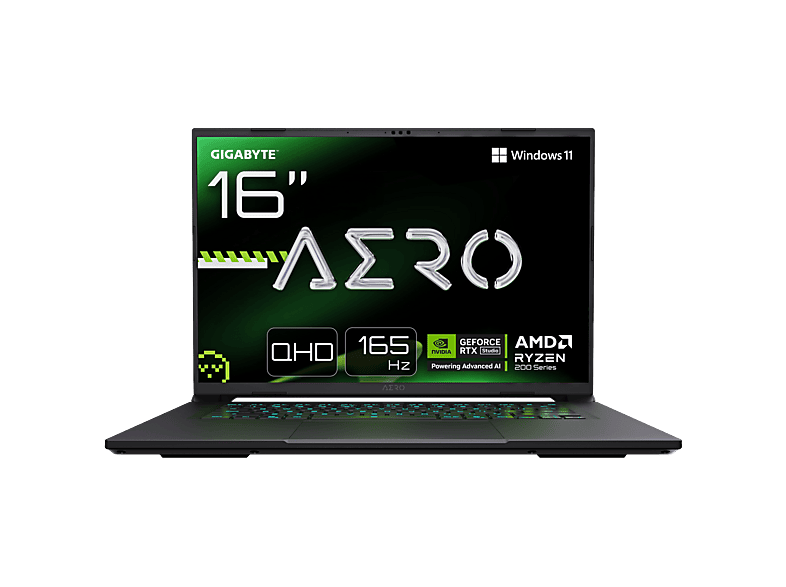 GIG·AEROGIGABYTE AERO X16 - 16 Zoll AMD Ryzen™ 9 270 GB 1 TB NVIDIA€1,499±0.0%
- ASU·FULLHDASUS (FullHD 17,3 Zoll Gaming Notebook24 GB · 1000 GB€777±0.0%±0.0%±0.0%
- ASU·GAMINGGaming Notebook Asus ROG Strix G171R9/RTX3070GeForce RTX 3070 · Gaming€650±0.0%––
- HP·GAMINGHP Gaming Notebook 17" | Intel i5 1135G7 4,20 Ghz | 16GB RAM | 1TB SSD16 GB · 1024 GB€699±0.0%±0.0%±0.0%13 d
- LEN·LOQLenovo LOQ | Laptop | i7 | 16GB | 512GB | RTX 507016 GB · 512 GB€1,319±0.0%±0.0%−4.4%10 d
- ACE·EINZELSTEinzelstück - Acer Nitro V 15 ANV15 52 77F6 Gaming Notebook i7-13620HIntel Core i7 · 13. Gen€799±0.0%−11.1%−11.1%21 d
- ASU·TUFASUS TUF Gaming FX506 HGaming€500±0.0%––
- ACE·NITROAcer Nitro 16 AN16-42-R6U0 Ryzen R7 8x3,80Ghz 512GB 16GB Geforce512 GB · GeForce RTX 4060€869±0.0%––
- HP·VICTUSHP Victus 15-fb3357ng Gaming Notebook 15,6 Zoll 16 GB RAM AMD Ryzen 516 GB · 16 GB€874±0.0%+5.6%+5.6%12 d
- ACE·NITROAcer Nitro V17 AI ANV17-41-R2K8 Gaming Ryzen 5 GeForce RTX 5050 17,3"16 GB · 512 GB€888±0.0%+1.5%−22.7%
- GIG·EAGLEGIGABYTE Eagle Gaming Laptop16 ″ · AMD Ryzen 5€899±0.0%−5.3%−10.0%18 d
- MSI·CYBORGMSI Cyborg 15 Gaming Laptop i7-13620H RTX 4060 16GB 512GB SSD 15,6"16 GB · 512 GB€900±0.0%±0.0%±0.0%24 d
- HP·UNGEOEFFNeu & ungeöffnet HP Victus | RTX 5050 8GB | i5-13420H | 16GB DDR516 GB · 16 GB€900±0.0%––
- ASU·ROGASUS ROG Zephyrus G14 Gaming Notebook Ryzen 9 RTX 4050 32GB 1TB SSD 1432 GB · 1024 GB€999±0.0%–+33.2%
- HP·VICTUSHP Victus Gaming 15-fa2357ng16 GB · 16 GB€999±0.0%±0.0%±0.0%18 d
- ASU·TUFASUS TUF Gaming A16 FA607NUQ-RL038W 16 Zoll Gaming Laptop AMD Ryzen 716 ″ · AMD Ryzen 7€1,010−1.0%−1.0%+0.4%11 d
- MSI·CYBORGMSI Cyborg 15 B13WEKG-867NN16 GB · 16 GB€1,049±0.0%±0.0%±0.0%18 d
- MSI·CYBORGMSI Cyborg 15,6" Full HD Gaming Notebook RTX 5060 Intel Core 7 240H16 GB · 512 GB€1,049±0.0%−2.8%−2.8%17 d
- LEN·LOQLENOVO LOQ 17IRX10 - 17,3 Zoll Intel® Core™ i5 i5-13450HX 16 GB 51216 GB · 16 GB€1,099±0.0%+6.8%−15.4%18 d
- GIG·GAMINGGIGABYTE Gaming A16 3VHK3DE894SH1024 GB · 16 ″€1,099±0.0%±0.0%±0.0%18 d
- HP·HYPERXHP HyperX OMEN 15-gb0355ng16 GB · 16 GB€1,099±0.0%±0.0%−8.3%18 d
- GIG·GAMINGGIGABYTE Gaming A16 - 16 Zoll Intel® Core™ i7 i7-13620H GB 1 TB NVIDIA1024 GB · 16 ″€1,099±0.0%±0.0%−15.4%18 d
- GIG·GAMINGGIGABYTE Gaming A16 3VH, Black Steel, Ryzen 7 260, 16GB RAM, 1TB SSD16 GB · 1024 GB€1,122±0.0%––
- GIG·GAMINGGigabyte Gaming-Laptop AERO 5 15,6" 4K OLED Intel i7-12700H 16GB 1TB16 GB · 1024 GB€1,149±0.0%––
- GIG·GAMINGGIGABYTE GAMING A16 CWHI3DEC94SH - 16" QHD+ 165 Hz Display16 ″ · Intel Core i7€1,189±0.0%––
- MSI·CYBORGMSI Cyborg 15 B13WFKG-82716 GB · 16 GB€1,199±0.0%+26.3%±0.0%18 d
- ACE·NITROACER Nitro V 17 AI (ANV17-41-R528) mit 144 Hz Display &16 GB · 16 GB€1,199±0.0%+9.1%±0.0%18 d
- MSI·STEALTHMSI Stealth A16 AI+ A3HVEG-298NN32 GB · 32 GB€1,199±0.0%+20.0%±0.0%18 d
- MSI·CREATORMSI Creator A16 AI+ A3HVEG-299NN32 GB · 32 GB€1,199±0.0%+20.0%±0.0%18 d
- LEN·LOQLENOVO LOQ Essential 15ARP1116 GB · 1024 GB€1,219±0.0%+10.9%−12.9%18 d
- HP·OMENHP OMEN Gaming 16-am0353ng1024 GB · 16 ″€1,239±0.0%±0.0%−11.4%18 d
- GIG·GAMINGGigabyte Gaming A16 GA63H Notebook 16 Zoll Ryzen 7 16GB 1TB SSD WUXGA16 GB · 1024 GB€1,249±0.0%––
- HP·OMENHP OMEN 17-db1351ng, Copilot+ PC16 GB · 1024 GB€1,249±0.0%−16.7%+4.2%18 d
- GIG·GAMINGGIGABYTE Gaming A18 3TH16 GB · 1024 GB€1,299±0.0%±0.0%−13.3%18 d
- GIG·GAMINGGIGABYTE GAMING A16 3WHK3DE894SH1024 GB · 16 ″€1,299±0.0%±0.0%−7.1%18 d
- ACE·PREDATORAcer Predator Helios Neo 16 PHN16-73-98Y6 Core Ultra 9 RTX 5060 16"16 ″ · Intel Core Ultra 9€1,379±0.0%±0.0%−1.4%24 d
- ASU·FA808UHASUS FA808UH-S8017W - 18 Zoll AMD Ryzen™ 7 260 16 GB 1 TB NVIDIA16 GB · 1024 GB€1,399±0.0%+7.7%+7.7%18 d
- MSI·GV72MSI GV72 8RC 17,3" i5-8300H GTX 1050 8GB 128GB SSD 1TB HDD Win118 GB · 1024 GB€300–––
- LEN·LOQLenovo LOQ Gaming Laptop 17IRX10, Core i7 GeForce RTX5060Intel Core i7 · GeForce RTX 5060€1,400±0.0%––
- GIG·GAMINGGIGABYTE Gaming 165Hz16 GB · 1024 GB€1,499±0.0%±0.0%−16.7%18 d
- GIG·AEROGIGABYTE AERO X16 - 16 Zoll AMD Ryzen™ 9 270 GB 1 TB NVIDIA GeForce1024 GB · 16 ″€1,499±0.0%±0.0%−11.8%18 d
New gaming notebooks with dedicated graphics – from entry-level RTX to high-end models. We show you what really matters beyond the GPU.
The graphics card defines the class
In a gaming laptop, the dedicated graphics card is the most important component – and the only one you can't upgrade later. Nvidia's RTX laptop chips fall roughly into three tiers: the 50-class models (such as the RTX 4050 or 5050) are entry-level cards for Full HD at medium to high settings, the 60-class models are the mid-range and the most popular value segment, and from the 70-class upwards you're in high-end territory for higher resolutions and demanding titles.
Important: the same chip name can perform differently in different laptops. Manufacturers set the GPU's maximum power draw (TGP, in watts) themselves. An RTX GPU with a high TGP in a well-cooled chassis is noticeably faster than the same GPU in a slim notebook with a low TGP. So check the spec sheet or the manufacturer's website before comparing models by GPU name alone.
Pairing processor, RAM and SSD
For gaming, a current six- or eight-core chip is usually enough – for example an Intel Core i5/i7 from the H series, a Core Ultra, or an AMD Ryzen 5/7 from the HS or HX series. Low-power U processors rarely make sense in gaming laptops. 16 GB of RAM is the minimum today; 32 GB is worth it if you stream or edit video on the side. Check whether the RAM is socketed (upgradeable) or soldered.
Modern games easily take up 100 GB or more. A 1 TB SSD is therefore the sensible size, and many models have a second M.2 slot for adding storage later.
Display, cooling and everyday use
A gaming display should run at 144 Hz or more; 165 or 240 Hz is common in the mid-range and high end. At 16 inches, the 16:10 format with 1920 × 1200 or 2560 × 1600 pixels has become standard. Look for an IPS or OLED panel – older or very cheap devices sometimes use washed-out panels with poor colour coverage.
Gaming laptops are loud and heavy under load, and the battery often lasts only one to two hours while gaming. If you also carry the laptop to university or the office, a model with switchable graphics (Optimus/Advanced Optimus or a MUX switch) has the edge.
- Check GPU class and TGP in the spec sheet
- At least 16 GB RAM, ideally upgradeable
- 1 TB SSD or a free M.2 slot
- 144 Hz or more, IPS or OLED