Reklam
Chromebook'lar
Dizüstü bilgisayar karşılaştırması
Chromebook'lar saniyeler içinde açılır, neredeyse hiç bakım gerektirmez ve çoğu zaman Windows dizüstülerinden daha ucuzdur. Burada yeni ve ikinci el modelleri karşılaştırabilirsin – ayrıca güncelleme süresinde nelere dikkat etmen gerektiğini.
| Görsel | Model | Temel özellikler | min. |
|---|---|---|---|
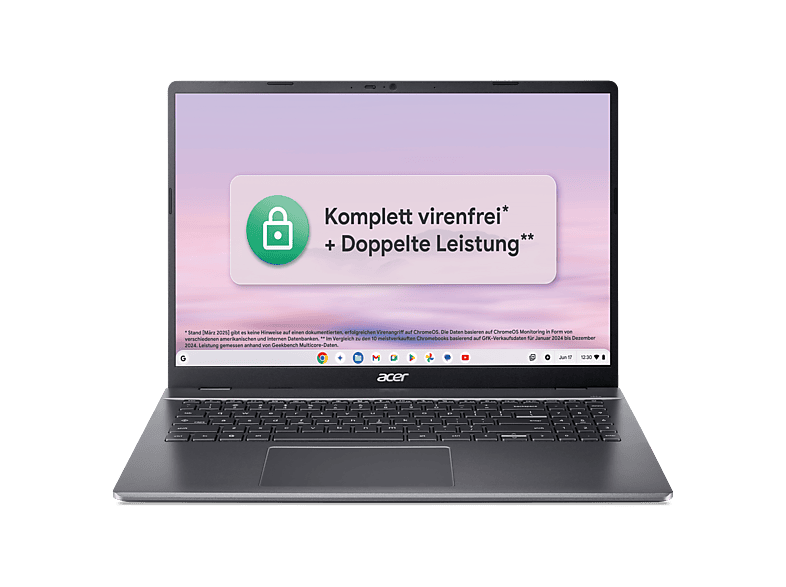 | ACER Chromebook Plus 516 (CB516-1HT-35KB) mit Tastaturbeleuchtung … | 8 GB · 16.0 ″ · Intel Core 3 | €499,00 |
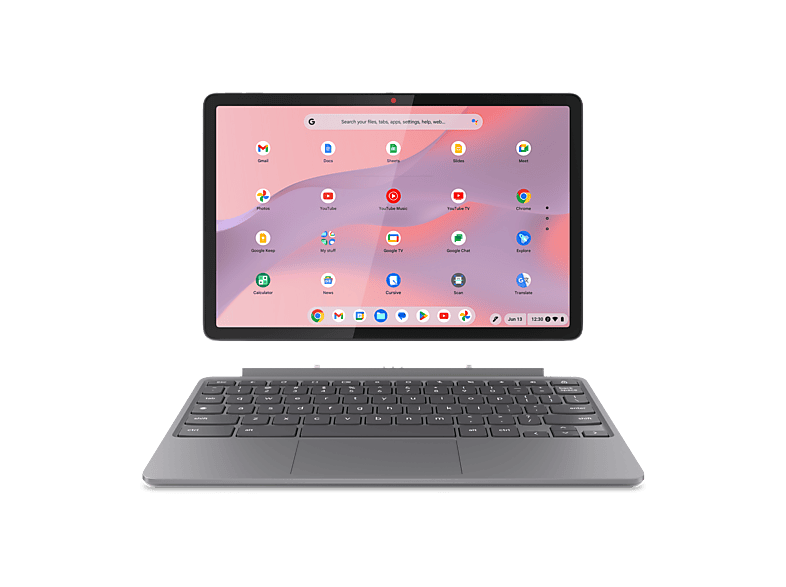 | LENOVO Chromebook Duet 11M889 - 10,95 Zoll MediaTek Kompanio 838 4 GB 128 … | 4 GB · 95 ″ · MediaTek | €449,00 |
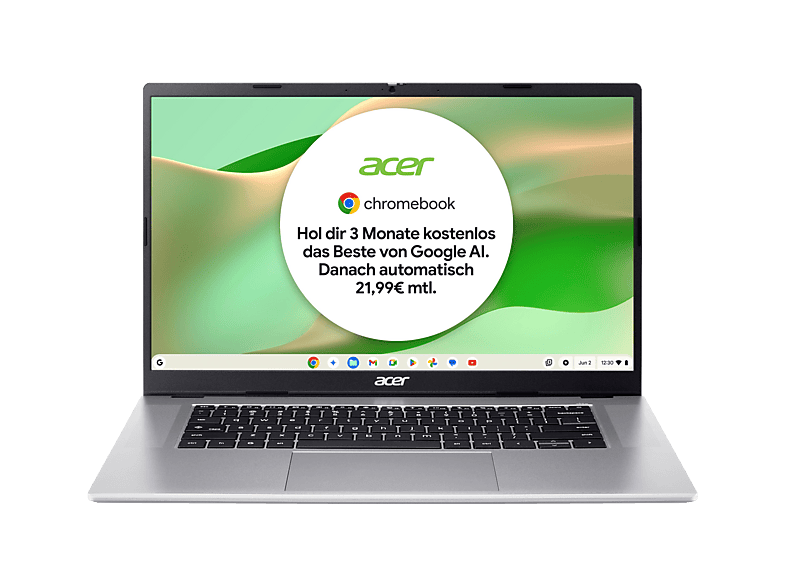 | ACER Chromebook 315 (CB315-8HT-826W) Touch Display … | 8 GB · 15.6 ″ · MediaTek | €399,00 |
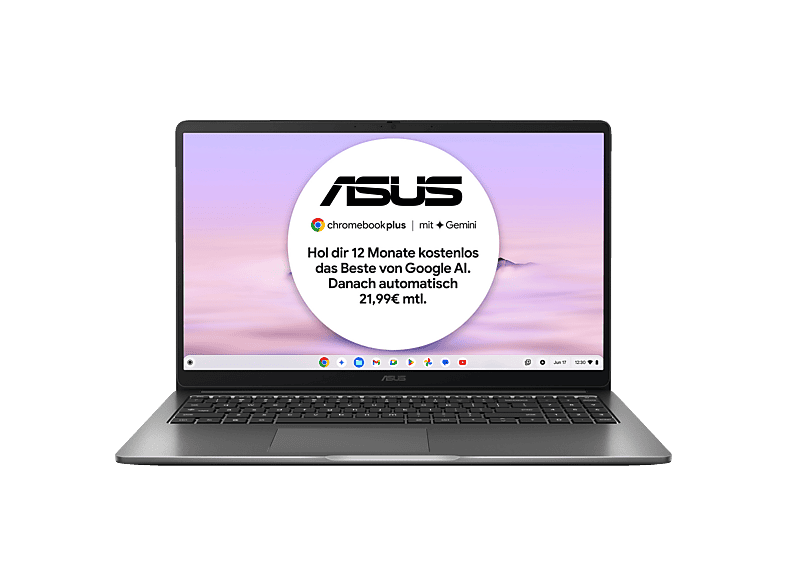 | ASUS CX15 CX1505CTA-S70092, Chromebook, Laptop … | 8 GB · 15.6 ″ · Intel Core i3 | €399,00 |
ACER Chromebook Plus 516 (CB516-1HT-35KB) mit Tastaturbeleuchtung …Acer · 8 GB · 16.0 ″€499,00LENOVO Chromebook Duet 11M889 - 10,95 Zoll MediaTek Kompanio 838 4 GB 128 …Lenovo · 4 GB · 95 ″€449,00ACER Chromebook 315 (CB315-8HT-826W) Touch Display …Acer · 8 GB · 15.6 ″€399,00ASUS CX15 CX1505CTA-S70092, Chromebook, Laptop …ASUS · 8 GB · 15.6 ″€399,00MediaMarktReklam
MediaMarktReklam
MediaMarktReklam
Chromebook'lar
Chromebook'lar
Chromebook'lar
Chromebooks run Google's ChromeOS. At their heart are the Chrome browser, web apps and Android apps from the Play Store. That's ideal for email, browser-based office apps (Google Docs, Microsoft 365 for the web), video calls, streaming and homework. Virus protection and updates run automatically in the background.
Chromebooks aren't suitable if you rely on classic Windows programs – such as certain tax, industry-specific or gaming software. Check beforehand whether a web or Android version exists for your applications.
Every Chromebook only receives software and security updates up to a fixed date (Auto Update Expiration, AUE). For newer models, Google guarantees up to ten years of updates from the platform's launch. With used and very cheap devices, however, that date may already have passed or be close – in which case you shouldn't buy them. You'll find the date on Google's support page for the Auto Update policy or in the settings under “About ChromeOS”.
Google uses the “Chromebook Plus” label for devices that meet a minimum spec: among other things, a faster processor, 8 GB RAM, 128 GB storage and a Full HD display. These models offer extra features and stay smooth for longer. Basic Chromebooks with 4 GB RAM and 32 or 64 GB of eMMC storage are fine for schoolchildren and as second devices.
In our comparison you'll find new and used Chromebooks. Used devices from school or company stock – such as models with the suffix “EE” (Education Edition) – are often very cheap. But be sure to check the update expiry date and whether the device has been released from management (enterprise enrolment); otherwise it may not be possible to set it up for private use. New Chromebooks offer the longest update period and are therefore particularly worthwhile for children who will use the device over several school years.
Otomatik Güncelleme Bitiş tarihine kadar. Yeni modeller platformun çıkışından itibaren on yıla kadar güncelleme alır; eski cihazlar belirgin şekilde daha az.
Microsoft 365'in web sürümü tarayıcıda çalışır. Klasik Windows masaüstü sürümleri yüklenemez.
Evet, Chromebook'lar sağlam, hızlı ve kolay yönetilir. Birçok okul bilinçli olarak onları kullanır.
Asgari bir donanıma (8 GB RAM, 128 GB depolama, Full HD dahil) sahip ve ek özellikler alan Chromebook'lar için bir Google etiketidir.
Yalnızca güncelleme bitiş tarihine hâlâ birkaç yıl varsa. Aksi takdirde cihaz yakında güvenlik güncellemesi almayı bırakır.