

Реклама
Ноутбуки Asus
Порівняння: Ноутбук
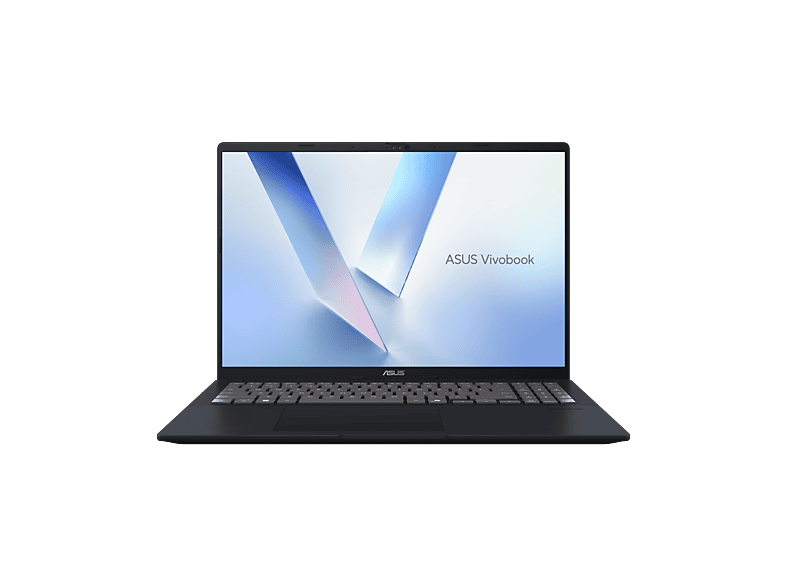
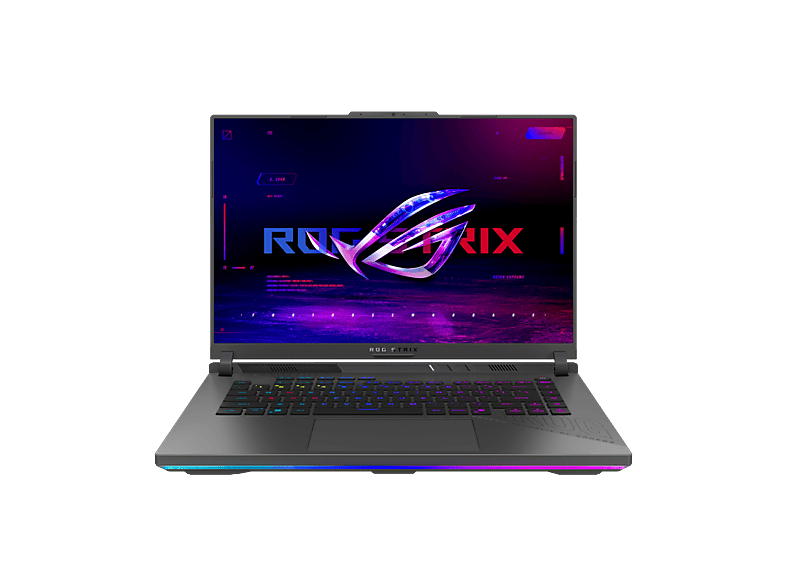
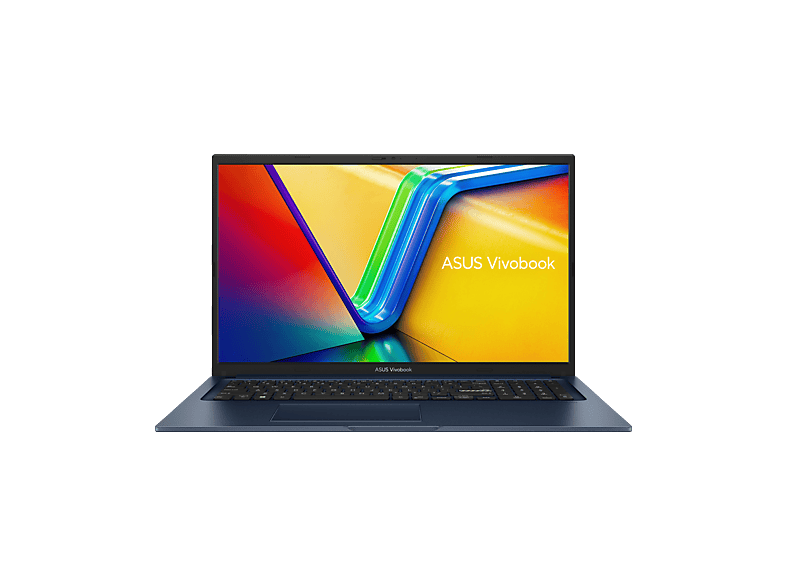
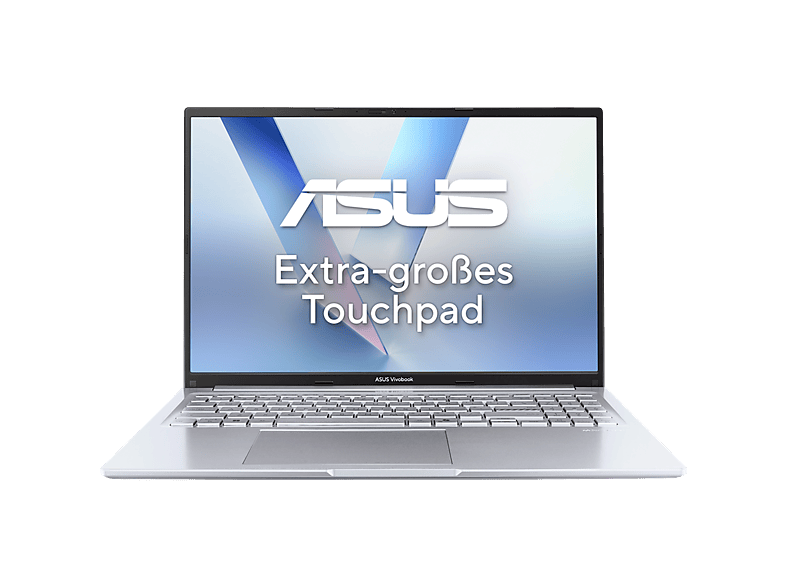
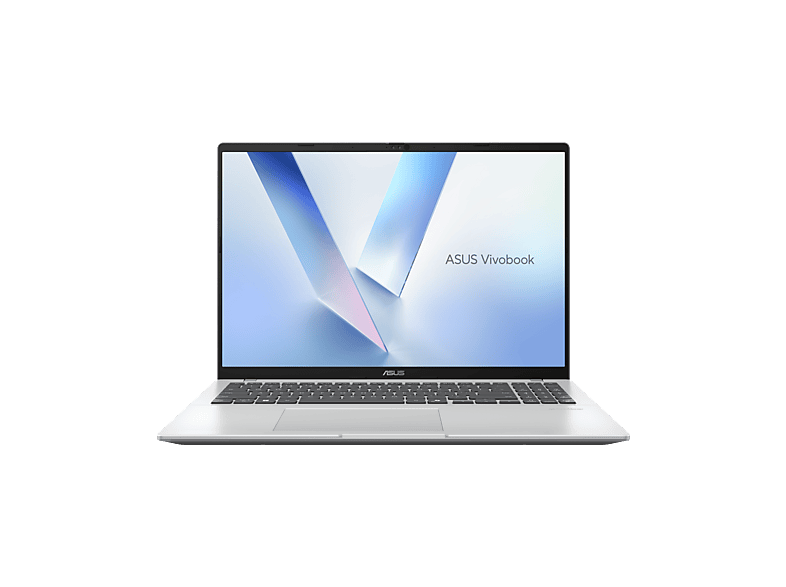
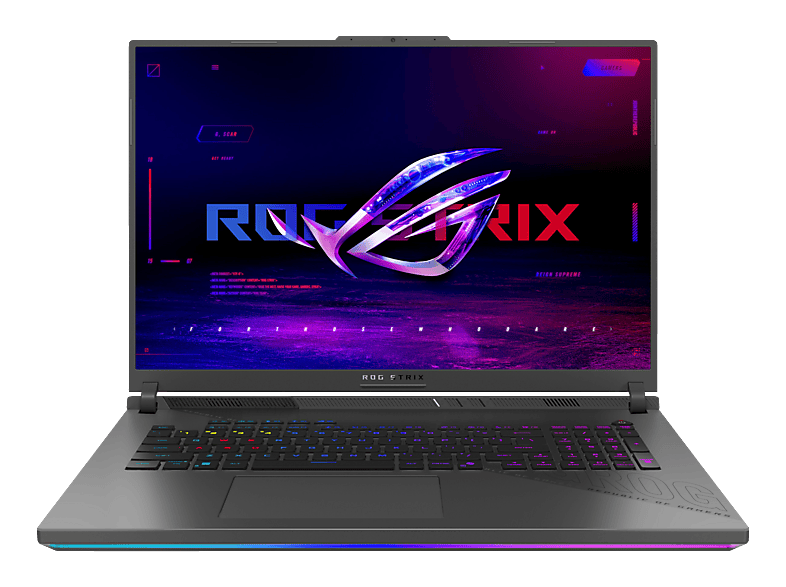
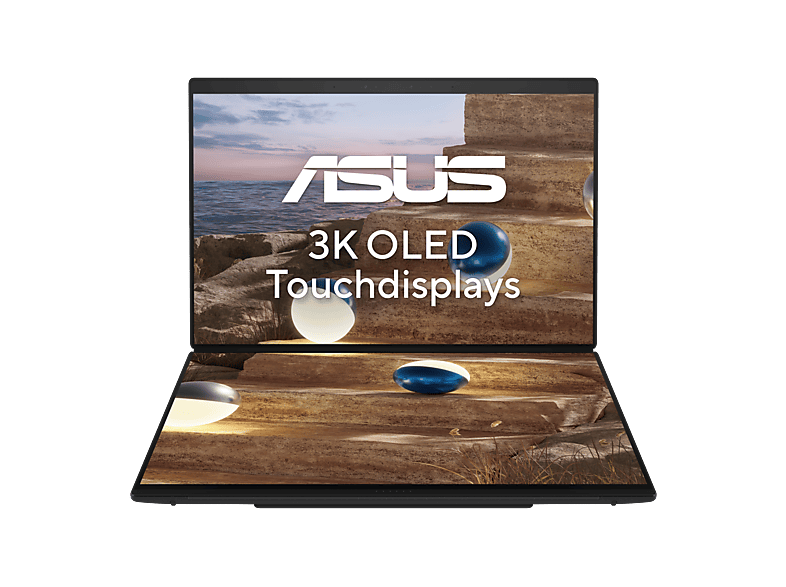
Asus охоплює все – від доступного Vivobook до потужного ігрового ROG. Тут можна порівняти ноутбуки Asus – нові й вживані, без Chromebook.
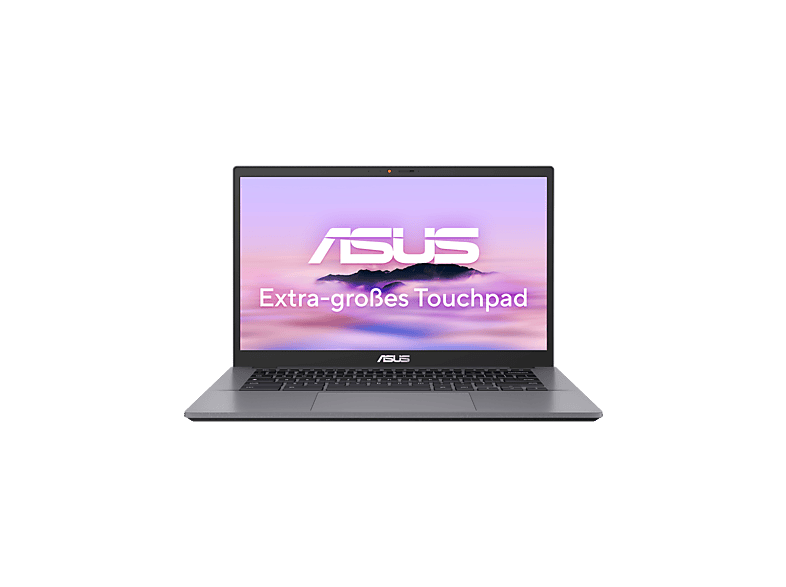
 ASUS FA808UH-S8017W - 18 Zoll AMD Ryzen™ 7 260 16 GB 1 TB NVIDIA GeForce …ASUS · 16 GB · 1024 GB1 299,00 €
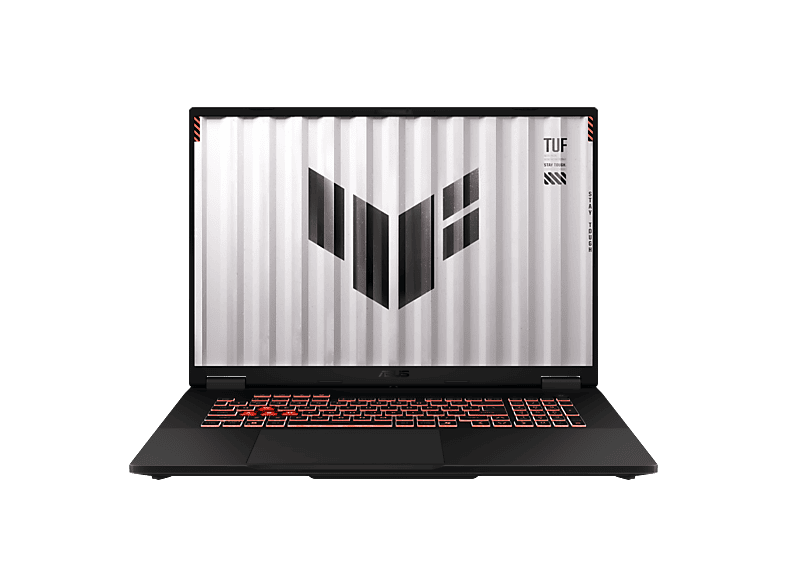
 ASUS UX3405CA-QL1307W - 14 Zoll Intel® Core™ Ultra 9 285H 32 GB 1 TB Arc™ …ASUS · 32 GB · 1024 GB1 399,00 €
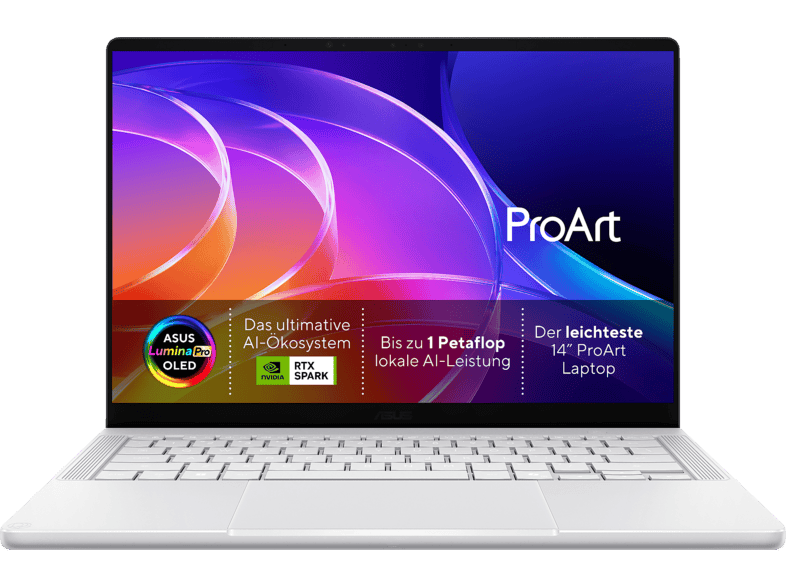
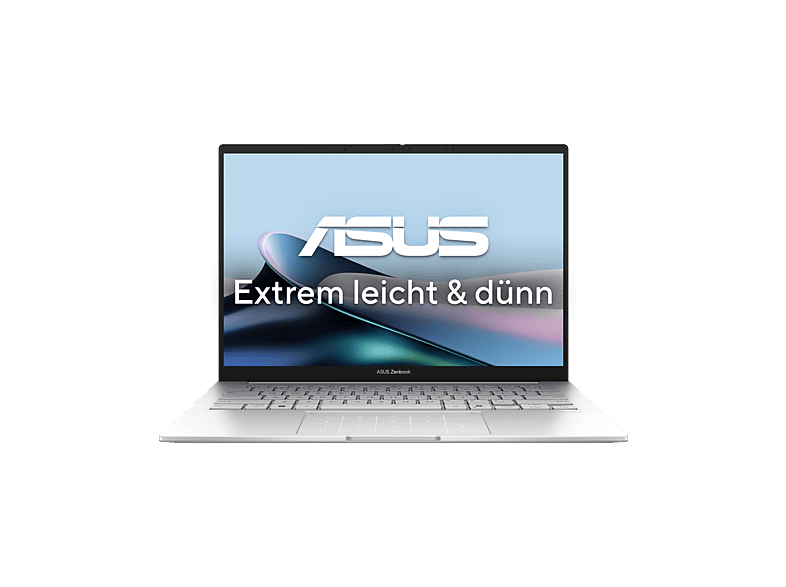 ASUS Zenbook 14 OLED UX3405CA-QL1496W …ASUS · 16 GB · 1024 GB1 099,00 €
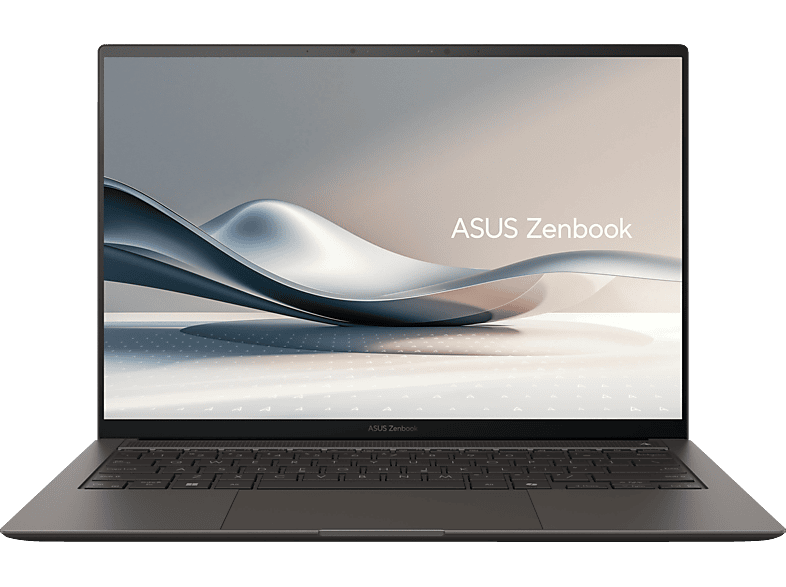 ASUS Zenbook S 14 OLED UX5406SA-PV237W, Copilot+ PC …ASUS · 32 GB · 1024 GB1 599,00 €
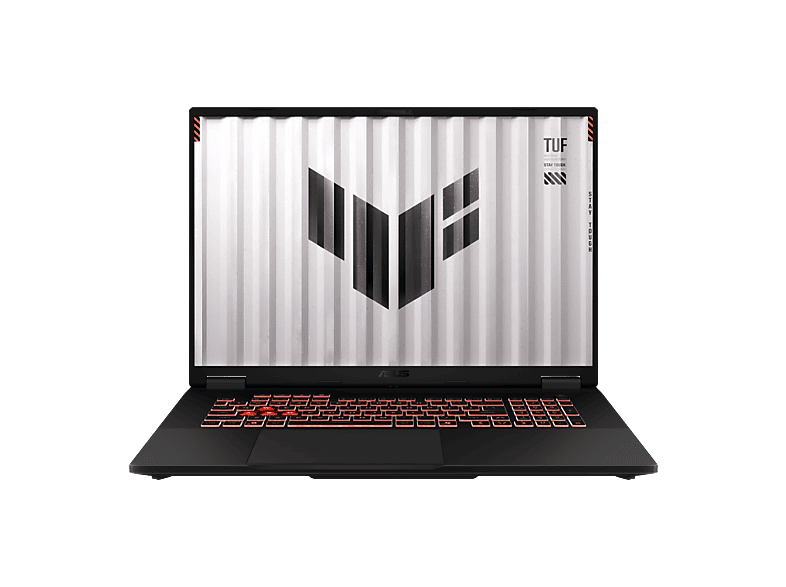 ASUS FA808UP-S8119W - 18 Zoll AMD Ryzen™ 7 260 16 GB 1 TB NVIDIA GeForce …ASUS · 16 GB · 1024 GB1 699,00 €
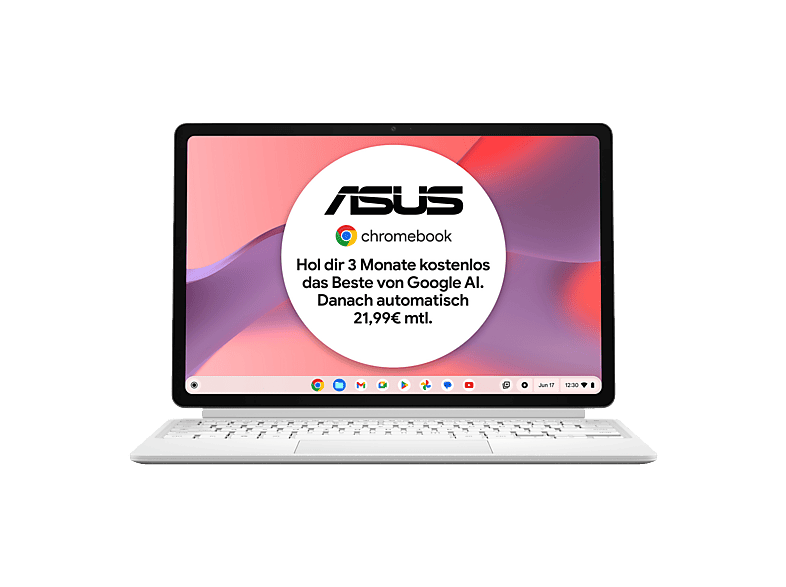
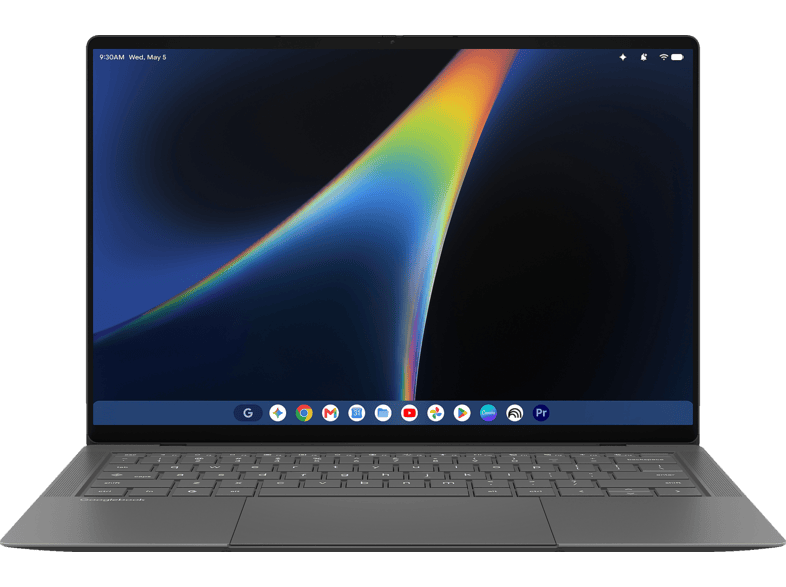 ASUS Googlebook 14 CX9406CAA-TG0089 …ASUS · 16 GB · 16 GB1 699,00 €
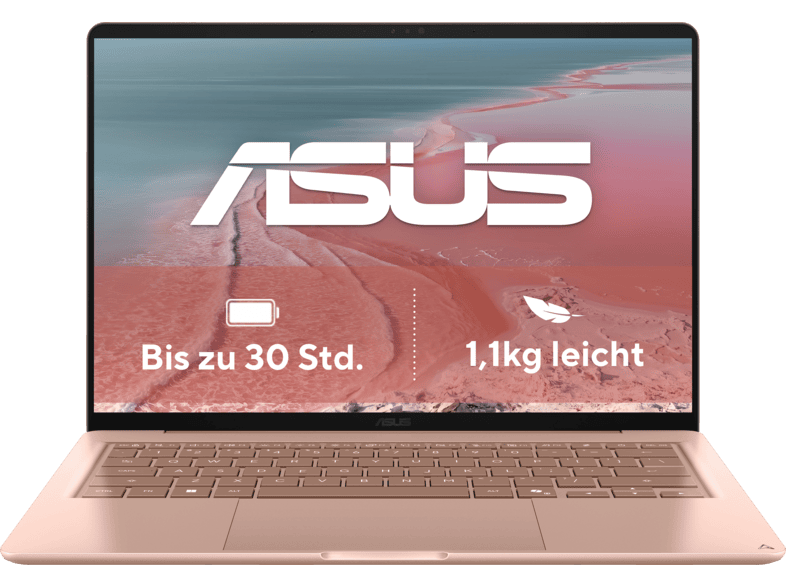 ASUS Zenbook 14 Coral UX3480QA-U1023W …ASUS · 16 GB · 16 GB949,00 €
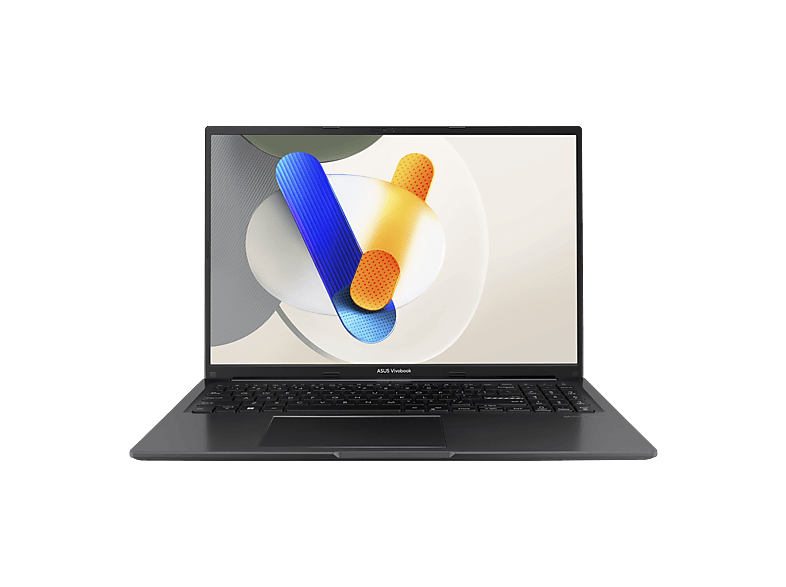 ASUS X1605VA-MB2850W - 16 Zoll Intel® Core™ 9 270H 24 GB 1 TB Onboard …ASUS · 24 GB · 1024 GB899,00 €
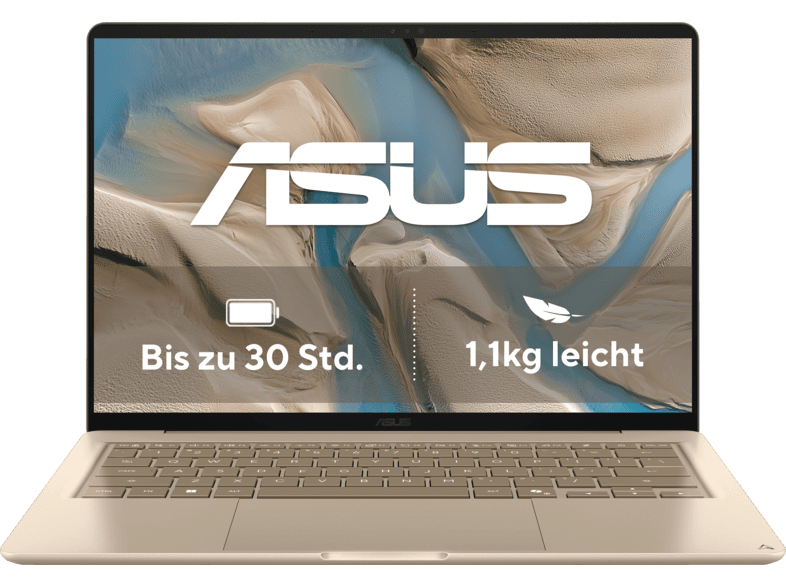 ASUS Zenbook 14 Beige UX3480QA-U1157W …ASUS · 16 GB · 16 GB899,00 €
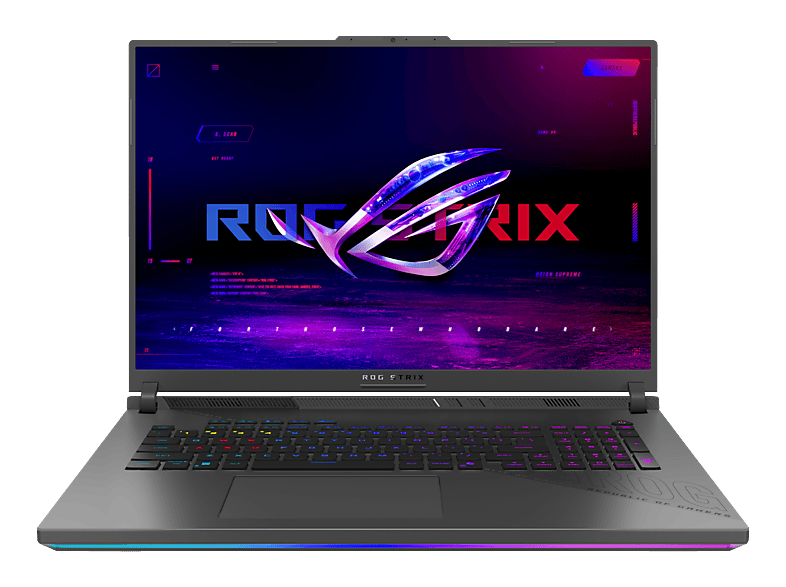 ASUS G814PM-S8023W - 18 Zoll AMD Ryzen™ 9 8940HX 32 GB 1 TB NVIDIA GeForce …ASUS · 32 GB · 1024 GB1 899,00 €
MediaMarktРеклама
MediaMarktРеклама
MediaMarktРеклама
MediaMarktРеклама
MediaMarktРеклама
MediaMarktРеклама
MediaMarktРеклама
MediaMarktРеклама
MediaMarktРеклама
MediaMarktРеклама
MediaMarktРеклама
MediaMarktРеклама
MediaMarktРеклама
MediaMarktРеклама
MediaMarktРеклама
MediaMarktРеклама
MediaMarktРеклама
MediaMarktРеклама
MediaMarktРеклама
MediaMarktРеклама
MediaMarktРеклама
MediaMarktРеклама
Показано 24 із Моделей: 33. Переглянути всі Ноутбуки з фільтрами →
Нові, вживані й відновлені — окремо від порівняння магазинів, ціни не старші за 6 годин.
eBay (mediamarkt-jena-city)Реклама
Ноутбуки Asus
Ноутбуки Asus
Ноутбуки Asus
Taiwanese manufacturer Asus sorts its notebooks into clearly separate families. If you know the series, you'll find the right model faster:
The combination “Asus, Core i5, 15.6-inch Full HD” is in high demand – typically a Vivobook 15 or 16. Note Intel's new names: instead of “Core i5”, current devices often carry “Core 5” (e.g. Core 5 120U) or “Core Ultra 5”. AMD Ryzen 5 and Ryzen AI 5 are equivalent in performance. For studying and office work, 16 GB RAM and an SSD of 512 GB or more are recommended.
Some dealers offer Asus models in their own configurations, for example with upgraded memory or pre-installed Office. Check whether the manufacturer's warranty remains valid and which Office licence is included.
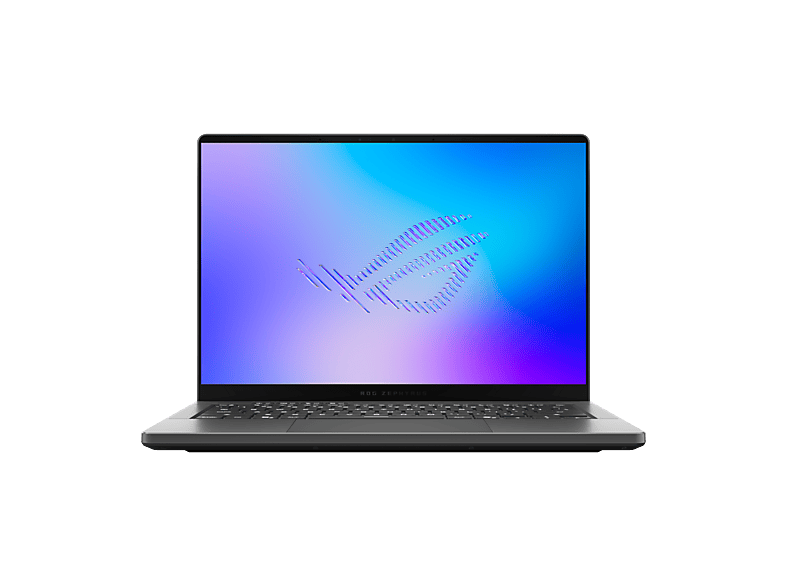
TUF models offer solid gaming performance with RTX graphics at comparatively moderate prices, while ROG devices focus on stronger cooling, brighter and faster displays and higher graphics performance. Used ROG Strix models are an interesting option – but pay attention to the graphics card generation, fan noise and battery condition.
This page shows Asus notebooks with Windows, new and used. Asus Chromebooks can be found on the dedicated Chromebook comparison page. With used Asus devices, it's worth looking at the model number (such as X1504, M1605 or G614): it helps you find the exact spec sheet from the manufacturer and check the processor, display variant and upgradeability.
For many consumer laptops, Asus provides the manufacturer's warranty on the basis of the proof of purchase. With dealer configurations featuring upgraded RAM or a larger SSD, you should clarify who is responsible in the event of a warranty claim.
With new Vivobooks, it's worth checking the display option: some models are available with either an IPS or an OLED panel. OLED offers more vivid colours and deep blacks, while IPS is usually cheaper and less sensitive to static content.
Vivobook – за добре співвідношення ціни та якості, Zenbook – якщо важливі мала вага й якісний дисплей.
TUF – доступніша й міцна ігрова лінійка. ROG – топовий сегмент із потужнішим охолодженням, швидшими дисплеями й зазвичай вищою графічною продуктивністю.
Так, особливо в лінійці Vivobook. Новіші моделі часто називаються «Core 5» або «Core Ultra 5» замість «Core i5».
Продавці пишуть назву по-різному. На цій сторінці обидва написання об'єднано.