
Guide
Buying a laptop in 2026: processor, RAM and display explained
Model names such as “Core Ultra 7 155H”, “Ryzen AI 5” or “Snapdragon X Plus” make buying a laptop confusing. This guide explains step by step which specs you really need for everyday use.
Updated 7 min readEditorial team wolaptop.de
Step 1: work out what you'll use the laptop for
Before comparing spec sheets, take an honest look at your needs. Do you browse, write emails and watch series? Then an entry-level device or a Chromebook is enough. Do you work from home with lots of browser tabs, video calls and Office? Then you need a solid mid-range processor and 16 GB RAM. For gaming, video editing or 3D applications, there's no way around a dedicated graphics card.
Mobility is just as important: if you carry the device to university or the office every day, you'll benefit from 13 to 14 inches and long battery life. If the laptop mostly sits on a desk, it can be bigger and heavier – and is often cheaper for the same performance.
Step 2: understanding processors
Intel changed its naming in 2024. The familiar “Core i3/i5/i7” live on in older and cheaper devices. Alongside them are the “Core 3/5/7” (without the i, e.g. Core 5 120U) as the mainstream line and the “Core Ultra 5/7/9” as the more modern platform with an integrated AI unit (NPU) and stronger graphics. The number 3, 5, 7 or 9 indicates the performance class – 5 is the sensible middle ground for most users.
The letters at the end reveal the intended use: “U” stands for low-power chips with long battery life, “P” for balanced performance, and “H” and “HX” for powerful processors in gaming and workstation laptops that need more power and cooling. Intel's N processors (N95, N100, N150) and Celeron are entry-level chips for simple tasks.
AMD calls its chips Ryzen 3, 5, 7 and 9, with current models partly branded “Ryzen AI”. The same applies here: 5 is the mid-range, 7 and 9 the high end. With AMD, “U” stands for economical and “HS”/“HX” for high-performance variants. The integrated Radeon graphics are comparatively strong on many Ryzen models.
New on the scene are Windows laptops with Qualcomm Snapdragon X (X Plus and X Elite). They're based on the ARM architecture, like smartphones, and score with very long battery life and quiet operation. Most common programs run natively or via emulation; for specialist software, older games, printer or scanner drivers and some anti-cheat systems, check beforehand whether they're supported.
- Entry level: Intel N series, Celeron, Core 3/i3, Ryzen 3
- All-rounders: Core 5/i5, Core Ultra 5, Ryzen 5 (U/P series)
- Performance: Core Ultra 7/9, Ryzen 7/9 (H/HS/HX series)
- Battery champion: Snapdragon X – check software compatibility
Laptops with a current mid-range processor
Ad All products linked with "View offer" are commission (affiliate) links: if you buy through them, we earn a commission – the price stays the same for you. As an Amazon Associate and eBay Partner Network affiliate we earn from qualifying purchases. Learn more
 Ad−8%
Ad−8% Ad
Ad Ad−27%
 Ad
AdStep 3: RAM and SSD
When it comes to RAM, the recommendation for 2026 is clear: 16 GB is the standard for Windows laptops, 8 GB only for simple tasks. 32 GB is worth it for video editing, large photo projects, software development or local AI applications. Check whether the memory is soldered or socketed. Soldered RAM (LPDDR) can't be upgraded – in that case you're better off buying one step up right away.
For storage, only an SSD will do. NVMe SSDs via PCIe are much faster than older SATA SSDs and many times faster than hard drives or the eMMC storage in budget devices. 512 GB is a good size for most people; if you store lots of photos, videos or games, go for 1 TB. Many laptops have a second M.2 slot for later expansion.
New laptops with 16 GB RAM
Ad All products linked with "View offer" are commission (affiliate) links: if you buy through them, we earn a commission – the price stays the same for you. As an Amazon Associate and eBay Partner Network affiliate we earn from qualifying purchases. Learn more
 Ad−21%Ad−8%
 Ad−40%
 Ad−43%
Step 4: judging the display
Display size determines weight and use case: 13 to 14 inches for travel, 15.6 to 16 inches as an all-rounder, 17 to 18 inches for the desk. The resolution should be at least Full HD (1920 × 1080). The 16:10 format (e.g. 1920 × 1200) shows more lines and is becoming increasingly common.
As for panel type, IPS displays are the solid standard with good viewing angles. OLED displays offer perfect blacks and vivid colours, but are usually more expensive. Avoid cheap TN panels. For outdoor use or bright rooms, high brightness (from around 300 cd/m²) and a matte, anti-glare surface help. Gamers and anyone who likes smooth scrolling should also look for a refresh rate of 90 Hz or more.
Step 5: battery, charging and ports
Manufacturers' battery life figures are usually measured under ideal conditions. More meaningful is the battery capacity in watt-hours (Wh) combined with the processor: economical U chips, newer-generation Core Ultra and Snapdragon X last much longer than H processors with dedicated graphics.
Since 28 April 2026, the EU common charger rule also applies to laptops: newly marketed notebooks that charge at up to 100 watts must be chargeable via USB-C. That makes everyday life easier, because you can use one charger for several devices. As for ports, look for at least one USB-C port with display and charging support, USB-A for older devices, HDMI and, if needed, a card reader. Thunderbolt 4 or USB4 are handy for docking stations.
Step 6: new or refurbished?
A refurbished business laptop is often the smartest choice on a small budget: a refurbished ThinkPad or EliteBook with a Core i5 and 16 GB RAM frequently offers more performance and quality than a new entry-level model at the same price. In return, you get an older device with a used battery and sometimes a shorter warranty. New devices score with a current processor, a fresh battery, a full manufacturer's warranty and a longer service life. Important with used devices: the CPU must officially support Windows 11.
Refurbished business laptops
Ad All products linked with "View offer" are commission (affiliate) links: if you buy through them, we earn a commission – the price stays the same for you. As an Amazon Associate and eBay Partner Network affiliate we earn from qualifying purchases. Learn more
 Ad
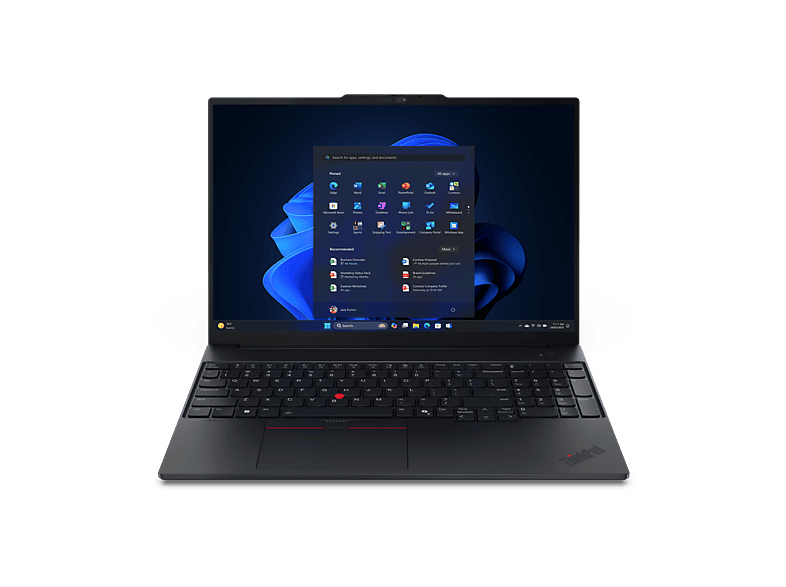
AdLENOVO - B2B ThinkPad E14 Gen 8, Copilot+ PC 14 Zoll AMD Ryzen™ AI 5 330 16 …
 Ad
AdLENOVO - B2B ThinkPad E16 Gen 3 16 Zoll AMD Ryzen™ 5 220 GB 512 Radeon™ …
 Ad
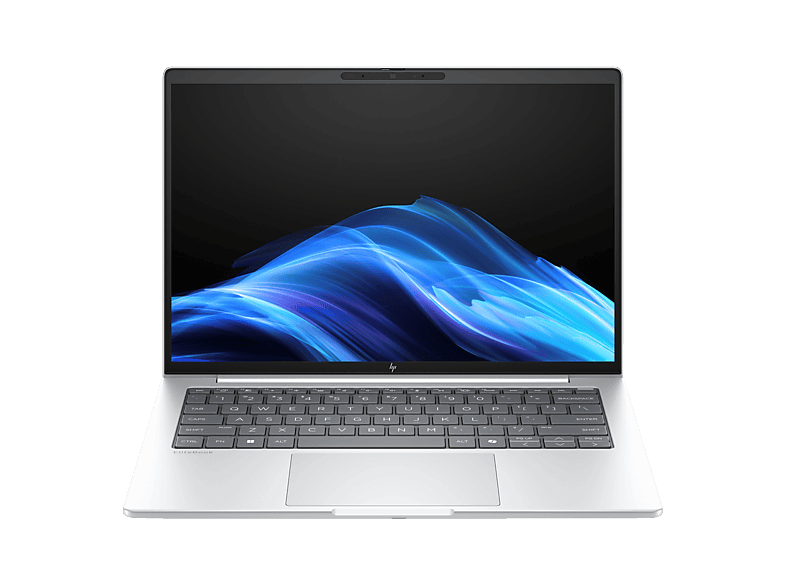
AdDELL - B2B Latitude 5450 14 Zoll Intel® Core™ Ultra 5 125U 8 GB 512 Onboard …
 Ad
AdStep 7: keyboard, touchpad, webcam and chassis
You use the input devices every day – yet they rarely appear in the spec sheet. A good keyboard has a clear actuation point, sufficient key travel and ideally a backlight. When buying imported or used devices in Germany, check for the German QWERTZ layout with umlauts if you need it. A large glass touchpad with precise gesture control makes working without a mouse easier.
Now that video calls are part of everyday life, it's worth looking at the webcam: Full HD cameras (1080p) deliver a much better image than older 720p models. An infrared camera for Windows Hello or a fingerprint sensor lets you unlock without a password. For the chassis, aluminium or magnesium is sturdier and higher quality than plastic, but not strictly necessary. For families with children or use on the move, a torsion-resistant chassis with sturdy hinges matters more than a particularly slim design.
Step 8: operating system and software
Most laptops ship with Windows 11 Home. Windows 11 Pro adds features such as BitLocker management, Remote Desktop hosting and joining company networks – rarely necessary for private users. Some cheap offers come without an operating system (“no OS” or “FreeDOS”); then you'll need to buy a Windows licence or install a free Linux. Chromebooks run ChromeOS and suit anyone who mainly works in the browser.
Also factor in software: Microsoft Office isn't included with most laptops, only a trial version of Microsoft 365. Many manufacturers pre-install extra programs that you can uninstall after first start-up to free up storage and performance.
Buying checklist
If you tick off the following points, you'll almost always end up with a device that suits you – whether new or refurbished. Then compare offers with the same specs across several dealers and keep an eye on the price history: laptop prices fluctuate, especially for outgoing models and around sales events.
- Use case and mobility clarified
- Suitable processor class (usually Core 5/Ryzen 5)
- 16 GB RAM, SSD of 512 GB or more
- Full HD IPS or better, the right size
- USB-C charging, HDMI, enough USB ports
- QWERTZ keyboard (German shops), Full HD webcam
FAQ
Which processor is ideal for studying and office work?
An Intel Core 5/i5, Core Ultra 5 or AMD Ryzen 5 from the U or P series. These chips offer enough performance and good battery life.
How much RAM does a laptop need in 2026?
16 GB is the recommended standard. 8 GB is only enough for simple tasks; 32 GB is for video editing and development.
Are Snapdragon laptops fit for everyday use?
Yes, very much so for office work, browsing and streaming. For specialist software, drivers and some games, check compatibility beforehand.
Do new laptops have to charge via USB-C?
Since 28 April 2026, laptops newly placed on the EU market with up to 100 watts of charging power must be chargeable via USB-C.
Which display size is right?
13–14 inches for maximum mobility, 15.6–16 inches as an all-rounder, 17–18 inches for stationary use.