
17-inch laptops compared
26 Laptops from established makers · Selection index 97.1 −0.3% 7 d · avg €870 · as of 18/10/2026
Price table · 26 Laptops
 ASU·FULLHDASUS (17,3 Zoll FullHD Notebook mit MS Office 2024 Pro€620+3.3%
 ASU·FULLHDASUS (FullHD 17,3 Zoll Gaming Notebook€777±0.0%
 HP·OMNIBOOKHP OmniBook 3 17-dp0331ng€649−11.0%
 HP·GAMINGHP Gaming Notebook 17" | Intel i5 1135G7 4,20 Ghz | 16GB RAM€699±0.0%
 ASU·MULTIMEDAsus Multimedia Laptop 17,3 Zoll | Intel i5 120U | 16GB Ram€599±0.0%
 LEN·NOTEBOOKLenovo Notebook 17,3 Zoll - Intel U300 4,40Ghz | 24GB RAM€599±0.0%
 LEN·LOQLenovo LOQ | Laptop | i7 | 16GB | 512GB | RTX 5070€1,319±0.0%
 ACE·ASPIREACER Acer Aspire 17 (A17-51M-57QM) mit Tastaturbeleuchtung€749±0.0%
 HP·HIGHHP High End Notebook 17.3" | Intel i5 1334U | 32GB RAM€749±0.0%
 HP·WINDOWS17,3" Windows 11 HP AMD Ryzen 7 7730U 8 Kerne 32GB DDR4 RAM€800±0.0%
 HP·SCHNELLESchneller HP Laptop 17, BIS 32GB, 2TB SSD€520±0.0%
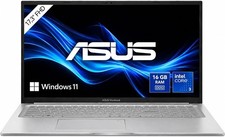 ASU·MULTIMEDASUS Multimedia Laptop 17" | Intel i3 100U 4.7Ghz | 16GB RAM€499±0.0%
 ACE·NITROAcer Nitro V17 AI ANV17-41-R2K8 Gaming Ryzen 5 GeForce RTX€888+1.5%
 HP·LAPTOPHP 17 Laptop 17,3 Zoll FHD Intel N4500 8GB RAM 512GB SSD€470+4.4%
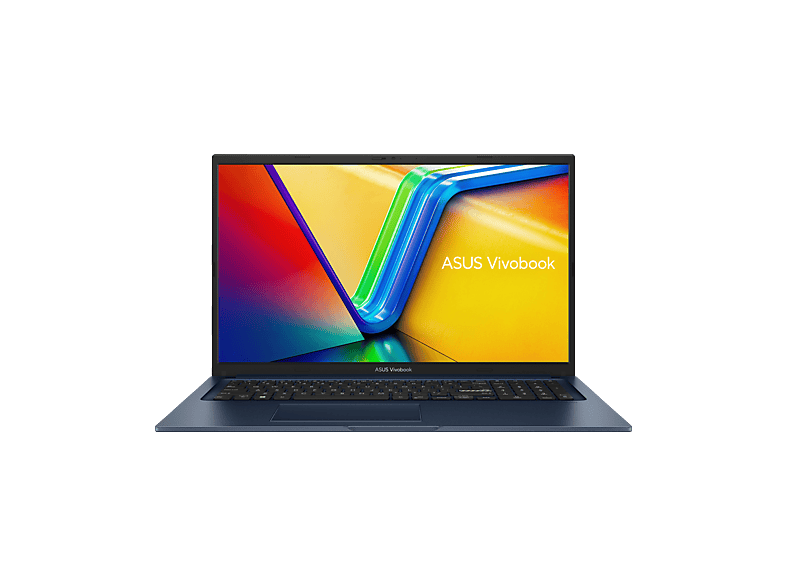 ASU·X1704VAASUS X1704VA-AU1235W€999+33.4%
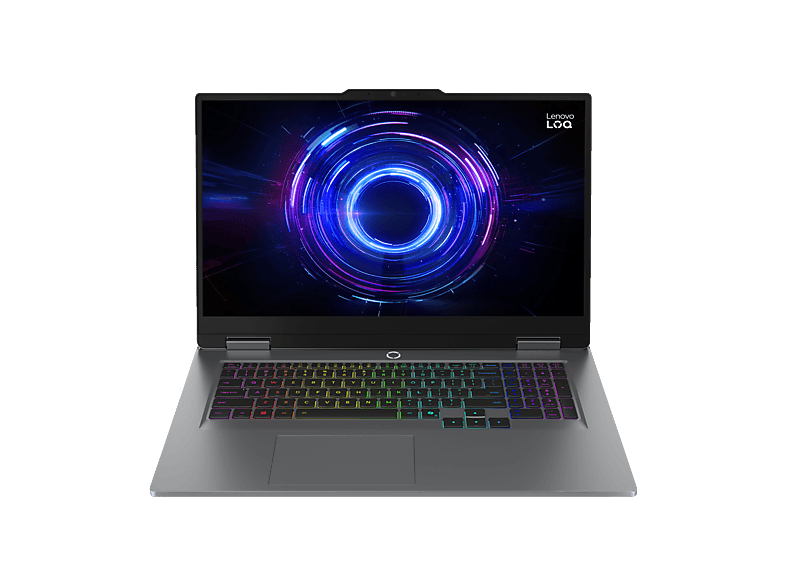 LEN·LOQLENOVO LOQ 17IRX10 - 17,3 Zoll Intel® Core™ i5 i5-13450HX 16€1,099+6.8%
 HP·LAPTOPHP Laptop 17,3" 17-ca1656ng ryzen 5 3500U 16gb Ram 512 gb€350±0.0%
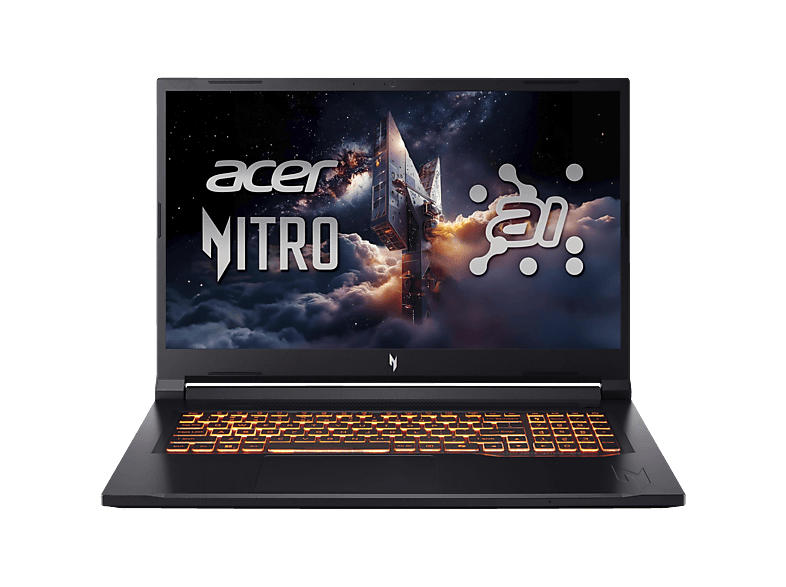 ACE·NITROACER Nitro V 17 AI (ANV17-41-R528) mit 144 Hz Display &€1,199+9.1%
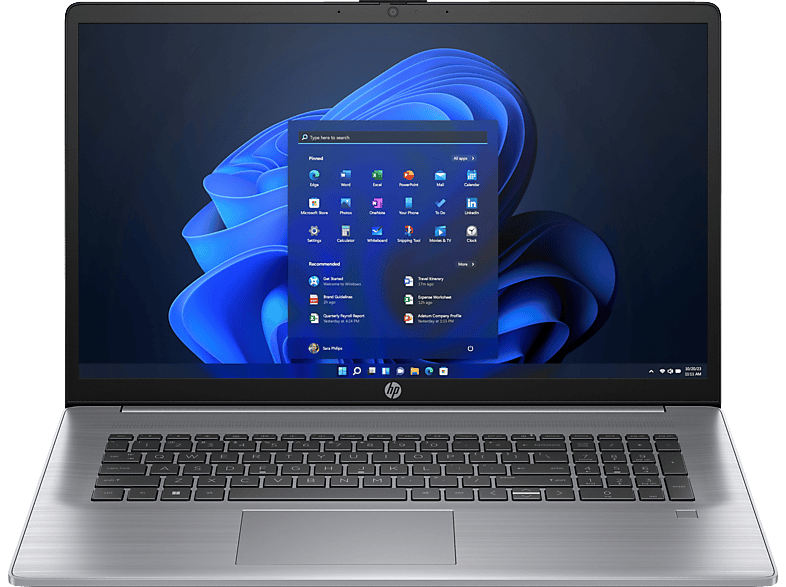 HPB·HPHP - B2B 470 G10 17,3 Zoll Intel® Core™ i7 i7-1355U 16 GB€1,214+4.7%
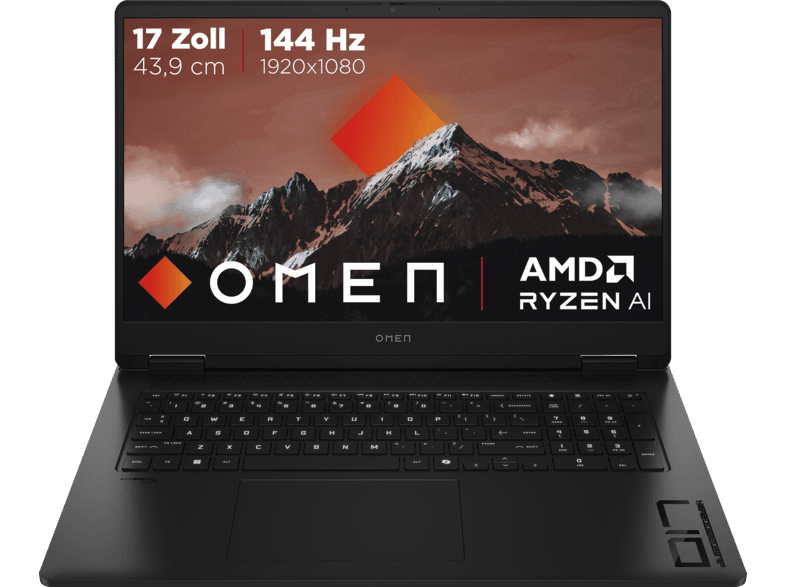 HP·OMENHP OMEN 17-db1351ng, Copilot+ PC€1,249−16.7%
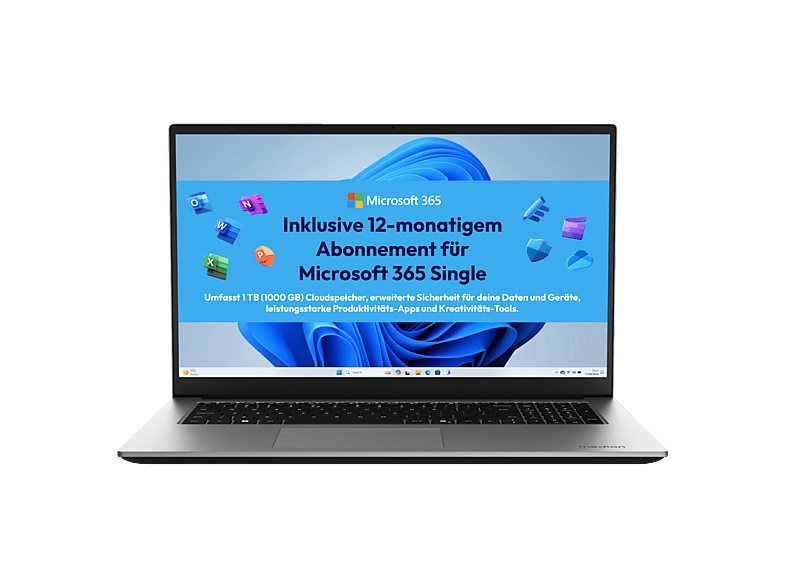 MED·AVANTUMMEDION Avantum 17 E1e€329±0.0%
 MSI·GV72MSI GV72 8RC 17,3" i5-8300H GTX 1050 8GB 128GB SSD 1TB HDD€300–
 MSI·KATANAMSI Katana 17 HX, Gaming Laptop, 17,3 Zoll Full HD€1,549−18.4%
 ASU·I3ASUS i3 Laptop 17,3 Zoll FullHD (Intel Core 3 Prozessor 100U€399±0.0%
 HP·OMENHP OMEN Gaming Laptop 17-db1372ng€1,999−25.9%
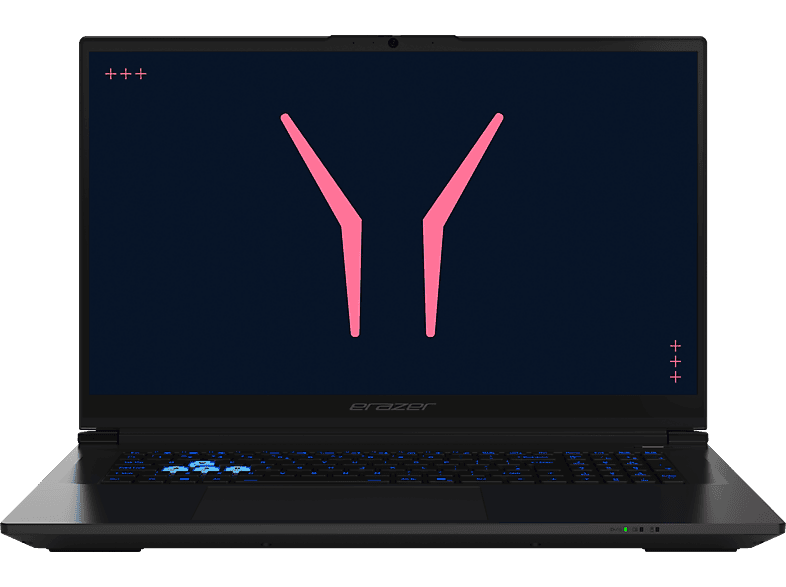 MED·ERAZERMEDION ERAZER Defender 17 P10 (MD600084)€1,999±0.0%
- ASU·FULLHDASUS (17,3 Zoll FullHD Notebook mit MS Office 2024 Pro16 GB · 1000 GB€620±0.0%+3.3%+3.3%
- ASU·FULLHDASUS (FullHD 17,3 Zoll Gaming Notebook24 GB · 1000 GB€777±0.0%±0.0%±0.0%
- HP·OMNIBOOKHP OmniBook 3 17-dp0331ng8 GB · 17.3 ″€649±0.0%−11.0%−11.0%18 d
- HP·GAMINGHP Gaming Notebook 17" | Intel i5 1135G7 4,20 Ghz | 16GB RAM | 1TB SSD16 GB · 1024 GB€699±0.0%±0.0%±0.0%13 d
- ASU·MULTIMEDAsus Multimedia Laptop 17,3 Zoll | Intel i5 120U | 16GB Ram | 1TB SSD16 GB · 1024 GB€599±0.0%±0.0%±0.0%23 d
- LEN·NOTEBOOKLenovo Notebook 17,3 Zoll - Intel U300 4,40Ghz | 24GB RAM | 1TB SSD24 GB · 1024 GB€599±0.0%±0.0%±0.0%24 d
- LEN·LOQLenovo LOQ | Laptop | i7 | 16GB | 512GB | RTX 507016 GB · 512 GB€1,319±0.0%±0.0%−4.4%10 d
- ACE·ASPIREACER Acer Aspire 17 (A17-51M-57QM) mit Tastaturbeleuchtung16 GB · 16 GB€749±0.0%±0.0%±0.0%18 d
- HP·HIGHHP High End Notebook 17.3" | Intel i5 1334U | 32GB RAM | 1TB SSD32 GB · 1024 GB€749±0.0%±0.0%+7.2%
- HP·WINDOWS17,3" Windows 11 HP AMD Ryzen 7 7730U 8 Kerne 32GB DDR4 RAM 1TB SSD32 GB · 1024 GB€800±0.0%±0.0%±0.0%17 d
- HP·SCHNELLESchneller HP Laptop 17, BIS 32GB, 2TB SSD32 GB · 2048 GB€520±0.0%±0.0%+4.0%19 d
- ASU·MULTIMEDASUS Multimedia Laptop 17" | Intel i3 100U 4.7Ghz | 16GB RAM16 GB · 512 GB€499−10.1%±0.0%−10.1%24 d
- ACE·NITROAcer Nitro V17 AI ANV17-41-R2K8 Gaming Ryzen 5 GeForce RTX 5050 17,3"16 GB · 512 GB€888±0.0%+1.5%−22.7%
- HP·LAPTOPHP 17 Laptop 17,3 Zoll FHD Intel N4500 8GB RAM 512GB SSD Win11Pro8 GB · 512 GB€470±0.0%+4.4%+17.5%
- ASU·X1704VAASUS X1704VA-AU1235W16 GB · 1024 GB€999±0.0%+33.4%±0.0%18 d
- LEN·LOQLENOVO LOQ 17IRX10 - 17,3 Zoll Intel® Core™ i5 i5-13450HX 16 GB 51216 GB · 16 GB€1,099±0.0%+6.8%−15.4%18 d
- HP·LAPTOPHP Laptop 17,3" 17-ca1656ng ryzen 5 3500U 16gb Ram 512 gb SSD win 1116 GB · 512 GB€350±0.0%––
- ACE·NITROACER Nitro V 17 AI (ANV17-41-R528) mit 144 Hz Display &16 GB · 16 GB€1,199±0.0%+9.1%±0.0%18 d
- HPB·HPHP - B2B 470 G10 17,3 Zoll Intel® Core™ i7 i7-1355U 16 GB 512 Iris® Xᵉ16 GB · 16 GB€1,214±0.0%+4.7%+4.7%18 d
- HP·OMENHP OMEN 17-db1351ng, Copilot+ PC16 GB · 1024 GB€1,249±0.0%−16.7%+4.2%18 d
- MED·AVANTUMMEDION Avantum 17 E1e, inklusive Microsoft 365 Single 1-Jahresabo4 GB · 17.3 ″€329±0.0%±0.0%±0.0%18 d
- MSI·GV72MSI GV72 8RC 17,3" i5-8300H GTX 1050 8GB 128GB SSD 1TB HDD Win118 GB · 1024 GB€300–––
- MSI·KATANAMSI Katana 17 HX, Gaming Laptop, 17,3 Zoll Full HD16 GB · 1024 GB€1,549±0.0%−18.4%−18.4%
- ASU·I3ASUS i3 Laptop 17,3 Zoll FullHD (Intel Core 3 Prozessor 100U, 6 Kerne8 GB · 256 GB€399±0.0%±0.0%±0.0%
- HP·OMENHP OMEN Gaming Laptop 17-db1372ng24 GB · 1024 GB€1,999±0.0%−25.9%±0.0%18 d
- MED·ERAZERMEDION ERAZER Defender 17 P10 (MD600084)16 GB · 1024 GB€1,999±0.0%±0.0%±0.0%18 d
For many people, a 17-inch notebook replaces the desktop PC: large display, number pad, often plenty of ports. Here you'll find models from 17 to 17.3 inches.
Who 17 inches is worth it for
With a screen diagonal of around 43.9 cm, 17.3-inch models are ideal if the notebook mostly sits on a desk and is only moved occasionally – as a family PC, for working from home without an external monitor, or for older users who appreciate a large display. The devices usually weigh 2 to 3 kg, gaming models even more.
The large footprint leaves room for a keyboard with a number pad and often more ports than smaller models. Some manufacturers have already moved to 18 inches in 16:10 format.
Resolution and panel
At 17 inches, Full HD (1920 × 1080) is standard and fine for office work and video. If you edit photos or play games, you'll find higher-resolution variants (QHD/WQHD) and displays with 144 Hz or more. As with every size, look for an IPS panel.
Choosing sensible specs
Many cheap 17-inch models are sold with Intel N or Celeron processors and 8 GB RAM. For a genuine desktop replacement that should last a few years, a Core i5/Core 5 or Ryzen 5, 16 GB RAM and an SSD with 512 GB or 1 TB are the better choice. With used devices such as the HP ProBook 470 or older gaming notebooks, check the processor generation because of Windows 11.
- Weight: usually 2–3 kg – more of a stay-at-home device
- Full HD IPS as a minimum
- Core i5/Ryzen 5 + 16 GB RAM as a desktop replacement
New, used and gaming
In the comparison you'll find new and used 17-inch models. Many large devices come from the gaming segment: older gaming notebooks with 17.3-inch displays are often sold cheaply second-hand and make a powerful desktop replacement, as long as the graphics card and processor are still up to date. Pay attention to fan noise, temperatures and the processor's Windows 11 compatibility.
For pure office work, a new multimedia notebook with a more economical processor is the quieter, longer-lasting choice. Also consider the space required: large notebooks don't fit into every laptop bag, and the power adapter of gaming models is often heavy. If you rarely move the device, this hardly matters.