
Guide
Buying a refurbished business laptop: what to look out for
Refurbished company notebooks offer a lot of quality for the money. To make sure you get a good device and not a bad buy, this checklist covers the key points.
Updated 7 min readEditorial team wolaptop.de
Where refurbished business laptops come from
Companies, public authorities and schools usually replace their notebooks after three to four years – often at the end of a lease. Specialist refurbishers buy these devices in large numbers, wipe the data with certification, test the hardware, replace faulty parts, clean the chassis and install a fresh operating system. The devices are then graded by their cosmetic condition and sold.
Business ranges are particularly well suited to this: Lenovo ThinkPad, HP EliteBook and ProBook, Dell Latitude and Fujitsu LifeBook are designed for long use, have sturdy chassis and good keyboards, and are usually easy to service. Spare parts such as batteries, keyboards or chargers remain available for years.
Point 1: Windows 11 must be officially supported
Microsoft ended regular support for Windows 10 on 14 October 2025. Without security updates, a computer connected to the internet is a risk. There was a transitional solution with extended security updates for private customers, but it is time-limited. So only buy devices that officially support Windows 11.
The key requirements are TPM 2.0, UEFI with Secure Boot and a supported processor. As a rough rule of thumb, that means Intel Core from the 8th generation and AMD Ryzen from the 2000 series. You can recognise the generation from the model number: in the i5-8350U the 8 stands for the 8th generation, in the i5-10310U the 10 for the 10th generation, and in the i5-1145G7 the 11 for the 11th generation. Devices with 6th or 7th-generation Intel chips (such as the i5-6300U or i5-7300U) are not officially supported.
- Intel Core from the 8th generation (e.g. i5-8265U, i5-10310U, i5-1145G7)
- AMD Ryzen from the 2000 series (e.g. Ryzen 5 Pro 4650U)
- TPM 2.0 and Secure Boot
- Ideally with pre-installed Windows 11 Pro and a valid licence
Refurbished ThinkPad, EliteBook & Latitude
Ad All products linked with "View offer" are commission (affiliate) links: if you buy through them, we earn a commission – the price stays the same for you. As an Amazon Associate and eBay Partner Network affiliate we earn from qualifying purchases. Learn more
 Ad
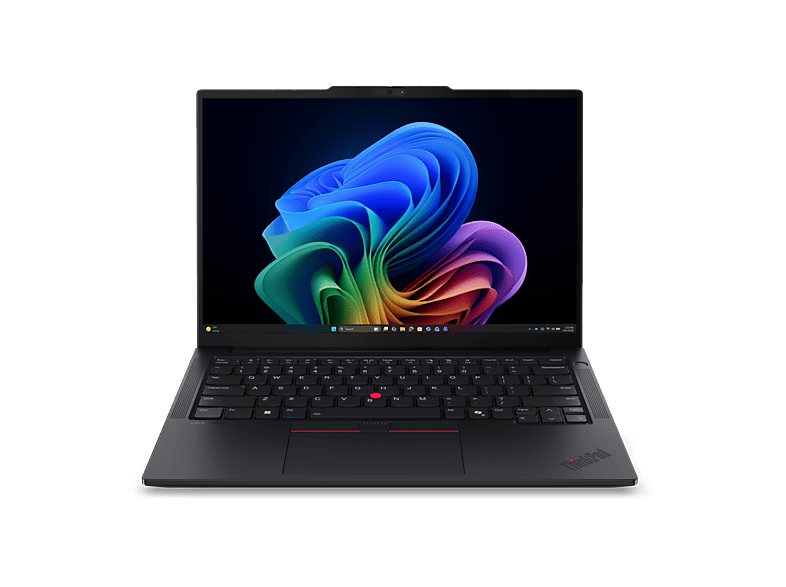
AdLENOVO - B2B ThinkPad E14 Gen 8, Copilot+ PC 14 Zoll AMD Ryzen™ AI 5 330 16 …
 Ad
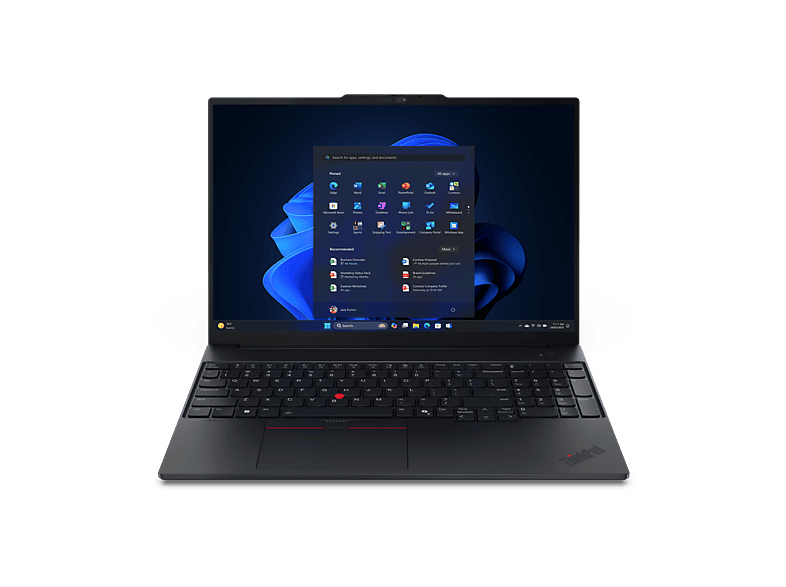
AdLENOVO - B2B ThinkPad E16 Gen 3 16 Zoll AMD Ryzen™ 5 220 GB 512 Radeon™ …
 Ad
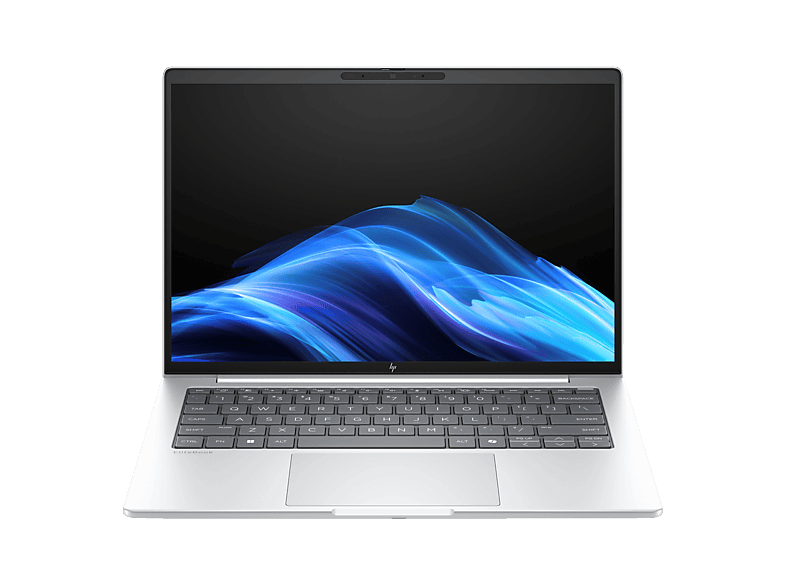
AdDELL - B2B Latitude 5450 14 Zoll Intel® Core™ Ultra 5 125U 8 GB 512 Onboard …
 Ad
AdPoint 2: the right specs
For office work, studying and working from home, an Intel Core i5 from the 10th generation or a comparable Ryzen 5 is a good basis. i7 models often bring little extra performance in everyday use, but cost more. More important are 16 GB RAM and an SSD with at least 256 GB, ideally 512 GB. Many business laptops can be upgraded cheaply via SO-DIMM and M.2 slots.
An often underestimated point is the display. Many business models were built in several variants, including HD resolution (1366 × 768) and low brightness. Look for “FHD”, “1920 × 1080” or “WUXGA” as well as IPS. A touchscreen or privacy filter are extras that not everyone needs.
Point 3: condition grades and photos
Refurbishers and marketplaces use condition grades such as “Excellent”, “Very good” and “Good”, and some use classes like A, B or C. They mainly describe the cosmetic state: scratches, shiny keys or dents in the chassis. Technically, all devices should work perfectly. Look closely at the product photos and read the description: notes such as “spots” or marks on the display, missing feet or a foreign keyboard with stickers should be clearly stated.
“Used” without further details often means the device hasn't been professionally refurbished – for example in private sales. That can be cheap, but the risk is then yours.
Point 4: battery, charger and keyboard
The battery is the number one wear part. After a few years of company use, it often has only 70 to 85 per cent of its original capacity left. Good dealers state the remaining capacity or guarantee a minimum value. On many ThinkPad, EliteBook and Latitude models, you can replace the battery yourself later with just a few screws.
Check whether a suitable charger is included – on newer devices it's usually a USB-C charger, older ones use proprietary plugs. And pay attention to the keyboard layout: returns from other countries sometimes have QWERTY or AZERTY keyboards. Devices sold in Germany normally have the German QWERTZ layout; if that's what you need, a genuine QWERTZ keyboard is far more pleasant than stickers – and if you prefer QWERTY, check the listing carefully.
- Remaining battery capacity stated or guaranteed?
- Suitable charger included?
- Genuine keyboard layout you need (no stickers)?
- Full HD display resolution, no spots?
Point 5: statutory warranty and guarantee
If you buy from a commercial dealer in Germany, the statutory warranty also applies to used goods. It generally lasts two years, but may be contractually shortened to one year for second-hand items. Many refurbishers also offer a voluntary guarantee. Private sellers can exclude the warranty. When buying online from dealers, you also usually have a 14-day right of withdrawal – use it to check the device at your leisure: display, keyboard, all ports, Wi-Fi, webcam, battery.
Lenovo ThinkPad – new & refurbished
Ad All products linked with "View offer" are commission (affiliate) links: if you buy through them, we earn a commission – the price stays the same for you. As an Amazon Associate and eBay Partner Network affiliate we earn from qualifying purchases. Learn more
AdLENOVO - B2B ThinkPad E14 Gen 8, Copilot+ PC 14 Zoll AMD Ryzen™ AI 5 330 16 …
AdLENOVO - B2B ThinkPad E16 Gen 3 16 Zoll AMD Ryzen™ 5 220 GB 512 Radeon™ …
 Ad
AdLenovo ThinkPad L16 G2 21SA0049GE 16 Zoll Laptop Intel Core Ultra 5 225U 32 …
 Ad
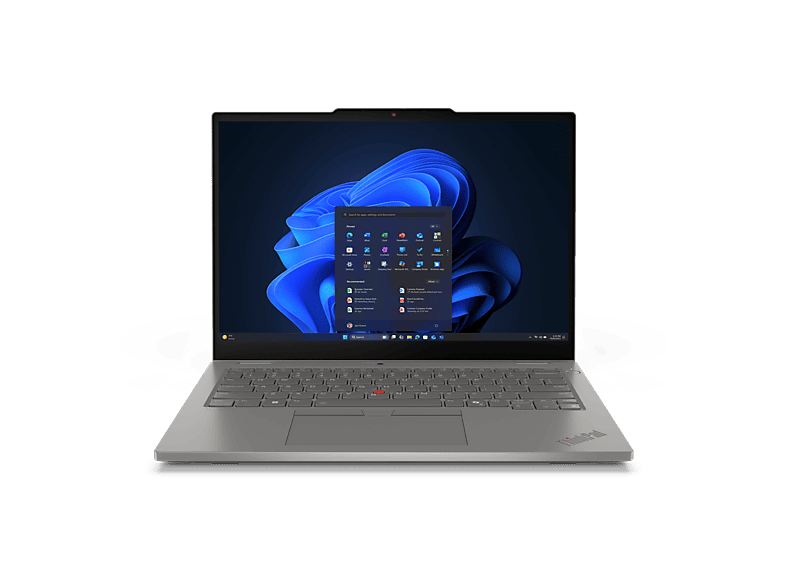
AdLENOVO - B2B ThinkPad L13 2-in-1 Gen 6 (Intel) 13,3 Zoll Intel® Core™ Ultra …
Point 6: reading model names of the major series
If you understand the model designations, you can classify offers more quickly. With HP EliteBooks, the number stands for the size (830 = 13.3 inches, 840 = 14 inches, 850 = 15.6 inches), a 5 at the end for AMD processors, and the “G” with a digit for the generation – the EliteBook 840 G7 has 10th-generation Intel processors, the G8 11th-generation ones. Dell Latitudes carry four-digit numbers: the first digit names the series (3000 entry level, 5000 mainstream, 7000 premium, 9000 top end), the second the display size, and the last digits the model year. A Latitude 5420 is therefore a 14-inch mainstream model from 2021.
With Lenovo ThinkPads, older three-digit names such as T490 stand for 14 inches (4) and the year 2019 (9). Newer models are called T14 Gen 1, Gen 2 and so on. Fujitsu LifeBooks follow a similar scheme with series letters (E, U, T) and a number whose last digit indicates the generation.
Point 7: comparing prices and spotting traps
Refurbished dealers often offer the same model in many variants. Bundled listings with details such as “8/16/32 GB – 128/256/512 GB SSD” usually show the price of the smallest configuration in comparisons. So always compare like-for-like configurations. Be suspicious of conspicuously cheap offers without photos, without a condition grade or with an unclear Windows licence. Reputable dealers name the licence and issue an invoice showing VAT or noting margin taxation.
Another sign of quality is data erasure: professional refurbishers wipe the previous owners' drives using recognised methods and reinstall the system. If a device is delivered with someone else's user account or a BIOS password, you should return it.
Who a refurbished business laptop is right for
Refurbished business laptops are ideal for students, older secondary-school pupils, working from home, club work, the self-employed on a small budget and anyone looking for a robust second device. They're less suitable for gaming, demanding video editing or if you need a particularly light device with very long battery life – current new devices have clear advantages here. There's also a lot to be said for refurbished from an environmental point of view: every notebook that stays in use saves the resources needed to manufacture a new one.
Our tip: decide beforehand which minimum specs you need – such as an Intel Core i5 from the 10th generation, 16 GB RAM, a 256 GB SSD and Full HD – and then filter by condition and price. That way you'll avoid impulse buys of devices that only look cheap at first glance.
FAQ
Is a refurbished laptop as good as new?
Technically it should work perfectly, but cosmetically it may show signs of use. The battery is usually not new unless the dealer has replaced it.
Which generation do I need for Windows 11?
Officially supported are, roughly, Intel Core from the 8th generation and AMD Ryzen from the 2000 series, each with TPM 2.0.
How long is the warranty on used laptops?
From a dealer in Germany, generally two years, though for used goods it may be shortened to one year. Private sellers can exclude it.
What does “Good – Refurbished” mean?
The device has been professionally refurbished and works, but shows visible signs of use. “Very good” and “Excellent” mean fewer signs.
Is an i7 worth it in a used business laptop?
Rarely for everyday office work. A recent generation, 16 GB RAM, an SSD and a Full HD display matter more.